MineralWouter
Members
-
Joined
-
Last visited
Everything posted by MineralWouter
-
 I think the blinkers are broken. When using my mod for the left blinker both sides go off, the right one does nothing separate.
- 80 comments
- 19 reviews
-
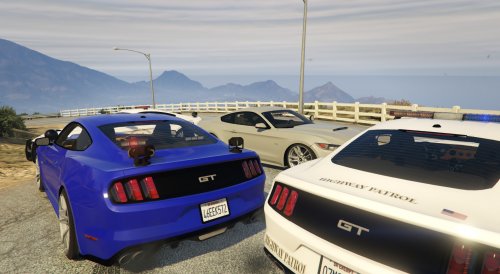 Any chance you will fix the unmarked one crashing? I searched the error down and has to do with the FBI's unmarked liveries, when not using the flag FLAG_HAS_LIVERY the car works fine. It also works fine randomly on certain liveries when spawning through LSPDFR car selection. It's down to a certain(or more) liveries that are causing issues.
- 33 comments
- 10 reviews
-
Doesn't say much no. I'll try it again tonight. http://pastebin.com/6VHnZ8Ua
-
Current version not working for me. Default settings. None of the features are working.
-
 Would be great if the damage of the dog wouldn't kill the target, incapacitate or stop would be better.
- 542 comments
- 98 reviews
-
Would be cool if you could make s_m_y_blackops_01 available as one of the characters you can recruit as partner. There is a nice texture mod out there that makes them look like special sheriff forces and I'd like to recruit them as well when I play as one. Other then that amazing mod!
- 542 comments
- 98 reviews
-
Sort of a suggestion and request here :) With more and more proper vehicle mods coming out including things like coroner (and probably K9 soon I presume) would be nice if the .ini file would allow to set which vehicles are used for the callable services such as coroner and K9. This way we can use the vehicles we prefer.
-
-
Little bug I believe. The new version spawns the trashbag where the body was. But when the person was in a car, the spawning of the body bag seems to make the vehicle dissapear (and no bag appears). Never noticed this in the old version.