




Officer27
Members
-
Joined
Everything posted by Officer27
-
 Thats ok, all i want in a cvpi is the strobe lights and arjent s2 :)
 -
I really want to use this, is it possible you can release this in a link so we can beta test it ?
-
i would like to see them as add-ons as well :)
 ok but is there any way you can upload it on mediafire or somewhere so i can use it? please :)
Is this a model your working on or is it available for download if so where can i download this ? :)Can't wait :)
ok but is there any way you can upload it on mediafire or somewhere so i can use it? please :)
Is this a model your working on or is it available for download if so where can i download this ? :)Can't wait :)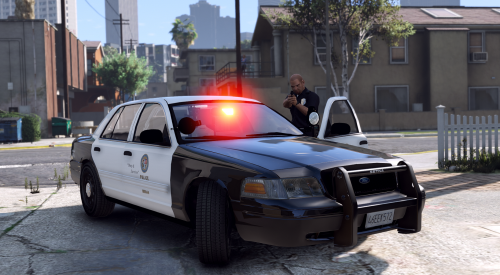 https://www.gta5-mods.com/misc/visualv https://www.gta5-mods.com/misc/tr-simple-visuals
- 22 comments
- 11 reviews
-
-

- 1
-
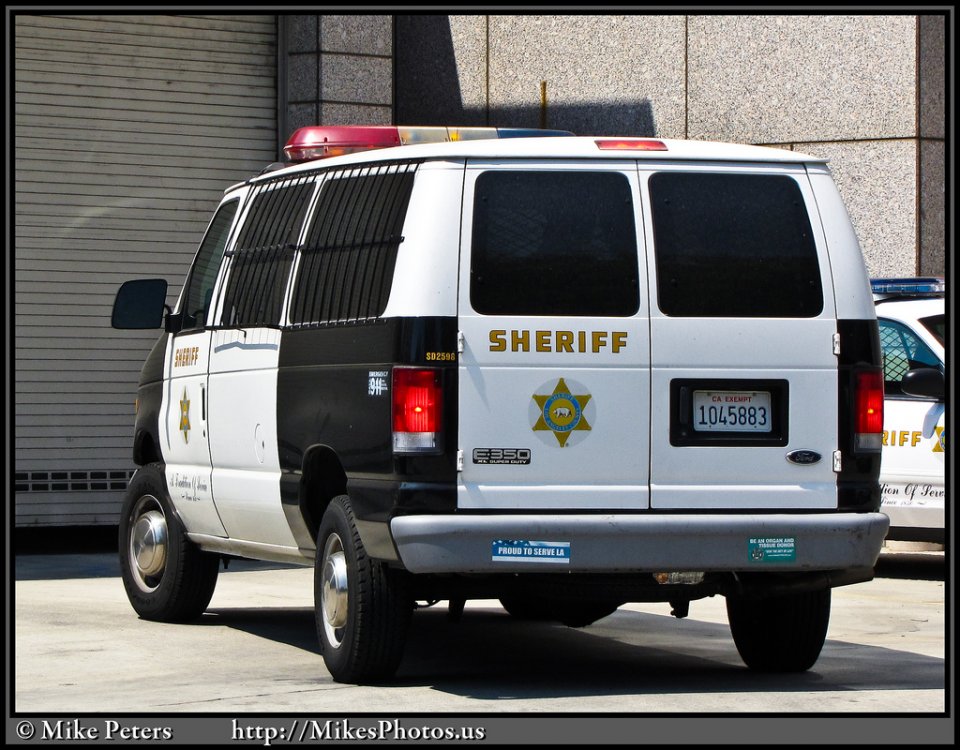
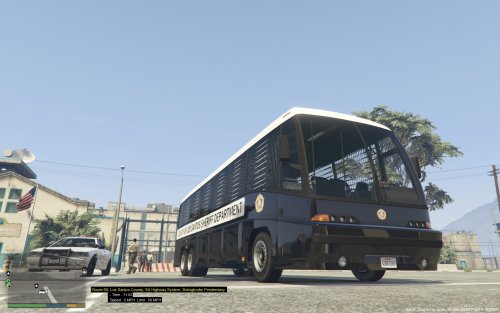
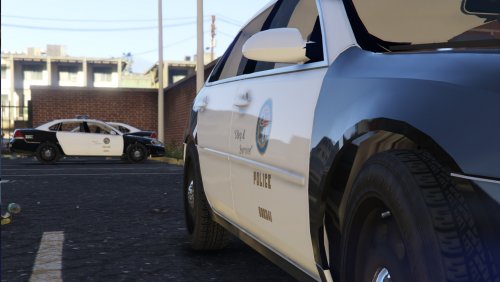
 Whos CVPI are those? where can i download them, they look good :)Done with liveries :) :YES Thank you so much! I can make a few LAPD Skins and might make LASD Skins :)For real liveries use this:Will this replace the transport van because the speedo doesn't support multiple liveries, I would love to use this in police transport slot :) I've made 3 different 4k LASD Liveries for the express::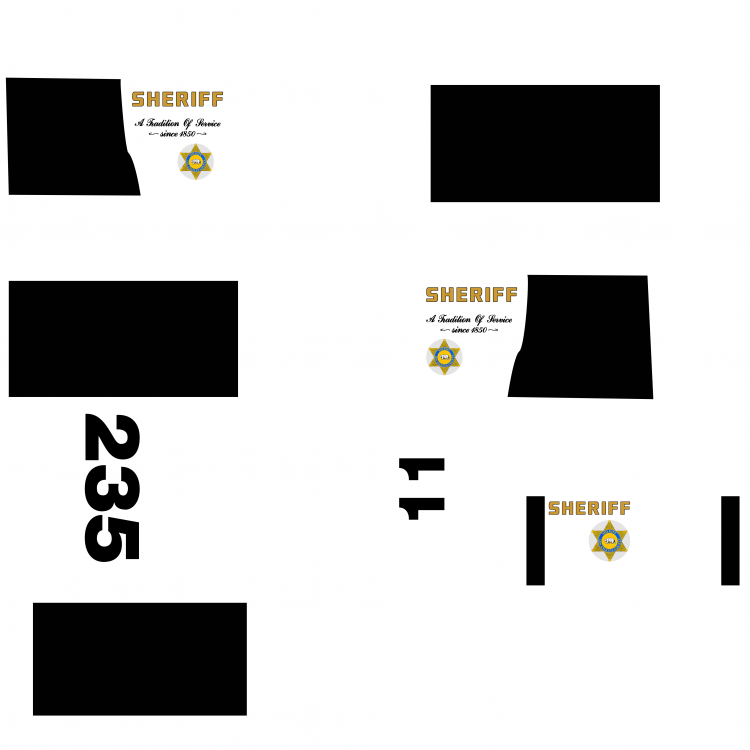
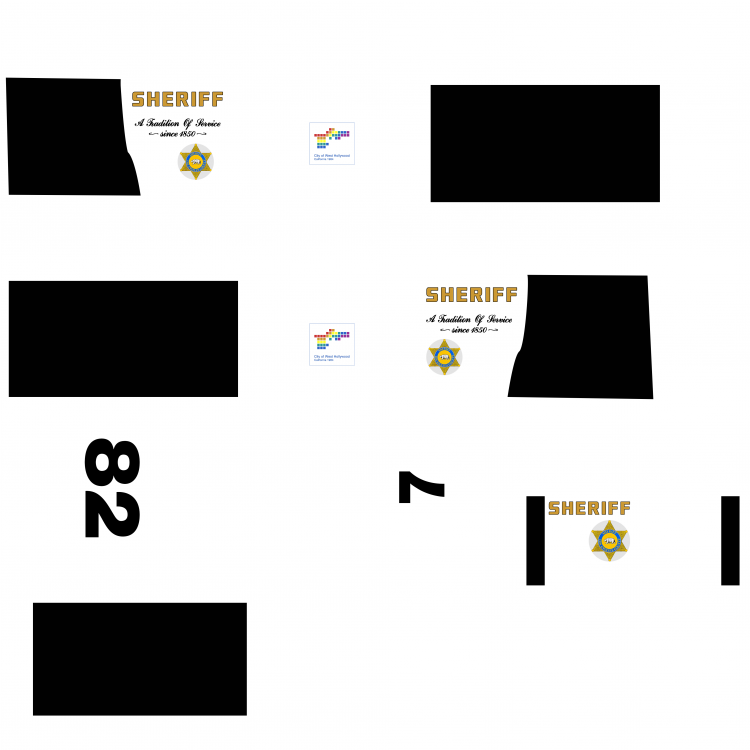
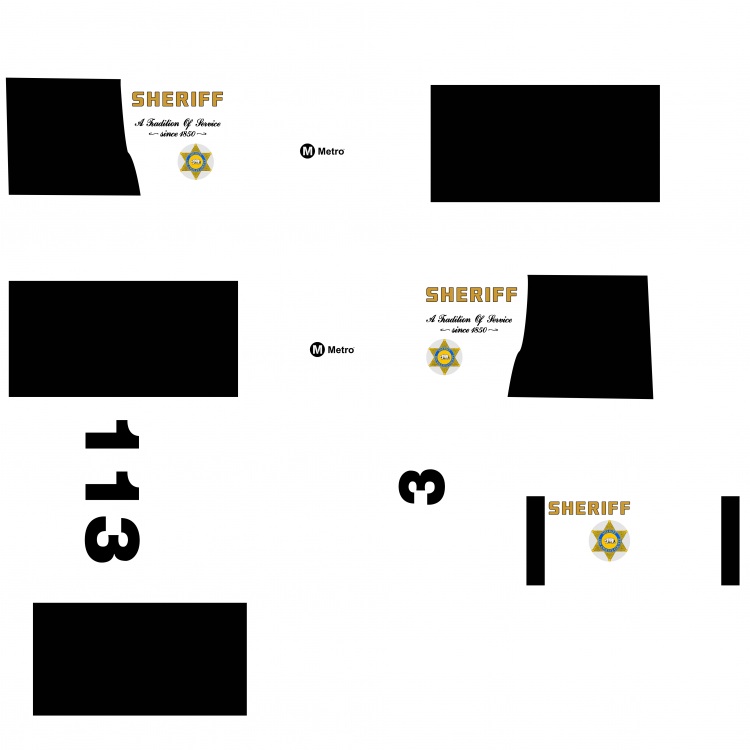 It would be great if you could add windows to the van :), windows like these just without the caging :)





Account
Navigation
Search
Configure browser push notifications
Chrome (Android)
- Tap the lock icon next to the address bar.
- Tap Permissions → Notifications.
- Adjust your preference.
Chrome (Desktop)
- Click the padlock icon in the address bar.
- Select Site settings.
- Find Notifications and adjust your preference.
Safari (iOS 16.4+)
- Ensure the site is installed via Add to Home Screen.
- Open Settings App → Notifications.
- Find your app name and adjust your preference.
Safari (macOS)
- Go to Safari → Preferences.
- Click the Websites tab.
- Select Notifications in the sidebar.
- Find this website and adjust your preference.
Edge (Android)
- Tap the lock icon next to the address bar.
- Tap Permissions.
- Find Notifications and adjust your preference.
Edge (Desktop)
- Click the padlock icon in the address bar.
- Click Permissions for this site.
- Find Notifications and adjust your preference.
Firefox (Android)
- Go to Settings → Site permissions.
- Tap Notifications.
- Find this site in the list and adjust your preference.
Firefox (Desktop)
- Open Firefox Settings.
- Search for Notifications.
- Find this site in the list and adjust your preference.