thegreathah
Friends of LSPDFR
-
Joined
Everything posted by thegreathah
-
-
It's not released, that's why.
-
It's a different car
-
OMG. I think... I think I love you.
-
Woop Woop. I can't believe it has happened. This is huge. My hype is back, and new cars will be coming out very quickly with this. The entire team has done a fantastic job. You should all be proud. Congrats!
 Congrats on the release man! This is huge!
 Amazing
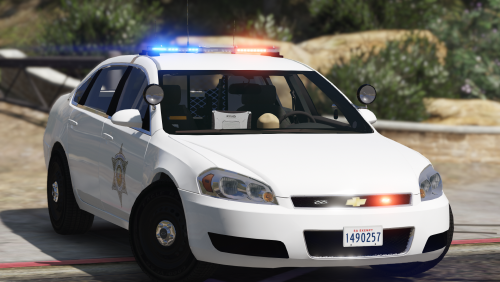
From the album: thegreatHAH's Screenshots
WIP by @ablaze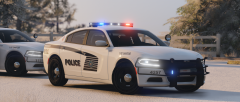
From the album: HAH's WIP Pics
Charger is a WIP from Ablaze. Will be released ASAP.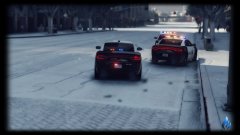 I already like the light bar choice a lot. Looks fantastic man.
I've got about 50 shots of your currently released charger. Soon your models will consume my life.
Oh yes please
I already like the light bar choice a lot. Looks fantastic man.
I've got about 50 shots of your currently released charger. Soon your models will consume my life.
Oh yes please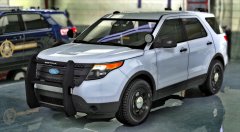 Oh wow
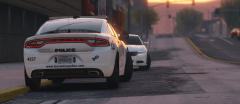 Yes
TR simple visuals. One of the best out there, especially for MSAA.
Yes
TR simple visuals. One of the best out there, especially for MSAA.
From the album: thegreatHAH's Screenshots
How am I to make it without you??!? I can't fend for my self. Don't leave me!!!!What a total fool. I love how he accuses other people of being police impersonators when he drives like a maniac chasing down "suspects".There is no "secret club" on here. Just like in real life, people on here make friends who they feel comfortable with testing their cars or trucks. Anything you see in the gallery is going to be released at some point, but YouTube and the Forum posts are fair game. My suggestion is that you stick to publicly released models (Which is what I do unless I'm beta testing or something). Buying a model or using private models and posting everywhere about said model is exactly what annoys people on this site.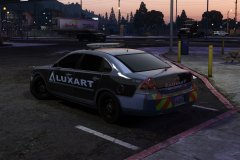 This is killing me. Let's get some theories going here: The "21" in the unit could be in reference to 9 pm in military time. The 40 is the minute number, and the 32 is seconds possibly. (?) The "4" on the licence plate is a reference to GTA IV, and the "926" is maybe in reference to that 9 o'clock hour. The "3" in "Keep back 3 feet" refers to the kilometers in the restraining order Lt.Caine is filling out against me currently.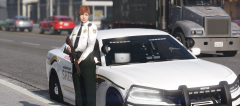
From the album: thegreatHAH's Screenshots
BTW: The ped textures come with the latest version of the pack.



.thumb.jpg.53e6566fc11617e23f7fb13f2792cbbe.jpg)