Kilyin
Members
-
Joined
-
Last visited
Everything posted by Kilyin
-
Best trainer available here: https://www.gta5-mods.com/scripts/simple-trainer-for-gtav
-
-
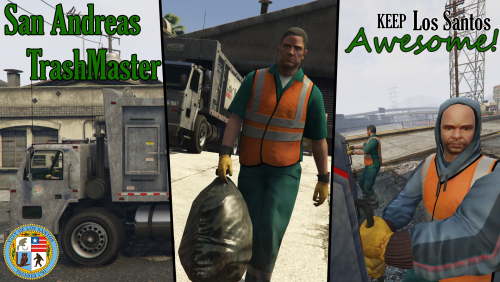 I am still working or I'd be playing this now, but just looking at the readme, you've completely outdone anything I expected. This is gonna be some trash pickin' fun when I get a chance to play it.
- 35 comments
- 14 reviews
-
-

- 1
-
-
-
The Tahoe available for download currently only supports one livery.
-
Right, you don't need to copy entire folder to \mods... only the files you're modifying.
-
Another tutorial: http://gtaxscripting.blogspot.com/2015/08/gta-v-pc-add-vehicles-idea-no-replace.html?m=1
-
-
 Hey NIGHTKID, Really enjoying this car. Your interior work is always top notch and overall the car looks amazing... especially with a black paintjob. I think someone else has mentioned it, but I'm not a big fan of the rims. Is there any way you might include an option for using the traditional steel knobs instead of the hubcaps/rims? :)
- 208 comments
- 59 reviews
-
 I added it as explorer. Renamed model files to 'explorer' (leave the _hi) and insert them into mpluxe vehicles.rpf. Extract carvariations.meta from mpluxe and insert this at the top after <variationsData> Do the same with vehicles.meta (insert this at top after <initDatas> And finally at the bottom of vehicles.meta before </txdRelationships> add this Save both, and replace them into mpluxe.
- 563 comments
- 116 reviews
-
-
- 3
-
-
Downloaded new version. Is this how the sirens are supposed to look? Seems like there's too much white in them.
- 563 comments
- 116 reviews
-
-
Extract carvariations.meta from mpluxe, copy and paste the info at the top after <variationData>, save, reinsert into mpluxe.
- 563 comments
- 116 reviews
-
-
- 2
-
-
Yeah 13 works, and you have to remove the tint from the lightbar, but they flash white... kinda weird.
- 563 comments
- 116 reviews
-
Just add it to carvariations.meta in a DLC like mpluxe. Although, I don't know if this model is truly based on police3, so you may need to try other siren values like 1 or 13. I haven't attempted to install it yet. Example:
- 563 comments
- 116 reviews
-
-
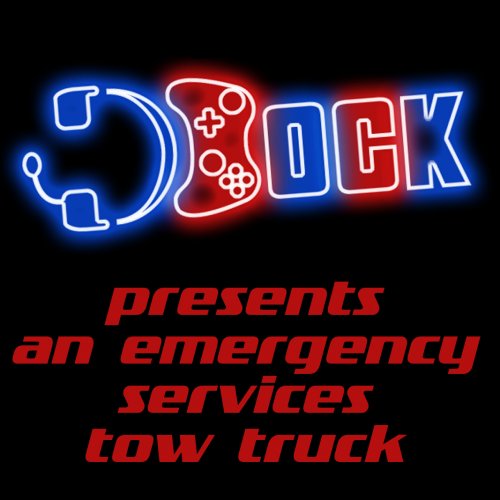 Yeah I didn't mean the PLD, but the minimap. Anyway, it looks like it's this: https://www.gta5-mods.com/misc/satelite-view-in-radar
- 22 comments
- 10 reviews
-
-
-
To add to this, swapped the all blue lights honeycomb grill model to the red/blue honeycomb grill model and they work now... so I guess it's just the all blue lights model.
- 208 comments
- 59 reviews
-
Rear turn signals/hazards still don't work at all for me with latest version.
- 208 comments
- 59 reviews
-
 It's in the description: Installation : - unpack archive file with plugin (7-zip), - copy "ArrestWarrantCallout.dll" file to Your GTA5/Plugins/LSPDFR directory - LSPDFR will load plugin
- 156 comments
- 19 reviews
-
-
- 1
-
-
 For some reason the green interior lights don't seem to affect the speedometer and RPM gauge, replaced in both .ytd files.
- 146 comments
- 24 reviews
-
I would say the more configuration options, the better.
-