
S0berDrunk
Members
-
Joined
-
Last visited
Everything posted by S0berDrunk
-
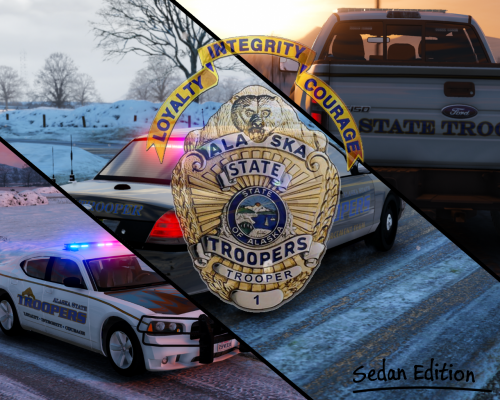 Thanks appreciate it, but about that pack you´re not the first to ask for it, but ill definitly consider making one. I still have to update all my current packs to support BxBug´s cvpi.
- 54 comments
- 12 reviews
-
 Lucky son of a bitch.
 -
LMS has released version 36 of ragehook so now all the peeps can play again. Atleast I hope so.
-
-
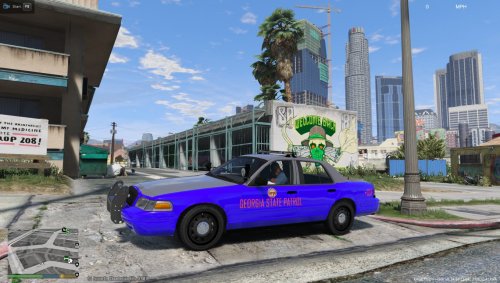 Yeah the colors really needs a fix, it looks like bright purple. Other then that it looks nice.
- 4 comments
- 1 review
-
One could only wish it worked lol
-
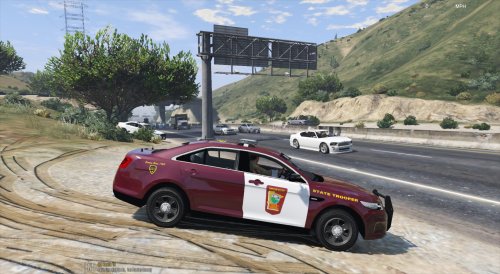 The back of both of the cars look a little weird and pixelated, this also seems to be an issue with the older cvpi. Other then that you did a pretty nice job.
- 14 comments
- 3 reviews
-
-

- 1
-
-
-
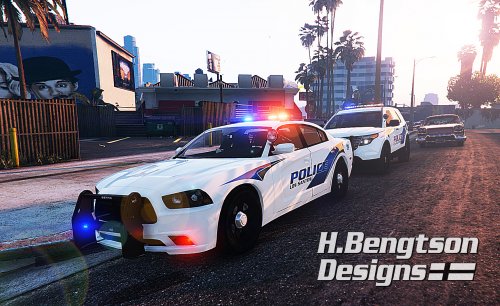 I have a little request for you, could u maybe add some text to the hood? Would love that!
- 42 comments
- 16 reviews
-
-
- 1
-
-
Finally, someone who actually wants to contribute to the community instead of just showing of their skins. Great job man!
- 42 comments
- 16 reviews
-
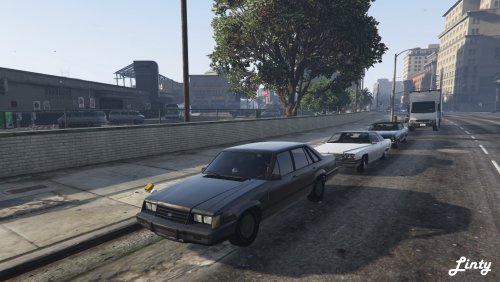 Its nice dont get me wrong but it looks a little funky for me cause of the led lights. The car would be even cooler if it had one of those old equipable rotator lights.
- 31 comments
- 5 reviews
-
-
- 5
-
-
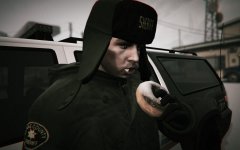 Thats fucking genius haha.
 -
-
 Would be cool if you could add a way to only drive with one hand. Kinda like pressing the horn while driving.
- 108 comments
- 24 reviews
-
-
- 1
-
-
 Ey you´ve managed to get of your BxBuggs addiction. How many AA meetings did that one took :P
- 101 comments
- 17 reviews
-
-
- 2
-
-
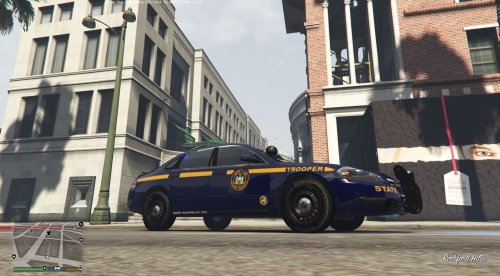 What you´ve created is called a skin not a template. A template is what bxbuggs made. Other then that nice job, could have some more overall improvements.
 -
-
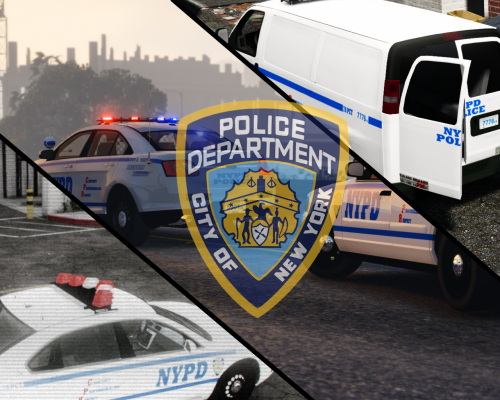 Trunks year numbers are only added on older CVPI's, the ones I created where the latest generation. Check out this website called Policecarwebsite and look up NYPD. After you did that you'll know that what I did is the most accurate possible. I used Arial on the unit numbers cause NYPD has its own font for the numbers. I tried Rockwell for the numbers but that didnt turn out so great. Thats why I used Arial for the unit and year numbers and Rockwell for the presinct.
- 15 comments
- 3 reviews
-
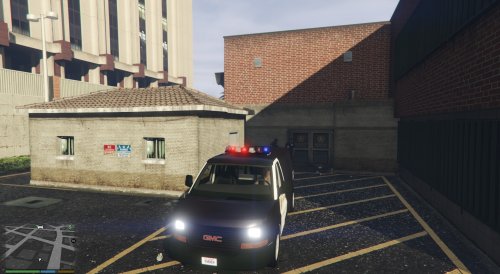
MADE BY: S0berDrunk NOTE: I´M VERY MUCH AWARE THAT THE NYPD HIGHWAY PATROL VEHICLES HAVE WRITINGS ON THERE WINDOWS, DUE TO LIMITATIONS I WAS UNABLE TO ADD THIS. THE SAME ISSUE OCCURED FOR THE BUMPERSTICKERS OF THE SAVANA POLICE VAN, THIS IS WHY THE PLACEMENT ISNT 100% CORRECT. IF YOU LIKE MY WORK, PLEASE CONSIDER LEAVING A DONATION OR REVIEW. ---------------------------------------------------------------------------------------------------------------------------------------------------------------------------------- TO DO LIST! ---------------------------------------------------------------------------------------------------------------------------------------------------------------------------------- - Add Support For The 2009 Charger! - Add Support For The 2008 Tahoe! (IF YOU HAVE ANY REQUESTS/ERRORS, MAKE SURE TO POST A COMMENT!) ---------------------------------------------------------------------------------------------------------------------------------------------------------------------------------- CREDITS! ---------------------------------------------------------------------------------------------------------------------------------------------------------------------------------- Dualift: Big thanks to Dualift for making the amazing NYPD PED skins included in my mod pack! LINK: http://www.lcpdfr.com/profile/65682-dualift/content/?type=downloads_file SerekgPL: Special thanks to my bud SerekgPL for testing out my skins and taking the BEAUTIFULL screenshots. LINK: http://www.lcpdfr.com/profile/228252-serekgpl/ POLICECO: Thanks to POLICECO for makeing 3 awesome NYPD police cruisers! http://www.lcpdfr.com/profile/201213-policesco/content/?type=downloads_file F5544: Thanks to F5544 for making an awesome Ford Interceptor! LINK: http://www.lcpdfr.com/files/file/9359-ford-police-interceptor-2012-model/ Desmond98/PimDSLR: Thanks to Desmond and Pim for making an awesome explorer! LINK: http://www.lcpdfr.com/files/file/9751-ford-explorer-fedral-signal-valor-lightbar-by-pimdslr-fixed-invisible-problem/ Nicks0112: Thanks to Nicks for making an awesome NYPD Savana! LINK: http://www.lcpdfr.com/files/file/9845-gmc-savana-vector-lightbar-model/ ---------------------------------------------------------------------------------------------------------------------------------------------------------------------------------- INSTRUCTIONS! ---------------------------------------------------------------------------------------------------------------------------------------------------------------------------------- Improved Fedsig Vector (NYPD STYLE) STEP 1: Go to your vehicle of choice, this vehicle must have a vector lightbar. (Has only been tested on POLICECO´s NYPD models) STEP 2: Open the .YTD and replace the textures in the YTD with the ones included in my modpack. STEP 3: After that go to x64a - textures - graphic.ytd and replace the corona image with mine. STEP 3: Close OpenIV and your done with the installation! ---------------------------------------------------------------------------------------------------------------------------------------------------------------------------------- Licence Plates (DISCLAIMER: NOT ALL NYPD PLATES CAN BE INSTALLED AT THE SAME TIME, THIS ISSUE IS CAUSED DUE LIMITATIONS TO THE GAME FILES) STEP 1: Go to x64e.RPF STEP 2: Open Vehshare.YTD and searche for images named, plate01/ plate01_n these keep going till plate05. All of the plates included are compatible with each slot. Keep in mind that Plate05 is the police slot. STEP 3: Replace the plates you want to use with mine, and make sure to replace the vehicle_generic_plate_font image. If this isnt installed properly text will end up looking funny. STEP 4: Close OpenIV and your done with the installation! ---------------------------------------------------------------------------------------------------------------------------------------------------------------------------------- CVPI: STEP 1: Find a CVPI of your choice and install it. STEP 2: Go to the location where you´ve installed the CVPI and open the .YTD file. Find the main texture and replace it with mine. STEP 3: Close OpenIV and your done with the installation! ---------------------------------------------------------------------------------------------------------------------------------------------------------------------------------- Ford Taurus: STEP 1: Find a Taurus of your choice and install it. STEP 2: Go to the location where you´ve installed the Taurus and open the .YTD file. Find the main texture and replace it with mine. STEP 3: Close OpenIV and your done with the installation! ---------------------------------------------------------------------------------------------------------------------------------------------------------------------------------- Ford Explorer: STEP 1: Install the Ford Explorer Desmond98/PimDSLR made. Link: http://www.lcpdfr.com/files/file/9751-ford-explorer-fedral-signal-valor-lightbar-by-pimdslr-fixed-invisible-problem/ STEP 2: Go to the location where you´ve installed the Explorer and open the .YTD file. Find the main textures and replace it with mine. STEP 3: Close OpenIV and your done with the installation! ---------------------------------------------------------------------------------------------------------------------------------------------------------------------------------- Helicopter: STEP 1: Install the uv mapped maverick Yard1 made. Link: https://www.gta5-mods.com/vehicles/police-maverick-mapped STEP 2: Go to the location where you´ve installed the helicopter and open the .YTD file. Find the main texture and replace it with mine. STEP 3: Close OpenIV and your done with the installation! ---------------------------------------------------------------------------------------------------------------------------------------------------------------------------------- Savana: STEP 1: Download and install the GMC Savana made by nicks0112. Link: http://www.lcpdfr.com/files/file/9845-gmc-savana-vector-lightbar-model/ STEP 2: Go to the location where you´ve installed the Savana and open the .YTD file. Find the main texture and replace it with mine. STEP 3: Close OpenIV and your done with the installation! ---------------------------------------------------------------------------------------------------------------------------------------------------------------------------------- OTHER FILES! ---------------------------------------------------------------------------------------------------------------------------------------------------------------------------------- ---------------------------------------------------------------------------------------------------------------------------------------------------------------------------------- If you have any suggestions, leave a comment on my file and ill make sure to reply :) ATTENTION! Any modifications made to my content without permission of me (S0berDrunk) will result into punishment. (THESE GUIDELINES DO NOT APPLY FOR PRIVATE USE!)
- 15 comments
- 3 reviews
-
-
- 6
-
-
-
-
Haha, can´t compete with that.
-
Working on a full pack right now! It also includes new els for the vector.
-
Yeah, I actually just found out myself, but thanks anyway!
-
Here in the Netherlands they have them covered up pretty good. The only lights that are actually on the vehicle sit in the grill and mirrors. If they want to be more noticeable they just pop on one of those small equipable lights. Accept for Highway Patrol they have a big "stop police" sign behind there rear windshield.