
S0berDrunk
Members
-
Joined
-
Last visited
Everything posted by S0berDrunk
-
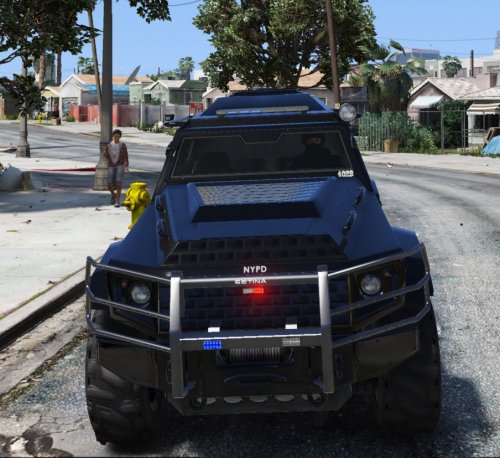
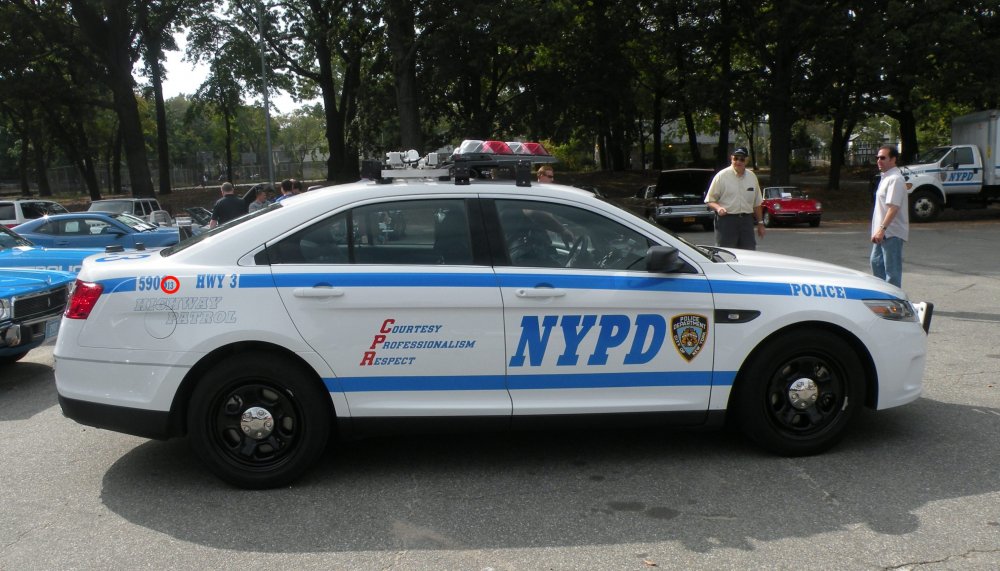
Hey everyone! So lately I´ve been very into NYPD related stuff, I just love the nostalgia about it, but whenever I check there vehicles a little number always gets my attention. I have done my research but I cant seem to find out what it stands for. So thats why I´m reaching out to the forums.
-
-
 I´ve had a small issue with the ANPR callouts. Whenever I do a felony traffic stop, LSPDFR seems to crash. Ive coppied the error from the log so you can take a look yourself. log.txt
- 3,646 comments
- 306 reviews
-
-
-
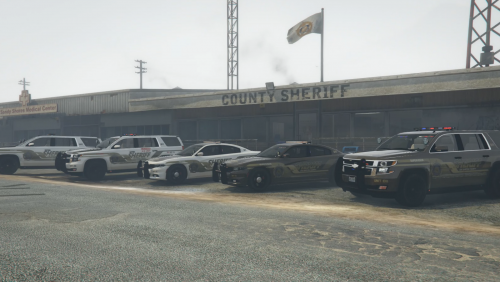
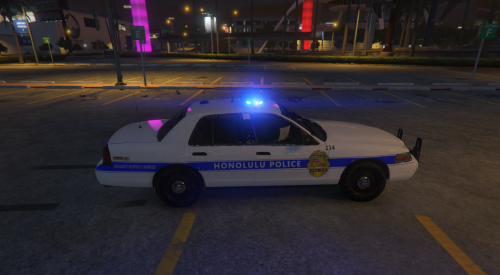 May I ask what the hell happend to the so called "screenshots", didnt you notice that they looked miniscule? I also wanted to ask how you can have those straight lines but screw up your borders so much, its not that big of a deal but still. The skin looks good (esspecially for your first), but the presentation is poor.
- 1 comment
- 1 review
-
-
 Might wanne make that bumpersticker say: stay S0berDrunk :D
 -
-
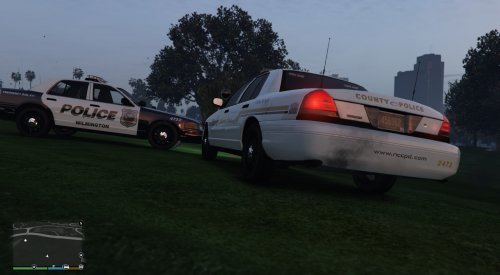 *GASP* Dude, how are these shitty!? They look just like the real ones. Not just saying this cause I'm your friend, seriously Great job!
- 7 comments
- 6 reviews
-
-

- 2
-
-
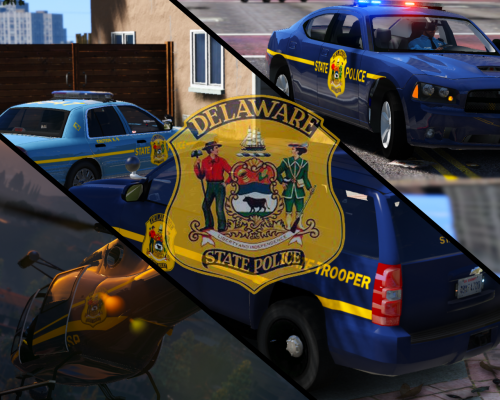 Haha thats cool man. Make sure to follow this guy then, he shoots the screenshots for me: http://www.lcpdfr.com/profile/228252-serekgpl/ .
- 32 comments
- 4 reviews
-
-
- 1
-
-
Thanks for the comment and review! With the plates thing I ment I wasnt able to for example make the tahoe plates real DE plates.
- 32 comments
- 4 reviews
-
-
- 1
-
-
Np, man :)
-
Ive released the pack!
-
MADE BY: S0berDrunk NOTE: EVEN WHEN PROPERLY INSTALLED, YOU MIGHT NOT SEE THE STATE TROOPER SIGN IN THE WINDOW, IF THIS IS THE CASE, CHANGE THE WINDOW TINT TO "NO TINT". IF YOU LIKE MY WORK, PLEASE CONSIDER LEAVING A DONATION OR REVIEW. ---------------------------------------------------------------------------------------------------------------------------------------------------------------------------------- TO DO LIST! ---------------------------------------------------------------------------------------------------------------------------------------------------------------------------------- - All Good Here :) (IF YOU HAVE ANY REQUESTS/ERRORS, MAKE SURE TO POST A COMMENT!) ---------------------------------------------------------------------------------------------------------------------------------------------------------------------------------- CREDITS: ---------------------------------------------------------------------------------------------------------------------------------------------------------------------------------- PartyPandazz: Special thanks to PartyPandazz for making the amazing DSP PED skins included in my mod pack! LINK: http://www.lcpdfr.com/files/file/9895-alaska-state-trooper/ SerekgPL: Special thanks to my bud SerekgPL for testing out my skins and maing the BEAUTIFULL screenshots. LINK: http://www.lcpdfr.com/profile/228252-serekgpl/ POLICECO: Thanks to POLICECO for making the CVPI used in the screenshots! LINK: https://www.gta5-mods.com/vehicles/lspd-cvpi Yard1: Thanks to Yard1 for making a UV mapping of the police maverick LINK: https://www.gta5-mods.com/vehicles/police-maverick-mapped AlexTolle: Thanks to AlexTolle for making a good looking dodge charger. LINK: http://www.lcpdfr.com/files/file/9256-2010-dodge-charger-code-3-defender-setina-wraparound-bar/ GlitchGamer: Thanks to GlitchGamer for modeling us a cool looking Tahoe! LINK: http://www.lcpdfr.com/files/file/10586-modelchevy-tahoe-variants-arjent-edge-slicktopsiderunners/ Gump: Thanks to Gump for making an awesome 2009 Charger! LINK: http://www.lcpdfr.com/files/file/10512-2009-slicktop-dodge-charger-sahp/ ---------------------------------------------------------------------------------------------------------------------------------------------------------------------------------- INSTALATION TUTORIAL ---------------------------------------------------------------------------------------------------------------------------------------------------------------------------------- CVPI: STEP 1: Find a CVPI of your choice and install it. STEP 2: Go to the location where you´ve installed the CVPI and open the .YTD file. Find the main texture and replace it with mine. STEP 3: Close OpenIV and your done with the installation! ---------------------------------------------------------------------------------------------------------------------------------------------------------------------------------- Helicopter: STEP 1: Install the uv mapped maverick Yard1 made. Link: https://www.gta5-mods.com/vehicles/police-maverick-mapped STEP 2: Go to the location where you´ve installed the helicopter and open the .YTD file. Find the main texture and replace it with mine. STEP 3: Close OpenIV and your done with the installation! ---------------------------------------------------------------------------------------------------------------------------------------------------------------------------------- PartyPandazz DSP PED Skins MALE s_m_y_sheriff_01.ytd to x64e.rpf\models\cdimages\componentpeds_s_m_y.rpf\ FEMALE s_f_y_sheriff_01.ytd to update\x64\dlcpacks\patchday6ng\dlc.rpf\x64\models\cdimages\patchday6ng.rpf\ PEDPROPS s_f_y_sheriff_01_p.ytd and s_m_y_sheriff_01_p.ytd to x64e.rpf\models\cdimages\pedprops.rpf\ ---------------------------------------------------------------------------------------------------------------------------------------------------------------------------------- Dodge Charger (2010) YAS!: STEP 1: Install the Dodge Charger that AlexTolle made. Link: http://www.lcpdfr.com/files/file/9256-2010-dodge-charger-code-3-defender-setina-wraparound-bar/ STEP 2: Go to the location where you´ve installed the Charger and open the .YTD file. Find the main texture and replace it with mine. STEP 3: Close OpenIV and your done with the installation! ---------------------------------------------------------------------------------------------------------------------------------------------------------------------------------- Tahoe: STEP 1: Install the Tahoe that GlitchGamers made. Link: http://www.lcpdfr.com/files/file/10586-modelchevy-tahoe-variants-arjent-edge-slicktopsiderunners/ STEP 2: Go to the location where you´ve installed the Tahoe and open the .YTD file. Find the main texture and the window texture and replace it with mine. STEP 3: Close OpenIV and your done with the installation! ---------------------------------------------------------------------------------------------------------------------------------------------------------------------------------- Dodge Charger (2009): STEP 1: Install the Dodge Charger that Gump made. Link: http://www.lcpdfr.com/files/file/10512-2009-slicktop-dodge-charger-sahp/ STEP 2: Go to the location where you´ve installed the Charger and open the .YTD file. Find the main texture and replace it with mine. STEP 3: Close OpenIV and your done with the installation! ---------------------------------------------------------------------------------------------------------------------------------------------------------------------------------- OTHER FILES! ---------------------------------------------------------------------------------------------------------------------------------------------------------------------------------- ---------------------------------------------------------------------------------------------------------------------------------------------------------------------------------- If you have any suggestions, leave a comment on my file and ill make sure to reply :) ATTENTION! Any modifications made to my content without permission of me (S0berDrunk) will result into punishment. (THESE GUIDELINES DO NOT APPLY FOR PRIVATE USE!)
- 32 comments
- 4 reviews
-
-
- 4
-
-
-
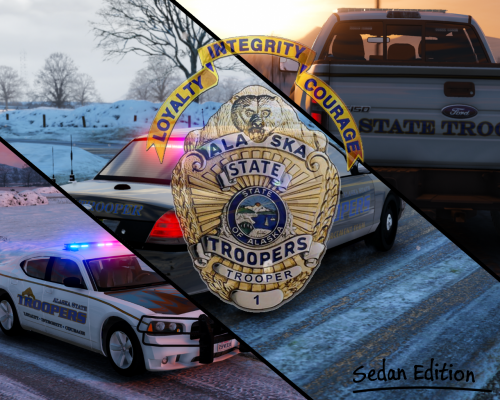 I still have an entire wish-list that people wanted me to create. Ill put it in there, might take a while though.
- 54 comments
- 12 reviews
-
I´ll consider it. Its not really something I thought of before, cause of the lightbar not even being close to the AST ones.
- 54 comments
- 12 reviews
-
-
-
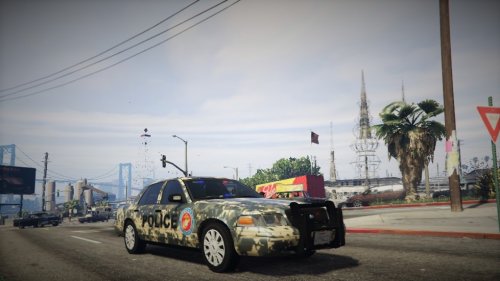 I dont have all the time in the world either but you should never rush things..
 -
Why release something that is "strongly unfinished*..
-
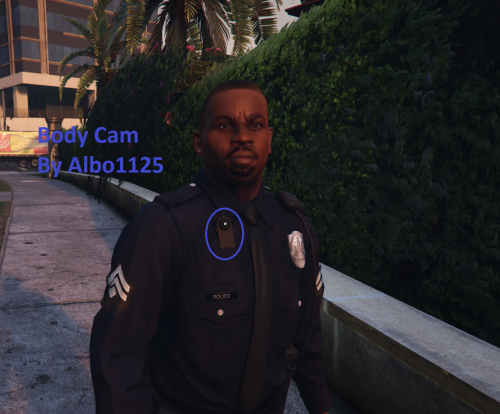 Damn Albo! I dont know how you manage to get all these thing done! Great mod.
- 45 comments
- 17 reviews
-
-
- 3
-
-
-
Haha thanks man really appreciate it! I should also tell you that there will be another pack coming shortly. Not gonna tell what it is yet (Hint hint: the first state :D)