


Dylan02
Members
-
Joined
-
Last visited
Everything posted by Dylan02
-
The CVPI uses the same template as one is gta iv, so you can use one from GTA IV. Here's one I dug up that looks good:
-
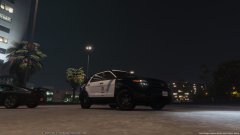 One thing I love about this model is the wheels- they're just the right size. In IV, the two main fpius had wheels which were either too big or too small.
 -
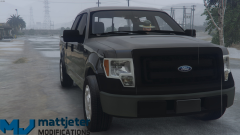 Now that's a nice truck.
 -
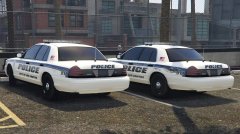 I don't know what's better, the model or the skin!
 -
-
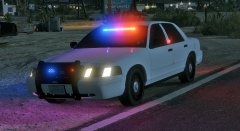 Ooh, how delightful.
 -
-
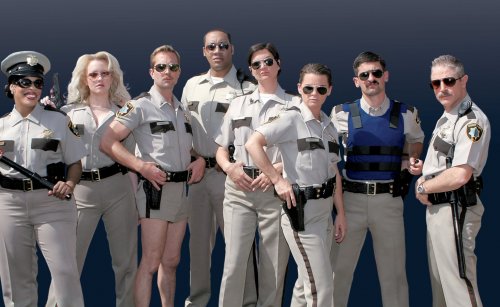 All we need now are some short shorts.
 -
 That's bootyful!
 -
 This is simply amazing. I love the blue lights, and the fact that you have it set to that the ingame generated license plates are there, something which isn't given as much attention as it should be far to often. I also love how you added those side lights. The only thing I could ask of this amazing model is to have a steel rim version, but frankly, the hubcaps look ravishing here.
- 208 comments
- 59 reviews
-
 Good job man, you've been a great contributor to the community!
 -
 Now that is impressive.
 -
-
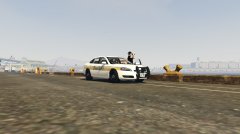 "Sheriff peeping on people"
 -
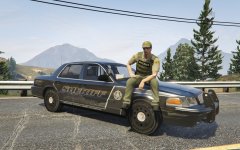 Dude, this would be perfect as a ghost skin.
 -
.thumb.png.24964b3dc506dcc1d6ad2b7af87b5834.png) Dude, did bardo ask you permission before basically copy/pasting your (kickass, might I add) skin onto a cvpi and tahoe template?
Dude, did bardo ask you permission before basically copy/pasting your (kickass, might I add) skin onto a cvpi and tahoe template?- 5 comments
- 1 review
-
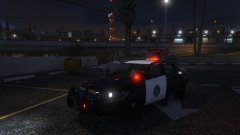 Aside from some fonts I would change, this is an incredible first skin. Good job!
 -
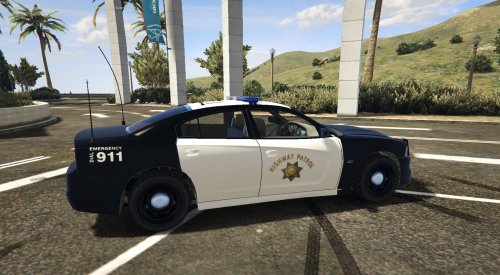 Good, except that the 2012 charger ppv has no side badges, so you should remove the side stuff.
- 37 comments
- 6 reviews
-
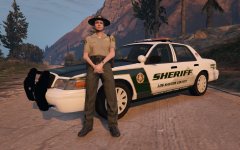 That looks great man! I love the attention to detail (the flag, the mountains, the subtle gold striping around the green stripe).
 -
Yes, Someone who likes Kanye West?
-
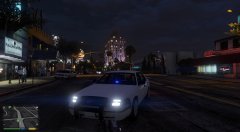 Is there gonna be rear lighting?
 -
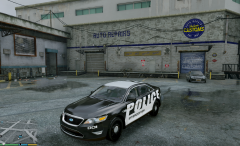 It's got some bugs (heh) but overall it's a pretty good model.
 -
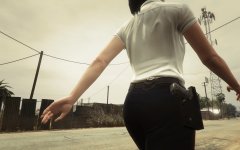 I am proud to say I understand that reference. Nate Dogg is the best.
 -
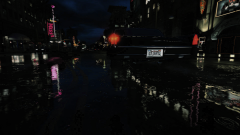 Taken on that road with all the sexy reflections if it rains at night. Decided I'd whip up something with paint net, what do you think?
 -
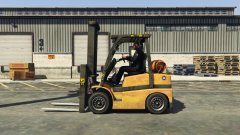 Don't knock it till you've tried it! It's great for those port pursuits, as it's zippy as hell and can flip a car over to stop it.
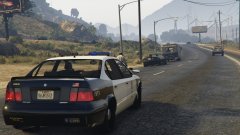
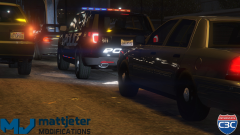
.thumb.png.24964b3dc506dcc1d6ad2b7af87b5834.png)
