SerekgPL
Members
-
Joined
-
Last visited
Everything posted by SerekgPL
-
 Great picture!
 -
 RELEASE IT! YES! :D
 -
 Arjent by F5544? :(
 -
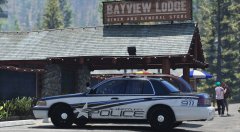 Awesome skin!
 -
.jpg.9017cfdb62557f4248eb62c4f37ac727.jpg) He probably made it.
He probably made it. -
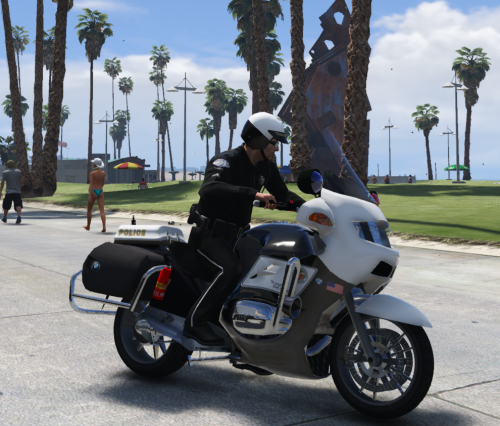
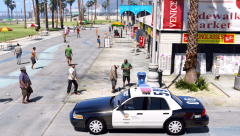 LSPD on Venice Beach? Naah.
 -
-
I didn't mean that. No problem ;)
-
I think we're talking about something different :P in my opinion this Arjent (on my pic) is the best Arjent for now.
-
Ohh Please don't tell me about F5544's Arjent.... This is Arjent by BxBugs but modified by author of the car.
-
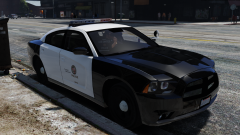 What Charger is that?
 -
Ikr, but the reason why I'm using this car is the lightbar. This Arjent is much better than FCVP's one.
-
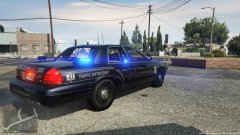
CVPI LAPD - https://www.gta5-mods.com/vehicles/1999-ford-crown-victoria-lapd visualV + https://www.gta5-mods.com/misc/tr-simple-visuals thanks ;)
-
From the album: Police work all over the world! [SerekgPL GTA V imagines]
Ohh I love Venice Beach! -
-
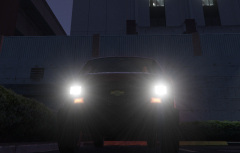 Nice! Hope to see this car as released car :)
 -
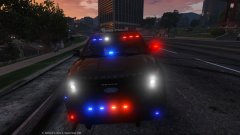 Maybe today?
 -
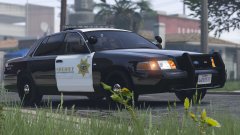 I have 4gb of vram (GTX 970) I'm not using textures by Carperino but I'll try it with my currently textures.
 -
Nice skin, You should release it! Btw. Did you have that CVPI installed on police slot? Because my game crashed when I tried to spawn this car :/
-
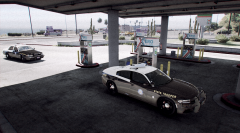 Can't wait <3 :D
 -
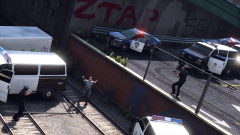
From the album: Police work all over the world! [SerekgPL GTA V imagines]
-
-
-
 What ELS testing video?
 -

.jpg.9017cfdb62557f4248eb62c4f37ac727.jpg)