
eamick23012
Members
-
Joined
-
Last visited
Everything posted by eamick23012
-
 I rarely write reviews. But this? There's no way I couldn't. This is HANDS DOWN the best model I've ever used. Insane amount of detail, addons, liveries, etc. There are so many ways to customize this thing, it's unreal. I've loved Tahoes like this since the movie SWAT came out in 2003, where they used these 2000-2006 "GMT800" Tahoes and Suburbans, and they were so badass. The Interior is spot on. Every detail is present, the gauges work, and you can even change the cluster color in the Benny's menu! The lights look great (as all of Bugs' vehicles do). I can definitely say that this thing will be in my game permanently, without a doubt. Thank you for this, Bugs.
- 133 comments
- 36 reviews
-
-

- 4
-
-
-
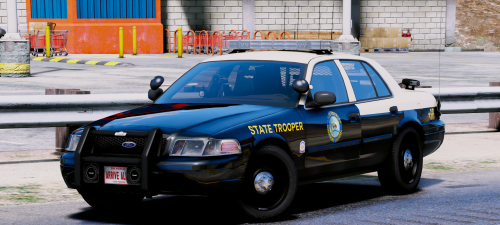 This thing is pure sex....... model is beautiful, lighting setup is fantastic, and the ELS lights are absolutely gorgeous. I agree with some of the comments, a slicktop version would be awesome, but this thing is pretty damn good by itself.
- 15 comments
- 19 reviews
-
-
- 1
-
-
-
 Damn dude, you should release this if you haven't already. Thing looks sick as hell
 -
-
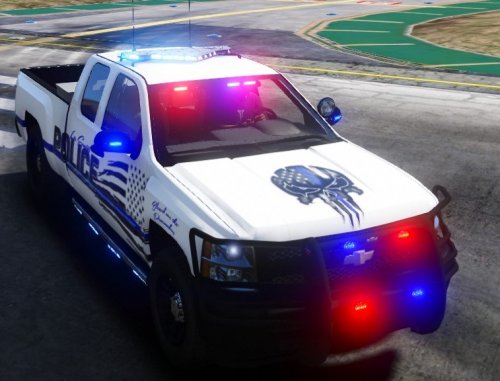 This thing is GORGEOUS. Lights are amazing, model is of good quality and it's just an all around amazing truck. Excellent job!!
- 29 comments
- 7 reviews