



lilmisschloe
Members
-
Joined
-
Last visited
Everything posted by lilmisschloe
-
https://www.gta5-mods.com/vehicles/semi-realistic-car-physics-v
-
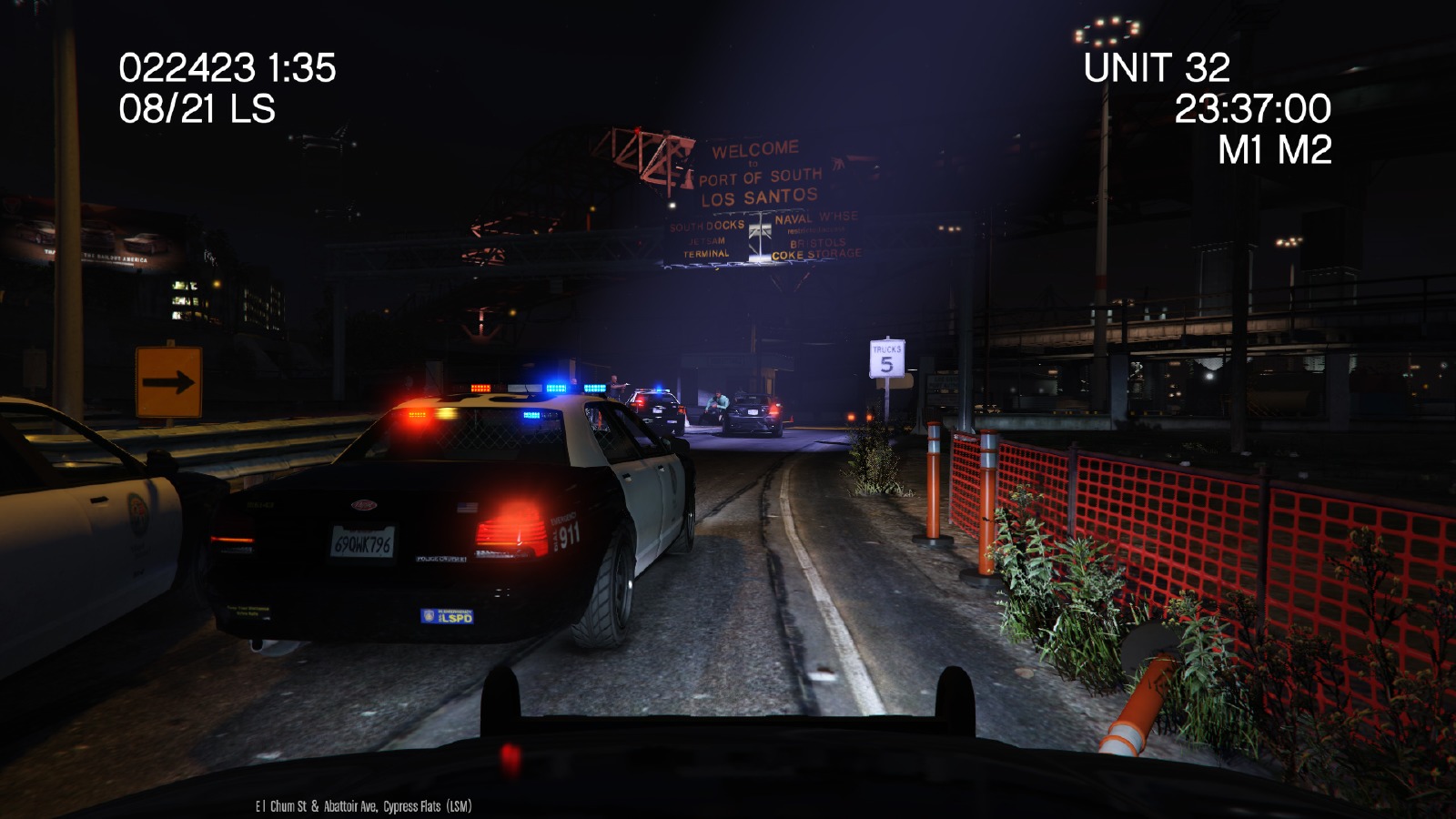
Dashcam - using the in game bumper cam maybe? With the typical text overlays like date time speed unit number, random bits of code we dont understand ;-) Stuff like that :)
-
I would love love love love love and love with maybe some additional love for this mod to become a "thing" then we can make good use of the new bumper cam the game dev's added. MAKE IT HAPPEN PEOPLE!!!!
-
For you guys having the issue where pressing F4 does nothing, do this.... Place the attached file into your GTA V main directory. (Replace the file you have already - if you have one) RagePluginHook.ini
-
-
 Please allow us to choose which flash main lights or turn signals :) Sometimes I believe they flash blue :) Maybe you can do that too? I have faith in you xD
- 44 comments
- 11 reviews
-
On real life LA cruisers the headlights dont flash the turn signals do, just saying. Is this something you can do or are you limited by the game to only headlights?
- 44 comments
- 11 reviews
-
As this mod is intended to run while your on duty using LSPDFR I would assume its going to be a Plugin of LSPDFR.
-
Semi - Realistic Driving - its updated a lot and a lot of well known YouTubers use this mod. https://www.gta5-mods.com/vehicles/semi-realistic-car-physics-v
-
Did you change or use the "handling" file from a mod? If you have a really bad handling file from a mod they will slip slide and crash all the time. Because AI drivers also get affected by the new handling physics. If you have the regular game one then Im not sure. Let me know and I can give you a nice realistic handling mod.
-
Just making sure....do you use 0.2b of LSPDFR.
-
Did you know today is national bait car day! Might wanna release it now :-p haha >.<
-
There are about 10 callout plugins, and you can use them all together just make sure they go into plugins>LSPDFR
-
-
I corrected your typo: www.twitch.tv/mushroomkings Added a clickable link for you too :-p mushroomkings Twitch channel
-
Oh Im sorry, feel free to remove this thread, I'm sorry.
-
Now get back on patrol we need all the enforcement we can get! Crime never sleeps ;-) See you out on the streets officer ;-) haha
-
So it does make a difference! I know Im supporting the moderators so thats all I have to say about this.I don't believe crime runs on a schedule :-p Sometimes you have quiet times.... Force a callout to happen (I think you press X on keyboard) ***I'm assuming you don't have any active callous that your forgot to end manually by using CTRL Y or the END key...)This is also the wrong place, as this is the LSPDFR discussion forum, not the midding section. Police Radio is not LSPDFR.
 Could you please make the prison guard walk and not run with the suspect to the van.
- 1,915 comments
- 242 reviews
-
-

- 1
-
Already done this part :) Thanks though XDITS FIXED!!! I updated the mod, but then removed it cause I use another vehicle controller where you can open the hood/trunk and all doors and stuff :)Is there a way to change which ped drives certain vehicles? I want the detective ped (not sure of the name of it that the game understands) to drive the unmarked staniers I have driving round the city. Can someone help? Thanks Chloe



.jpg.ac25aa037fc285c8b4b605d98ee14cae.jpg)
