



lilmisschloe
-
Joined
-
Last visited
File Comments posted by lilmisschloe
-
-
-
-
-
-
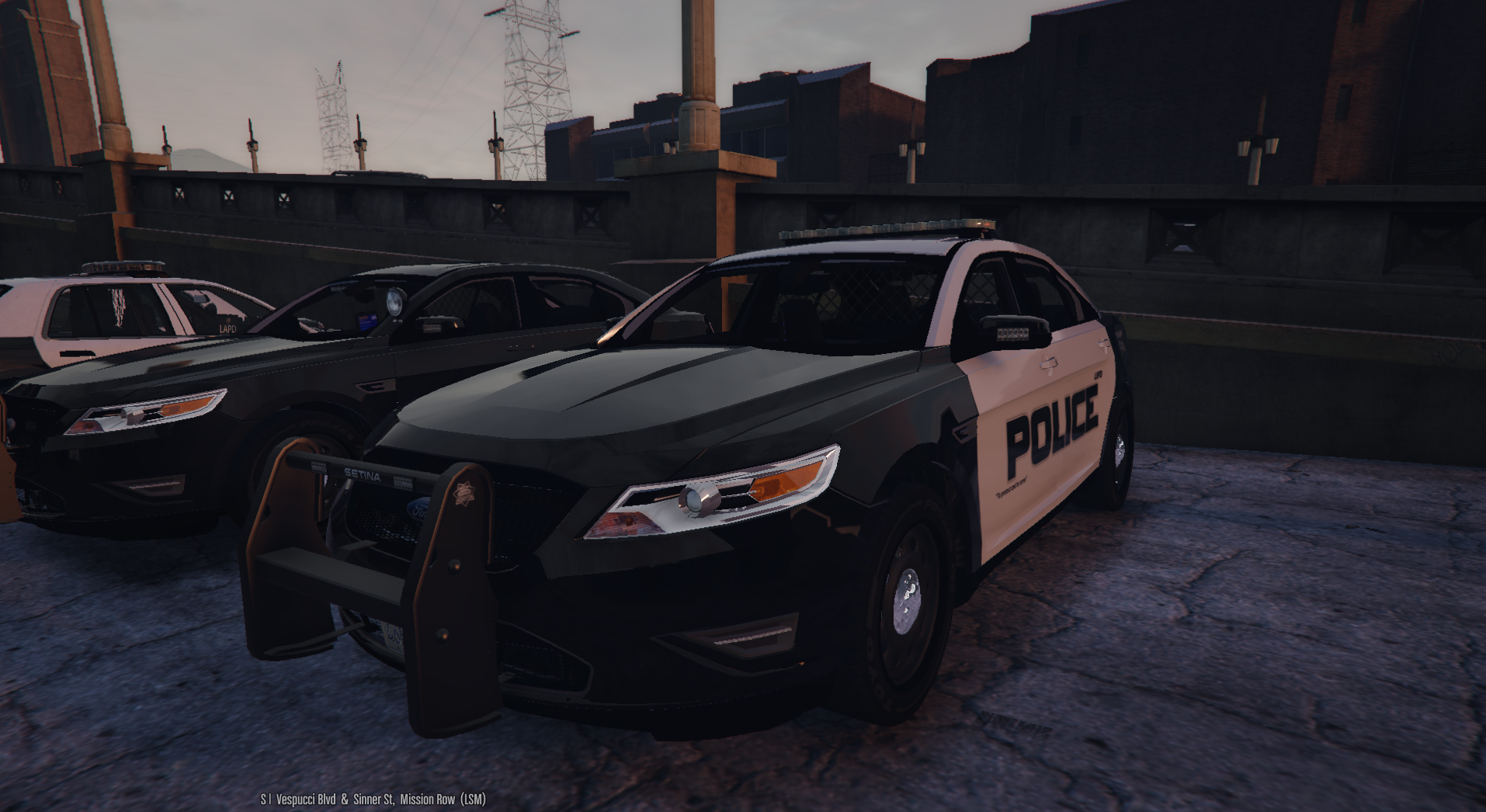
@POLICESCO Hi I used this model to replace POLICE3 however I noticed the lights on the front grill and bullbars dont light up at all, and the rear windscreen ones kinda light up on one side only but not correctly.
Do you know how to solve this?
-
8 hours ago, MephistoPheles said:
That is called loading distances or L0, L1, L2, & etc... to save resources for the game plus most people wouldn't look at the car from a distance away to notice. Some might notice this because of their low end settings. This is not a bug.
I run my game on the highest settings and no other cars do it, I'd say it was a bug, but you go ahead and defend your broken model ;-)
-
-
-
-
-
-

-
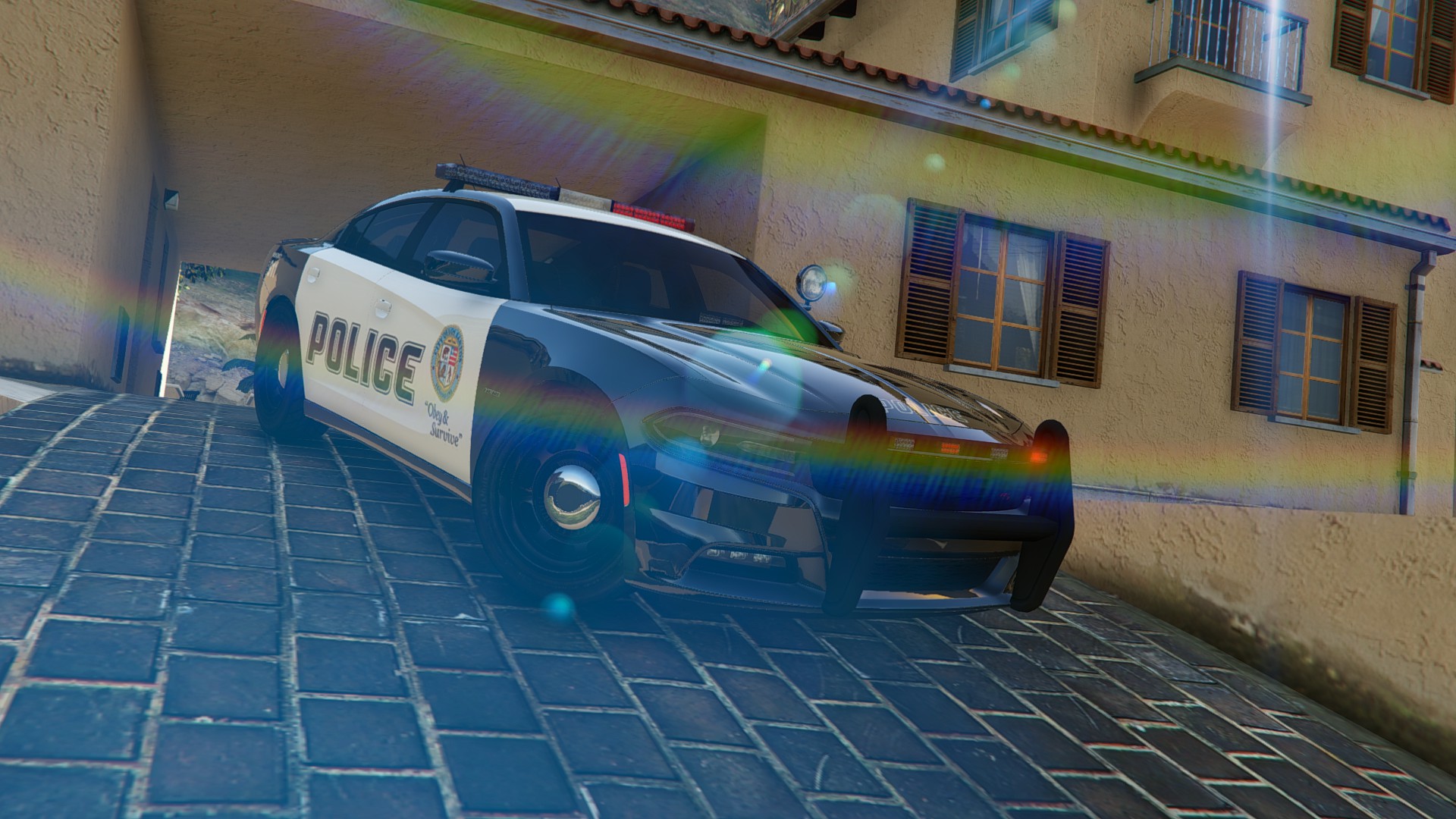
I added this car and the cops drive round on patrol with it but its defaulting to slicktop, I know I can add the lightbar using a trainer, but in the past I had all the cops using lightbars...how can I get them to all have lightbars on by default again?
-
-
-

-
-
-
-
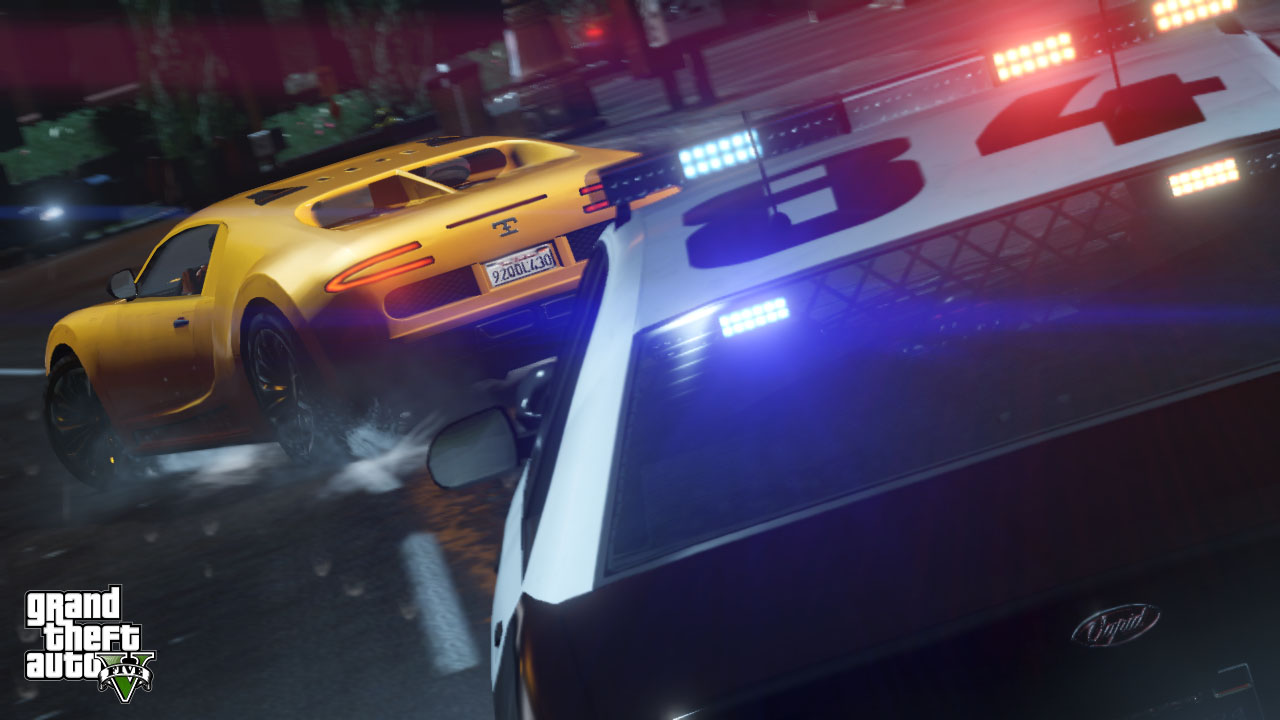
Thats photoshopped!! :-p haha thanks x
WHY OH WHY MUST YOU GIVE US POLICE OFFICERS SO MUCH WORK!?!?!? I dont get paid enough, crime is on the increase thanks to you! xD Well I guess it will keep your Police Van driver in the job ;-)
- Albo1125 and TaikaJamppa
-
 2
2
-
-
-
-



HEROCOP BETA 0.5b
in Script Modifications & Plugins
Update progress?