Alex_Ashfold
Insiders
-
Joined
-
Last visited
Everything posted by Alex_Ashfold
-
Go in Open IV, x64e/model/cdimages/pedprops then find the sheriff props open the Ydd file. Try to export the campaign hat, good luck ;)
-
I can't do that, no one can, swapping regular non-players peds' props, sure it's easy. But for players type it impossible. Believe me, I don't give a damm about the cowboy hat added in 7.0. The only I want it's the campaign hat, but that's the only thing we can get at the moment
-
 Uninstall Keep calm plugin it hasn't been updated for a while and from your report it seems to have been the issue
- 2,346 comments
- 236 reviews
-
-
RagenativeUi was updated, so EUP was crashing, but it's now updated to 7.1.
- 2,346 comments
- 236 reviews
-
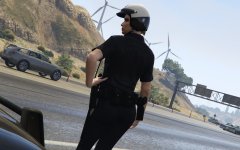 Curvy Gresley
 -
But you did click on the picture, isn't it? Pervert!
-
From the album: Emergency Uniforms Pack WIPs
Women are not objects Unless it's GTA v then it's ok© EUP Team
-
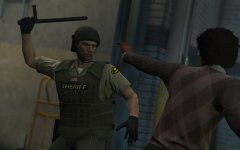
From the album: Emergency Uniforms Pack WIPs
© EUP Team
-
I'm sure I'll recover from it, don't worry.
-
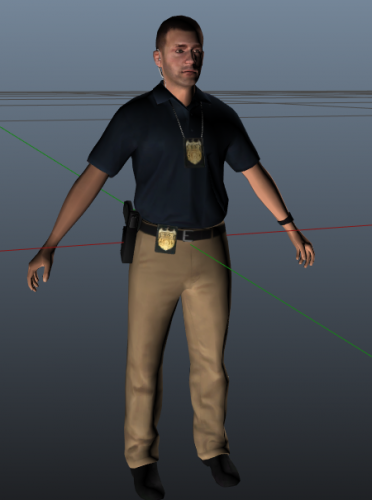 that moment when one badge isn't enough!
 -
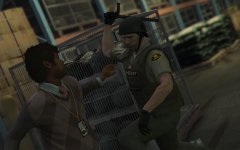
From the album: Emergency Uniforms Pack WIPs
© EUP Team
-

From the album: Emergency Uniforms Pack WIPs
© EUP Team
-
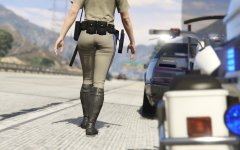 It ain't her Wait a minute...
 -
From the album: Emergency Uniforms Pack WIPs
© EUP Team
-
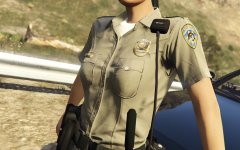 I wish I could, but I can't change the meshe model
 -
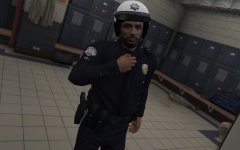 Can't use the pants/boot without the tie, plus the pants or and top would be incompatible awakening some devil forces
 -
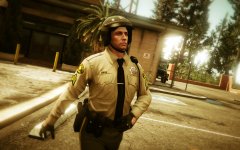
From the album: Emergency Uniforms Pack WIPs
© EUP Team
-
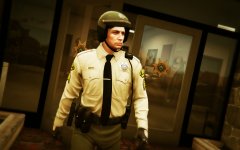
From the album: Emergency Uniforms Pack WIPs
© EUP Team
-
From the album: Emergency Uniforms Pack WIPs
© EUP Team
-
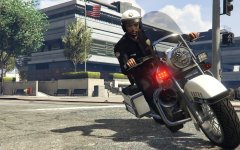
From the album: Emergency Uniforms Pack WIPs
© EUP Team
-
 Well the is in the download, but for now I don't see any ways to make them randomly spawn with it. The only way to have it is to play as the ped or have as a ''bodyguard''.
- 23 comments
- 18 reviews
-
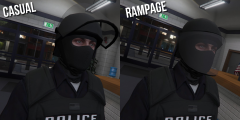
From the album: Emergency Uniforms Pack WIPs
© EUP Team
-
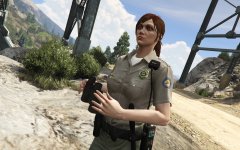 EUP textures are based on
 -
In the woods