


Thomas199920
Members
-
Joined
-
Last visited
Everything posted by Thomas199920
-
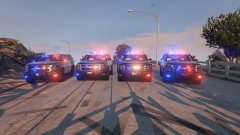 Nice!
Nice! -
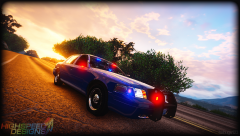 Amazing!
 -
Is there a +hi.ytd? If so delete that and try again.
-
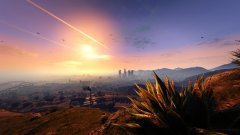 The Palomino Highlands?
 -
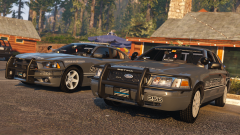 That CVPI is amazing!
 -
Nice!
-
Can't wait to use it!
-
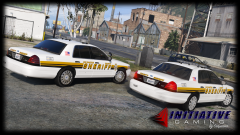 Where can i get those amazing hubcaps?
 -
-
-
No problem! :)
-
When you remove the spotlight the light is still there. But overall great job!
-
-
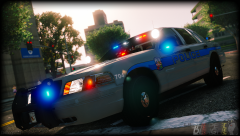 This CVPI is amazing!
 -
 Yes but not for the slot that this vehicle is in.
 -
I never had problems with this car.
-
The Tahoe looks good with the Valor. Can't wait to use it!
-
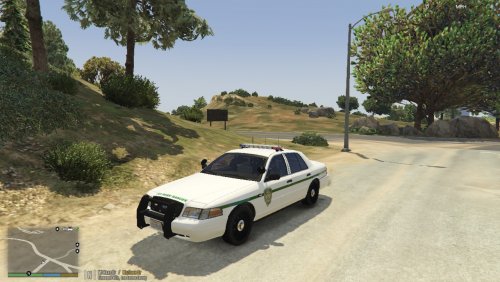
CVPI San Andreas Park Ranger skins made by Thomas199920. It's made for CVPI's that use the DSF template. You can edit it for private use. Don't claim it as your own creation. The CVPI used in the screenshots is made by Carperino.
-
Have you tried changing the window tint?
-
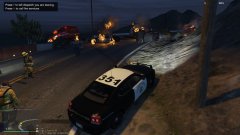
From the album: LSPDFR Patrols
Using the CHP charger that PSource made. -
Can't wait until this is released!
-
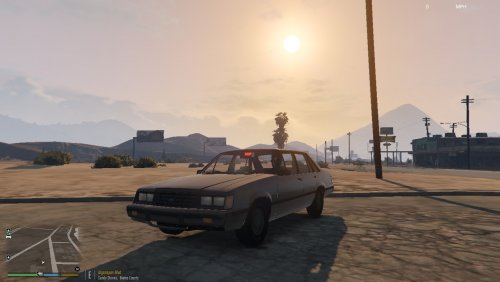 Thank you!
 -
-
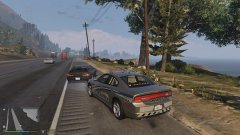
From the album: LSPDFR Patrols
Using the Marked Charger that Carperino made. -
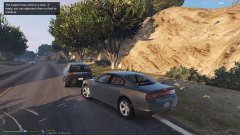
From the album: LSPDFR Patrols
Using the Unmarked Charger that Carperino made.



.thumb.jpg.61de846de400ca98f85d205992527de1.jpg)
