
Addminister
Members
-
Joined
-
Last visited
Everything posted by Addminister
-
 The enb is awesome.
 -
Crap, crap, crap.
-
__---------- __ \ \ / / \ /\--------/\/ / SAM \ /______\ ALL HAIL SAM! ALL HAIL SAM! ALL HAIL SAM! ALL HAIL SAM! ALL HAIL SAM! ALL HAIL SAM! ALL HAIL SAM! ALL HAIL SAM! thank you Sam!!!!!
-
Solved by using Razer Surround Pro (cracked...)
-
While playing GTA IV I think sometimes it played through the rear and front speakers. but I need something to verify... And while testing on Razer Synapse it looks as if it is using all 6 speakers.
-
No the headphones didn't come with any software. Yes, it is plugged into correct location (or I would have died so many times in CS:GO) seriously the sound can be heard. I want to know any test that tests all 6 speakers. and can I know how to adjust bass and treble levels in Realtek Audio Control? Btw the bass worked in @EvilJackCarver's post. So no problem in bass then I guess. Thanks @EvilJackCarver, but the file only tested my left and right (not the front ones nor the rear) and it worked. I have another problem (no need for solution, as there is a workaround) that my headphones say L and R but they are mixed, like on L side there is R side audio and vise-versa. So I only turn the headphone 180 degree (as I can't turn my head 180...
-
 @ineseri at the scene of Hit and Run
 -
 No it stands for Sexy!
 -
Anyone wanna play lcpdfr 1.1? I have no mic though, and message me asap to play. GFWL: Addminister
-
So, a few days ago, I bought a six speaker headphone on amazon (link) and then I tried using it, nice sound.but no bass so I need some better bass (any ideas?) next question: I can see all 6 speakers (3 in each cup) but I don't think that all of them work on games (like GTA IV) and so I need a video to test them and if they don't work I need some ideas. I tried Razer Synapse's test, looks like the heli is going round, but still in doubt. Thanks.
-
You might want to remove the image in your post quoting me... btw thanks for reminding.
-
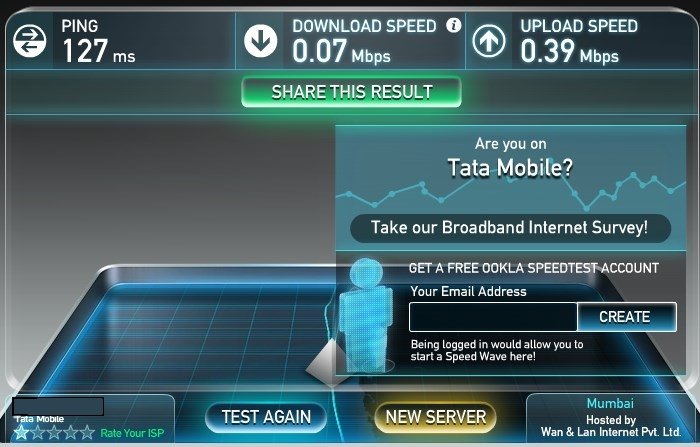
How about me? Sometimes I have 45+ kb/s (well, for some 15-25 days?) and then after that 25 days 15 days it will be like 7kb/s? Hmm.. and I can load lcpdfr.com perfectly. speed measured from downloading on Chrome... This is my Speedtest results:
-
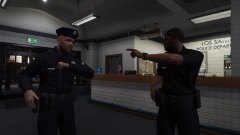 Umm, the bathroom's that way, sir.
 -
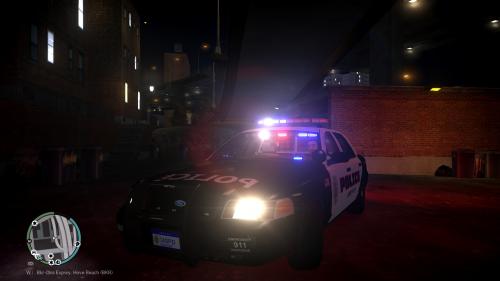 What clarity! 5/5 no problem, for those who're bored of the original GTA IV siren and/or wanna try something new!
- 4 comments
- 6 reviews
-
Hello. This problem occurs when you have a slow internet connection, or the internet is getting disconnected after sometime. Try downloading again, or use an download manager (i used internet download manager) and it will complete the download. If my post solved your problem, click the tick mark on the top left of this post.
-
///////////// |o o| JAW \ /_ / DROPPING \ O / \ | | /
-
add a space after "File =" like it should be "File = police and does els work on other vehicles?
-
Make sure you have els installed, in in SLOT_CONTROL (the file in *your main gta iv directory*\ELS\) you have a line similar to this set to: [PSTOCKADE] els=on
-
 For me it looked like Need For Speed: Hot Pursuit.. lol
 -
Epic!!!!
-
Which game is that?
-
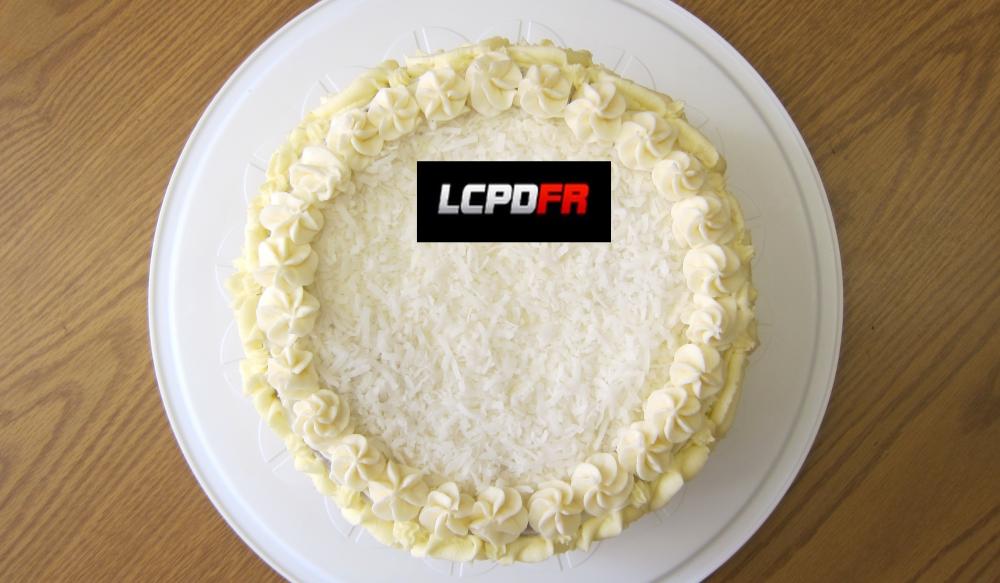
Who said so? There are many people who like coconuts... including me.
-
 3 star wanted level? Is a cop wanted?
 -
How about an LSPDFR cake when LSPDFR releases? Image below is what it would look if it was lcpdfr
-
 I'm too getting it from a friend... I don't know when....