
Addminister
Members
-
Joined
-
Last visited
Everything posted by Addminister
-
What all mods did you install? Give me a list. And also, try the game without any mods except LCPDFR. It tends to be a lot stable without any mods. Then, install a mods One by One. Always make a backup before installing any mods. Let us know if it works.
-
Maybe. I don't know if it works that way. I'll try it now. Wasn't able to start the game sometime ago. Let's try.
-
Run LCPDFR Diagnostic Tool in [Your GTA IV Directory]LCPDFRLCPDFR Diagnostic Tool Click "Configure LCPDFR" Click "Link Account" Tab Type your LCPDFR.com Username & Password Now, ingame your name should be your username.
-
Download LCPDFR 1.1 Manual Installer. Automatic Installer doesn't working for me (and my friend too) and Manual Install works for us. After downloading, copy all files from the archive into your gta iv directory (you need WinRAR or 7zip for extracting the files) and run the game as admin. Press Alt+P and see if it works. It it worked, please tick this post as answered or solved by clicking the button in the bottom right of this post.
-
-
-
Yeah. Never trust mods. They can crash the game either every 5 seconds, or every 15 minutes. More likely, they will crash the script itself, to prevent game crashes. If it does so, just do what I said above. Just don't press something (like Alt+U for the police hat) right after you typed "forceduty" as it may lead to a crash (the screen just jams there).
-
Maybe there isn't one. LCPDFR simply doesn't support mods. I can play with many scripts and a pack of police cars for about unlimited time (except when my antivirus just disturbs me for scanning, I hate it). There are a few script crashes, especially "LCPDFR.Loader.Loader". When it occurs, I just press "~" (the key beside "1" on top row of the keyboard) and type "reloadscripts" which reloads the scripts. Then I press "~" again and press "Alt + P" and again press "~" and type "forceduty" which forces the duty and skips the work of going to police station and selecting the police model. If you want, I can tell you which scripts I use.
-
http://www.gamespot.com/articles/gta-5-pc-in-4k-is-an-eye-opener-rockstar-says/1100-6426579/ Interested 4k gamers? I don't have 4k though, but still for you 4k gamers! This would be an awesome news for you!
-
Actually, a laptop has always been an disaster to me. I remember playing GTA 4 on my old laptop and seeing those crappy graphics. A desktop has better cooling, and better cooling means better performance. Instead of playing GTA 5, you can cook yourself an omlet on the laptop and eat those. Seriously! I could only play GTA 4 on the lowest graphics and get less than 30 FPS. Nice that now I have an desktop than can run GTA 4 on the highest graphics with 50+ FPS. It can run GTA 5 on the medium settings (According to GameDebate). So, its just a simple answer; No, unless you can bear less than 25 FPS. Buy a desktop instead.
-
Somehow it started working. I don't know how. Maybe try re-installing the game and use only lcpdfr and then add mods one-by-one?
-
Absolutely!
-
You need to install els without Advancedhook.dll. Just Put in all the files in you GTA IV Directory without Advancedhook.dll and you are good to go. I had made this mistake once. You now need to either download lcpdfr 1.1 manual install and extract Advancedhook.dll from there into you gta iv directory or uninstall lcpdfr and els and reinstall lcpdfr and put all the files from els v8.rar file you download into your gta iv folder (except advancedhook.dll) and click replace all files in the destination.
-
Hello everyone. I have installed lcpdfr and the taser is not working. Before in lcpdfr 1.0 I installed taser manually and it worked. Now in 1.1 the taser is not working, whatever I do. I tried pressing T, Ctrl+T, Alt+T and no luck. Any way to make the taser work? I really miss it.
-
And make sure if you crash using ELS, in ELS.ini file, you have Ai_Els_Sp and Ai_Els_Mp set to off. i.e, in els.ini find "Ai_Els_Sp" and "Ai_Els_No". If after the lines if is "= on", change it to "= off". This turns off the ELS for the ai cop cars. This may reduce lags and crashes.
-
Did you install the patch for ICenhancer? If not, download it from http://www.icelaglace.com/mods/gtaiv/ice30/
-
I think that it can run on any PC, until you have integrated Intel 1000 graphics with no dedicated graphics which my laptop had. I can run GTA IV with 65+ Fps with this config: Intel Core i5 4440 ASUS GeForce GTX 750 TI 8GB RAM 1TB Hard Drive I run with many scripts and car mods. I can tell which ones if you want so.
-
Hello everyone. I wanted to stop lcpdfr to start using savegame.fr file everytime. I have already disabled autosave in the diagnostic tool and deleted savegame.fr. I have also deleted my savegames in My Documents and AppdataLocalRockstar GamesGTA IVsavegames. It always tries to load the savegame.fr which I have already deleted, hence crashing the game. Any solutions without re-installing the whole game? I have an genuine version of GTA IV (previously I had a pirated one, but thought about buying the original one because pirated version causes many problems and has lots of bugs.)
-
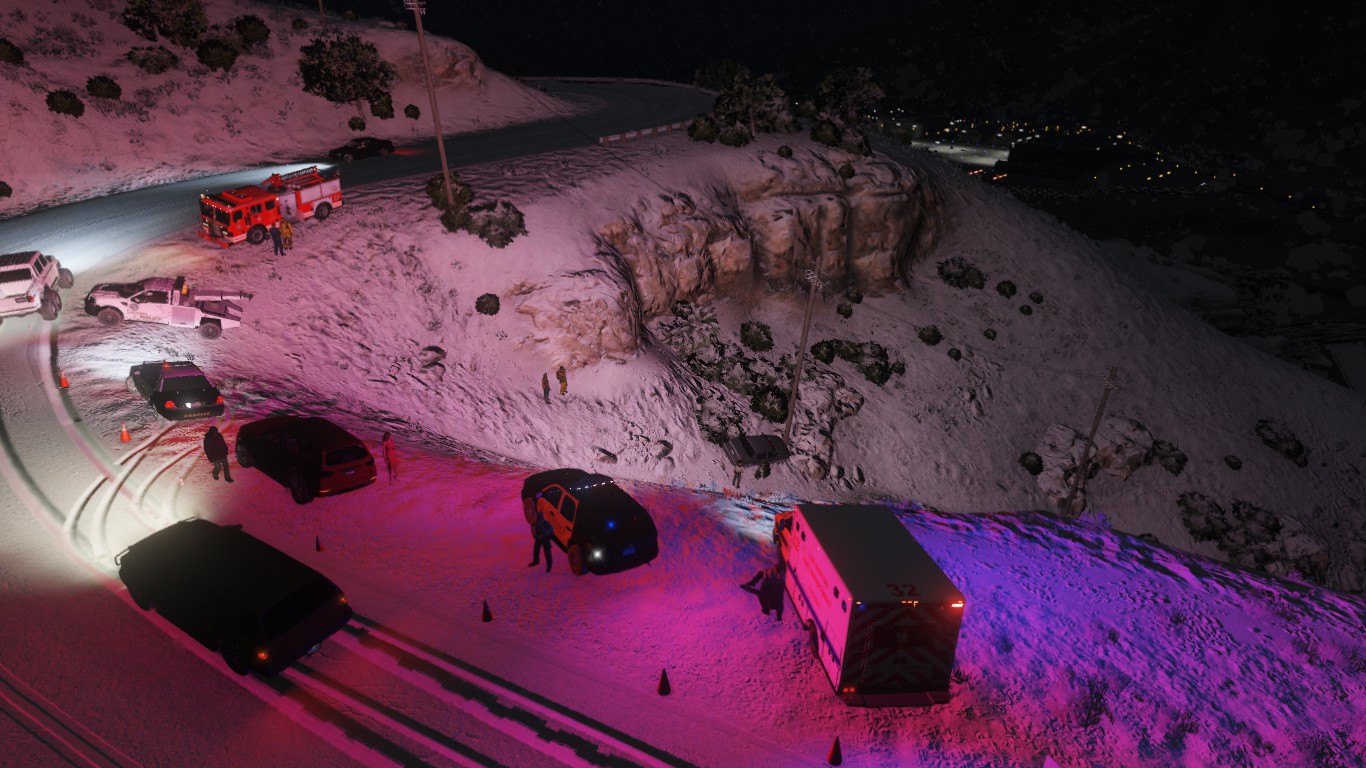
Nothing to see here though, just attached a tractor to a trailer and captured a pic... :P