TWISTEDSCOPES
Members
-
Joined
-
Last visited
Everything posted by TWISTEDSCOPES
-
-
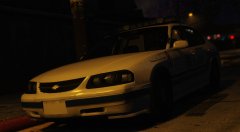 your welcome, i (may) release this as a dev model once it's completed and i feel it's ready to be released unlocked.
 -
i think i might know what you're talking about, I remember seeing that and that's how I found gta modding
-
-
i feel it's not good enough to be kept on, so i have hidden it until i update it.
-
Because I was tired of constantly telling people that i don't know when it will be updated. I can't give people a date on it. It will be ready once it's finish.
-
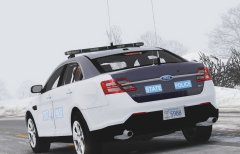 Why is there a cvpi rambar on that fpis???
 -
I hope that's underwoods taurus.
-
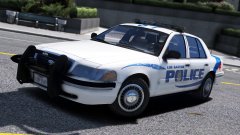 I really hope those are not inner edges on the back of that cvpi not only that..... it doesn't wrap around the bumper like it's suppose too.
 -
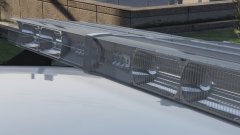 Simply amazing.
 -
If you click scripts and plugins most of the first page plugins has been updated to the latest update.
-
Uhh well there's a program called Zmodeler3 and is used for GTA V modeling. To convert stuff will require Zmodeler2 which btw is for gta iv modeling but here's few tutorial's to watch
-
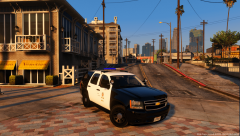 lol and not only that he's using a 2016 impala when they use to use 2006's and not only that...... he's using Solaris model modules ..... and the spotlights on the tahoe are floating lol.
 -
-
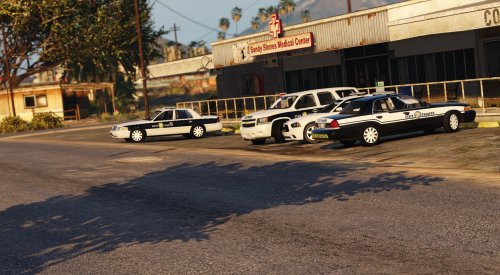 i don't live in North Carolina and there's no pictures, i'd love to make it but i cant. what? i'm confuse
- 26 comments
- 15 reviews
-
 cars have a few scaling issues with the dashlight and FPIS rambar, But everything checks out, proper lods,proper rambar and the setup is great. overall this is a pretty great pack for someone that started modeling! keep up the great work! Rambar has scaling issue. just scale on the x axis left view and you should be fine.
- 89 comments
- 63 reviews
-
-

- 2
-
-
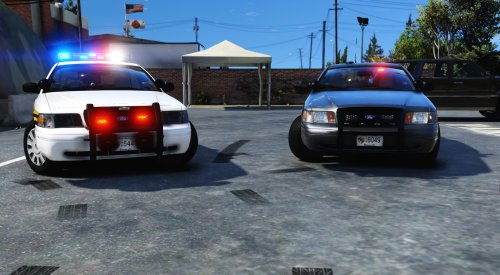 Thank you! that is your issue as it seems you're not toggling the rambar in the extra component menu located in the trainer.
- 46 comments
- 17 reviews
-
-
- 1
-
-
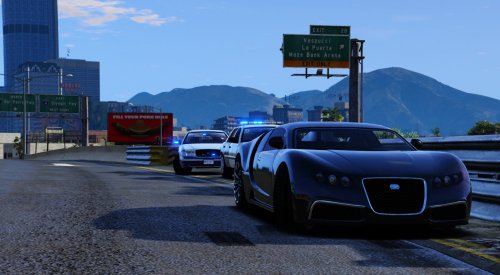 Thank you i tried my best! but not trying to sound rude or any of that, i base my cars off accuracy. That means I'm not adding any lights to the car.
- 33 comments
- 7 reviews
-
I plan on adding that back in the near future, I completely forgot to add that when i was updating the new version
- 46 comments
- 17 reviews
-
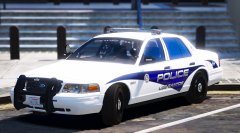 atleast you don't put your spotlights in the windshield
 -
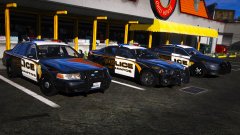 glad to see someone is putting correct rambars.
 -
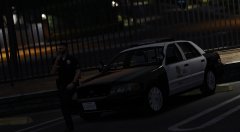 I'm debating right now if i should release the beta of it.
 -
actually no it's not lmao, it's a different year CVPI he using
-
-
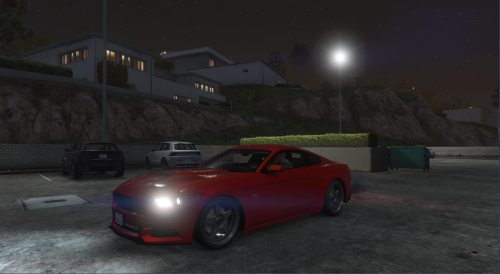 Ok i'm leaving a review to help improve your modeling skills and to help improve this model itself 1.Clipping issues with the radio wire and console is clipping through the center dash 2.vehicle has no lods. L0-L1 is not enough. 3. no textures or dials for the dial things 4.inner edges are not the best, but there is better ones released here on lcpdfr 5.these whelen lights are not meant for side or deck lights they're made for front where the sunvisors
- 2 comments
- 3 reviews
-
-
- 2
-