




Fenix2525WOT
Members
-
Joined
-
Last visited
Everything posted by Fenix2525WOT
-
They might be already available on other websites
-
-
I can do this, but there is a more perfomance-efficient way as GTA has it's own AI, just wondering if anyone knows...
-
It's separate. I know there is a fuction in LSPDFR API, I need to recreate that. @ToastinYou, don't you know how?
-
I spawned a car, warped peds and set thier decision maker. That's all. @ToastinYou, how should I call them?
-
Helo everybody. I'm developing a plugin about Firefighters. I need help with calling Firefighters Backup. I need the ped to extinguish fires nearby him. I tried setting DecisionMaker to "FIREMAN" and RelationshipGroup to "FIREMAN" both didn't work. Maybe you know? Asking for help. Please.
-
When I set camera.Active to true or false I get Null Reference exeption. What's wrong? Camera CharacterDesignerCam = new Camera(false); CharacterDesignerCam.Position = Game.LocalPlayer.Character.GetOffsetPositionFront(3.0f) + new Vector3(0.0f, 0.0f, 0.5f); CharacterDesignerCam.Rotation = Game.LocalPlayer.Character.Rotation + new Rotator(0.0f, 0.0f, 180.0f); CharacterDesignerCam.FOV = 60.0f; CharacterDesignerCam.Active = true;
-
Okay, one more thing. I need to display a help with custom Keybinding, for example, E. Like this As for now I do Game.DisplayHelp("Press ~INPUT_CONTEXT~ to start duty"); But If I do not have E binded to Context in setting, another key will show up. How can I place custom Keys in there? @Fiskey111 , should I use Cam GET_RENDERING_CAM() // 0x5234F9F10919EABA 0x0FCF4DF1 ? Because I do not find GET_GAMEPLAY_CAM. There are only GET_GAMEPLAY_CAM_POSITION, ROTATION, FOV etc.
-
And how do I deactivate a camera?
-
Hello everybody! I have a problem making a plugin. Well, I need a camera which position is, lets say, Vector3.Zero; So, Rage.Camera MyCam = new Camera("DEFAULT_SCRIPTED_CAMERA", false); //Strig is CAMERA TYPE and Bool is ACTIVATED Then I modify Position, Rotation and FOV: MyCam.Position = Vector3.Zero; MyCam.Rotation = new Rotator(180.0f, -90.0f, 0.0f); MyCam.FOV = 75.0f; But when I need to activate It, I don't know how to do it. I tried MyCam.Active = true; After this, ingame camera is not active, I can not move it, but it's the same as it was before. I think, I need to deactivate the previous camera to activate the new one. How to do it? And, can you please, give an example of switching camera to a new one and back to the default. Thank you.
-
Sorry, but I figured out myself. What you sent is NOT the case
-
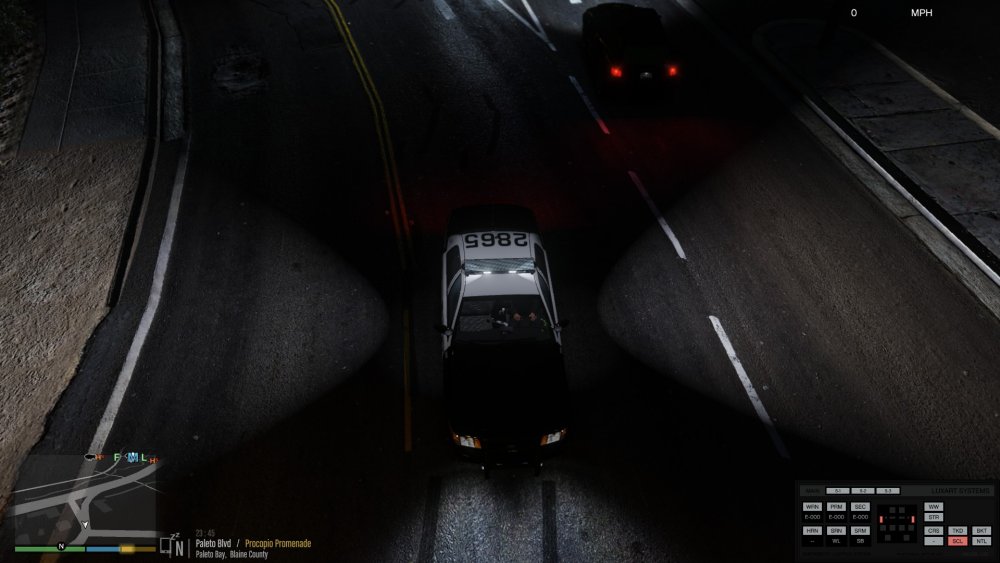
Will try, but what abiut this? Didn't work. Still lighting up the back of the car
-
but why do they illuminate back of the car while they are supposed to illuminate sides? Edit: How do you make your scene light have 2 roots and light in 2 directions?
-
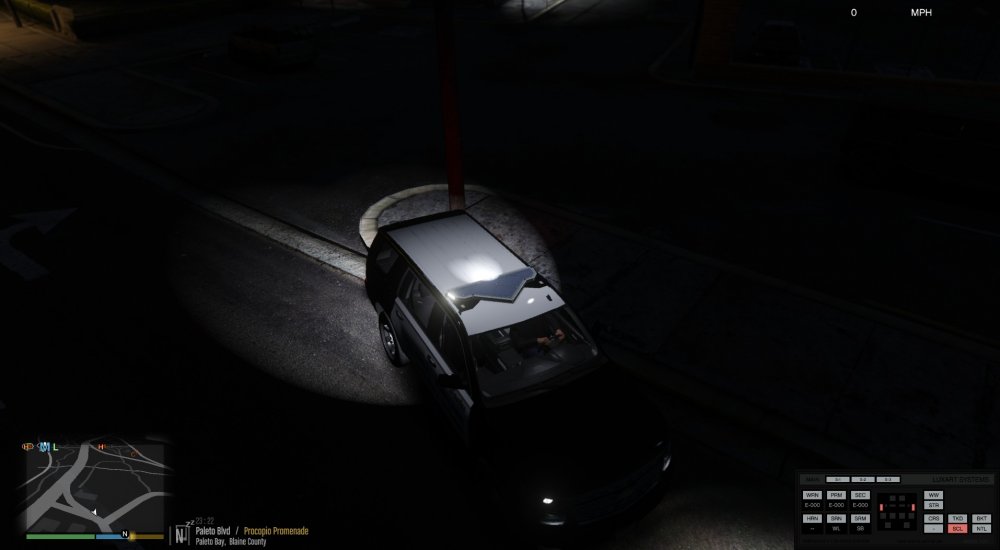
My scene lights look horrible When you said "center to axis", you meant 0,0,0 coordinates or just sticked to Z axis or what?
-
Thanks. One more question. What if I create more than one dummy for one extra?
-
It's strange, but it works :D Thank you, and can you tell, please, approximate positioning of Scene Lights Dummy? I have troubles with this one too
-
@OfficerFive0 , now it is like this. What should I do?
-
@OfficerFive0 , OMFG! I figured out how it works. Every ligh part should inherit from a dummy. The environmental lighting is facing NEGATIVE Y axis of DUMMY and not the extra
-
@OfficerFive0 , also, should dimmy inherit from mesh or mesh should be inherited from dummy
-
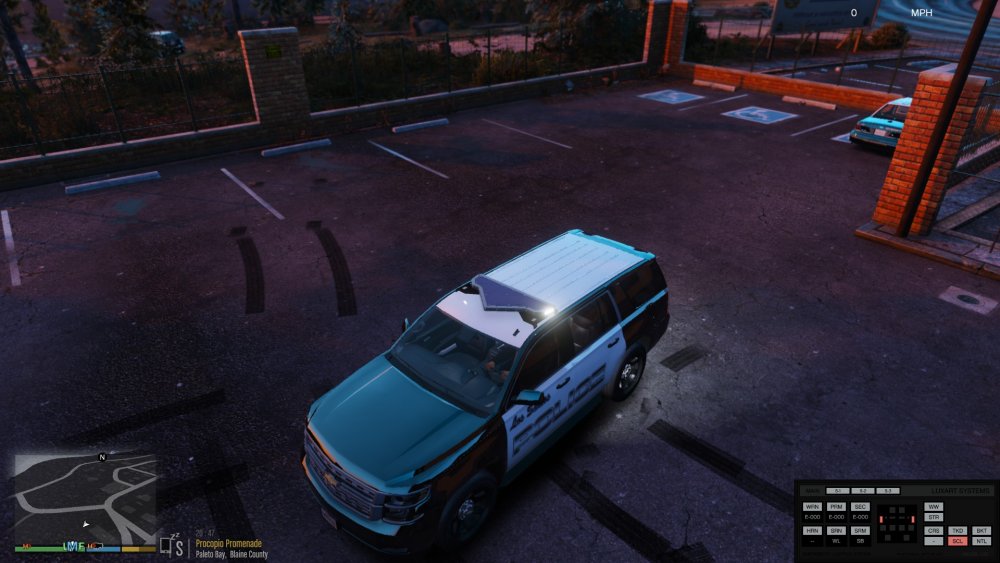
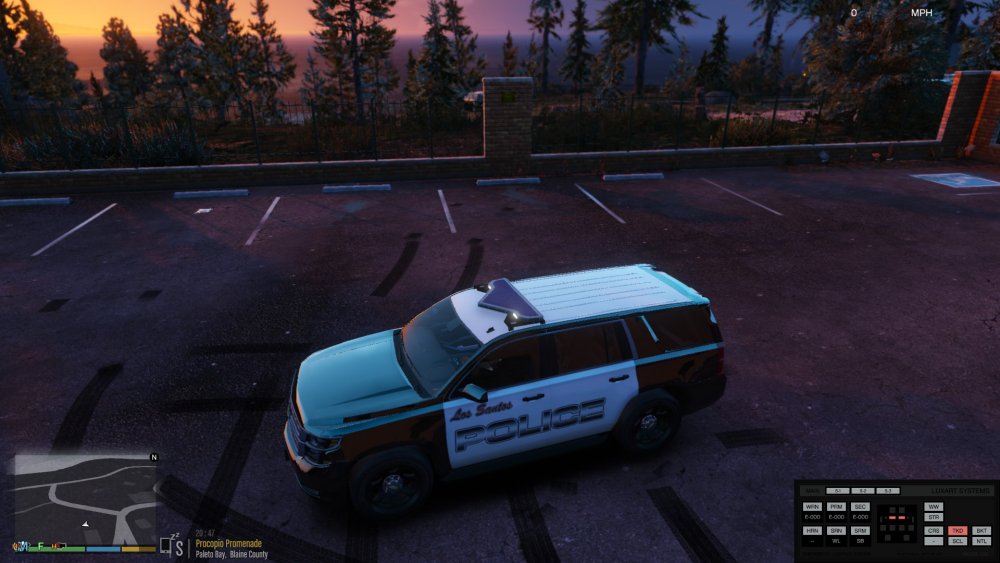
Can you explain, how to create those dummys properly? I think I'm doing something wrong. Edit: All the lghts except Takedowns and Scene work as the should. Take a look:
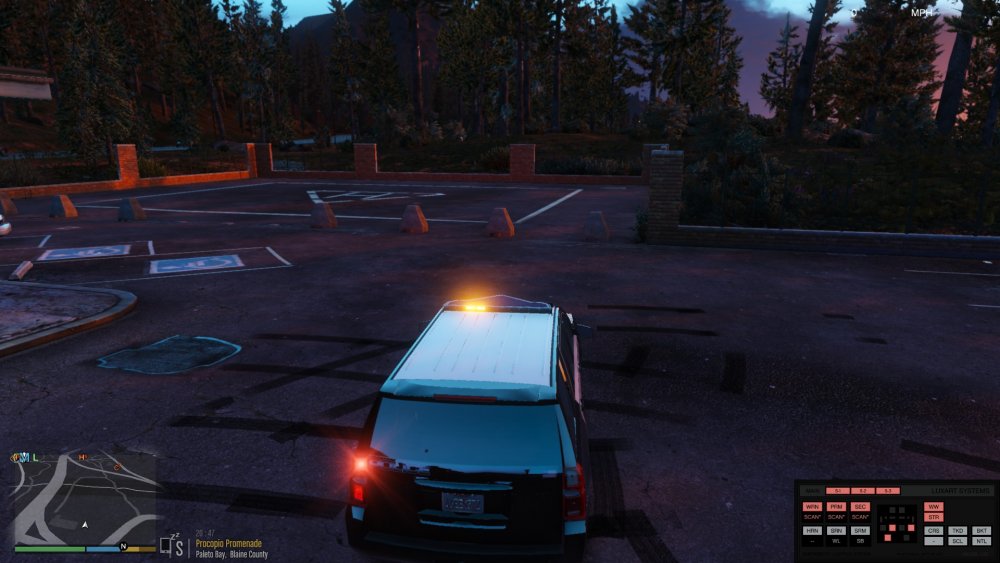
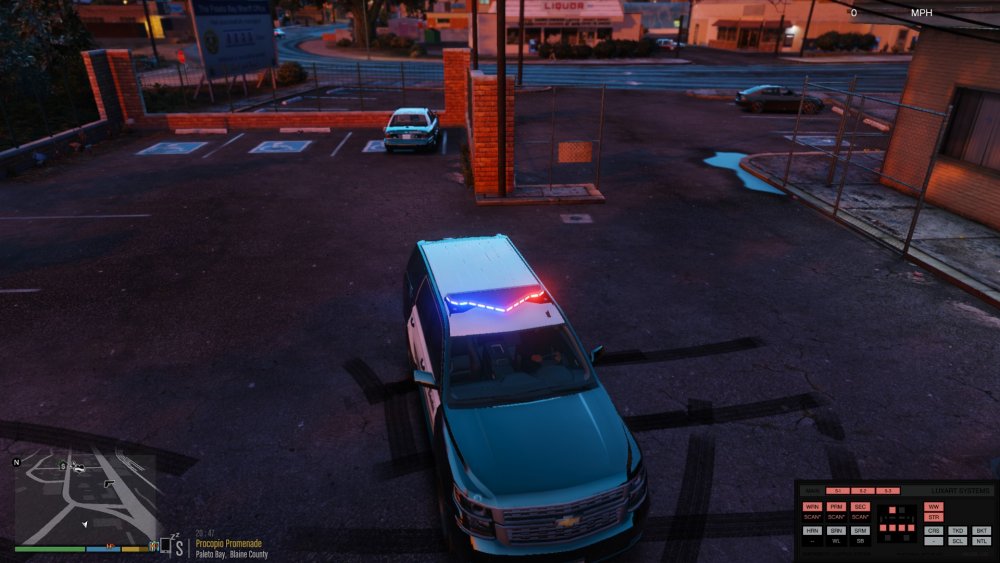
-
@OfficerFive0 , the only mesh that has dummies is EXTRA_1

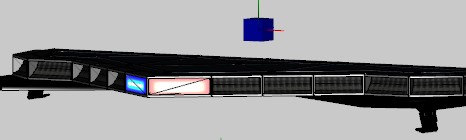
-
sure!
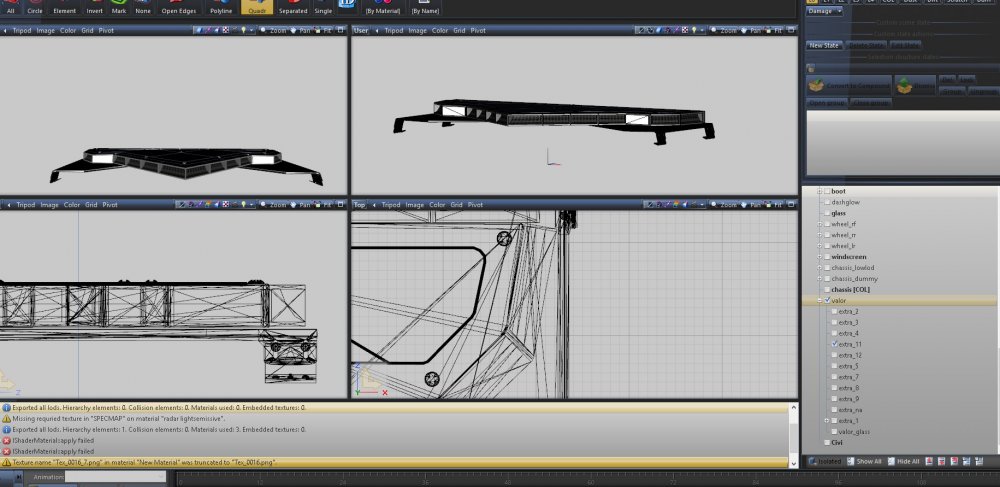
-
How did you organize your takedowns? Cause I don't have any dummys for them, but I bet you do I mean how should I set them up to work like yours?
-
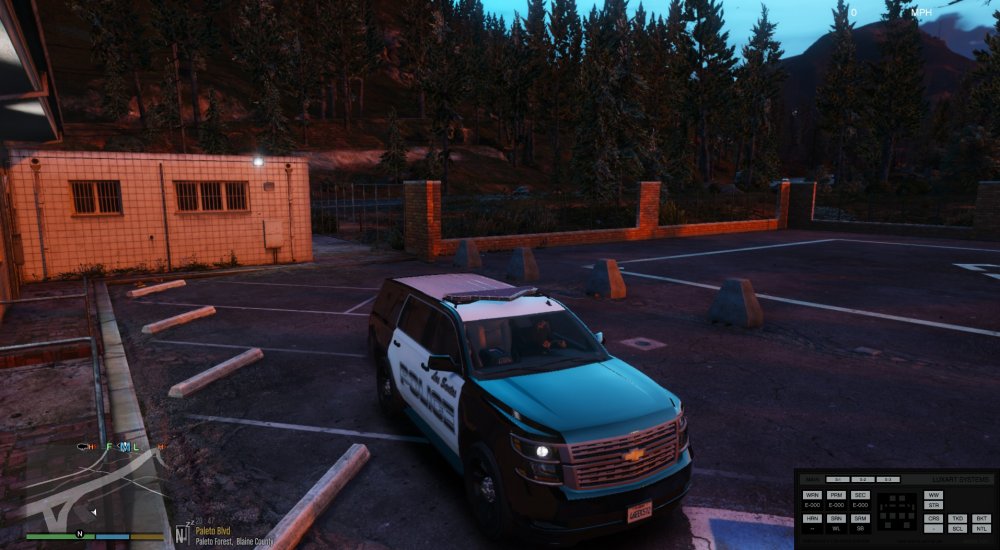
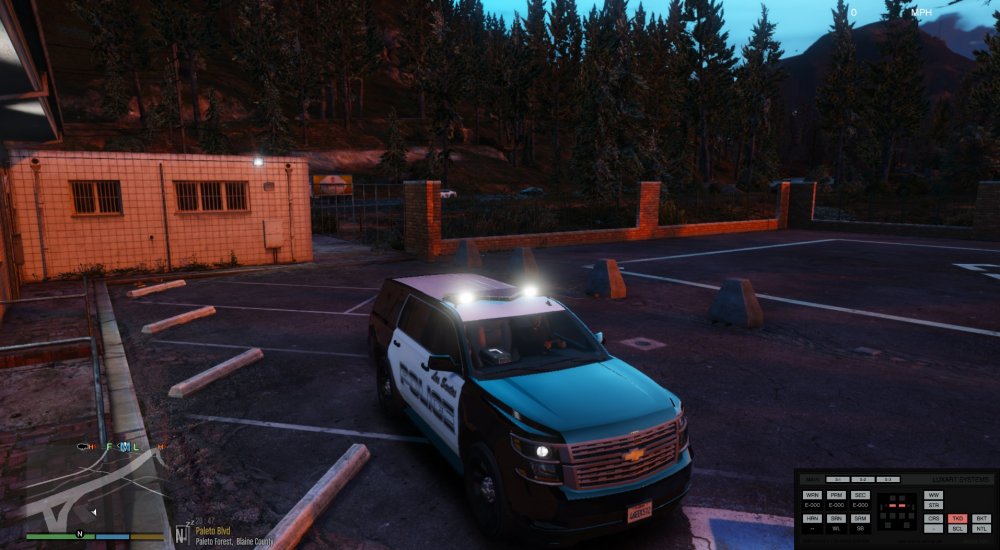
No, It's like this
-
I have a problem when takedown environmental light is facing negative Z instead of positive X. Can you help me with that?





