HappyJoker
Members
-
Joined
-
Last visited
Everything posted by HappyJoker
-
update?
-
Can’t wait! Hopefully an update soon?
-
-
I think it’d be pretty cool if someone were to make a callout pack regarding animals and things. I have a couple ideas. Animal Struck by Vehicle This one you would have to arrive on-scene and determine whether the animal was hit intentionally or accidentally. If intentionally, ticket or arrest the suspect and if accidentally, call the local food bank to take away the animal and feed to the needy. Animal in Roadway Casuing a Jam Pretty self explanatory. Animal in Need of Dispatch An animal is mortally wounded and will suffer for a long time if not dispatched. Arrive on-scene and dispatch the animal in the most humane way possible. Just a couple ideas :)
-
that’s not the most recent version. The most recent version is 1.3.5.4.
-
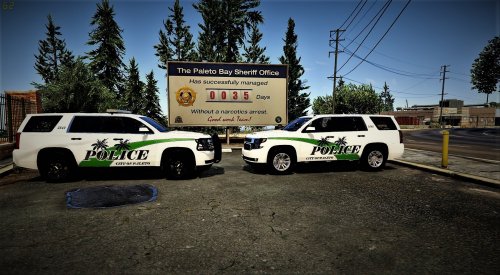 dis is nice
 -
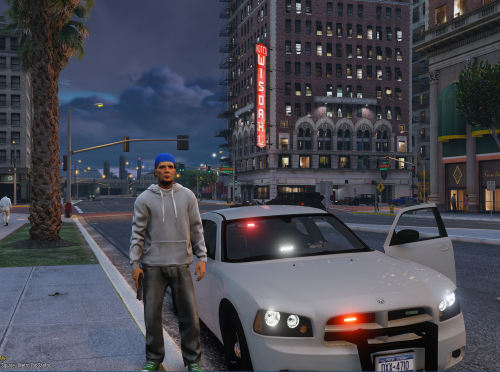 @officerhairline It’s not a car modification. It’s a ped modification. Why are you reviewing it as a car?
- 4 comments
- 1 review
-
I found the issue. For some reason the Razer audio driver was conflicting with my speakers. I appreciate it as always Rourke!
-
Well...I played LSPDFR for a good 3 hours straight without any problems and it was getting pretty late so I went up to bed. Woke up for work the next morning, did work things, came home and I really excited to play some LSPDFR –as always lol– so I load up my game and there was no sound at all... I googled my problem and a lot of people were having a similar issue of having sound throughout the intro but it cutting out afterwards. I have no sound at all. None. I made sure my audio drivers were up to date, made sure everything was good in playback devices, cable was in-tact. I couldn’t find anything out of the ordinary. Any help is appreciated!
-
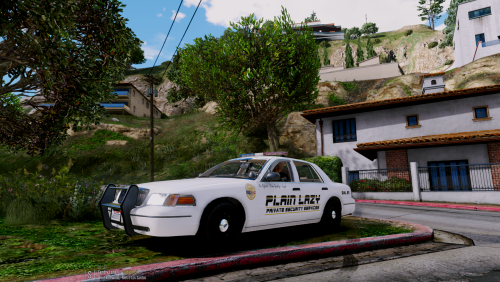 lmaooo
 -
I suGgEst YoU LeaVe THe IntERnEt
-
bahaha it’s kinda offensive that you think I don’t know how to drag and drop a file...
-
Radiance V doesn’t work for me either. I use Improved Spotlight and LED. Works just fine :) link below
-
-
I use Improved Spotlight and LED and all that messes with is graphics.ytd and visualsettings.dat... But like Rourke said above me, you can just edit it yourself...
-
Can we get a log file?
-
@t0y I want to personally thank you for what you did. It was your doing that helped Rockstar/T2 to come to their senses. So...in other words I FUCKING LOVE YOU
-
No problem man.
-
There is a link floating around the internet but I can't do it on this site because it is considered piracy. Just do some research and you'll be able to find it.
-
Change your DNS option to automatic.
-
Did you reinstall RPH? Run it as an admin?
-
Did you back up the game via RPH?
-
I'll load in the game, RPH starts up fine. It'll get to 'Loading and populating game world' and crash. I have the gameconfig.xml for addon cars so that's not the issue. Logfile in spoiler.
-
Yeah, that's what I'm thinking so I want you to verify your game files. Steps: 1) Create a shortcut of gtavlauncher.exe. 2) Right click on the shortcut you have just made and select properties. 3) Where it says the directory, add ' -verify'to the end of the file path. MAKE SURE YOU HAVE THE SPACE BEFORE THE DASH! 4) Run the shortcut and let it do its thing!
-
So you said that the vanilla cars still cause crashes. That probably means that some part of the car or the car itself is corrupted. Are you on steam version or SC version?