
Sgtnicko
Members
-
Joined
-
Last visited
Everything posted by Sgtnicko
-
Nothing more Aussie than a Bunnings sausage and and some damper. Has it been released?
-
Tricked me out aswell. Thought it was the 90 series at first.
-
I'd recommend putting black behind the window texture. You might find the window a little too transparent ingame.
-
-
-
It's sad.
-
Well, I hope everyone pulls through, lucky most Aussies are pretty tough. I think everyone can agree though, we are standing with you Victoria.
-
-
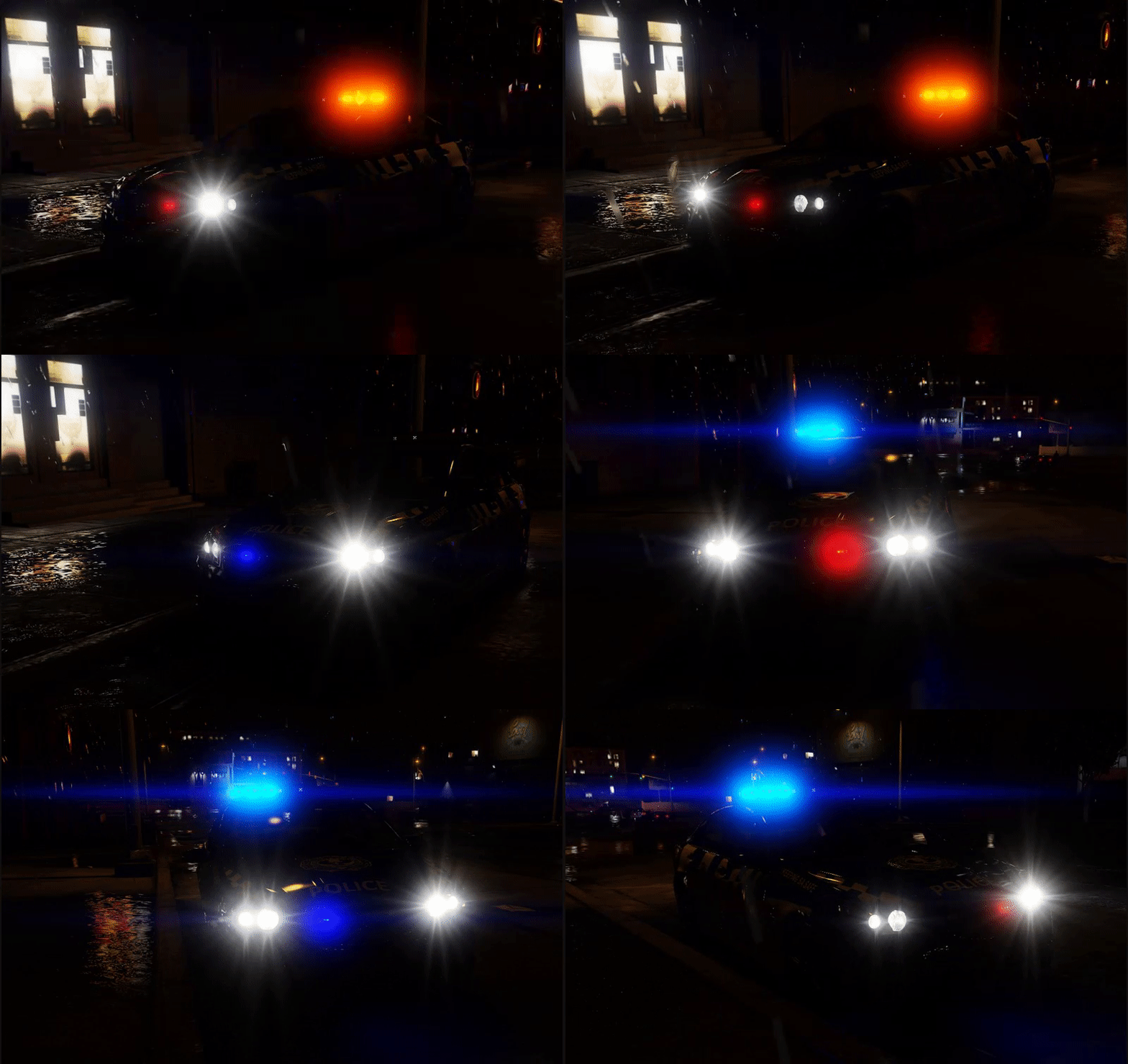
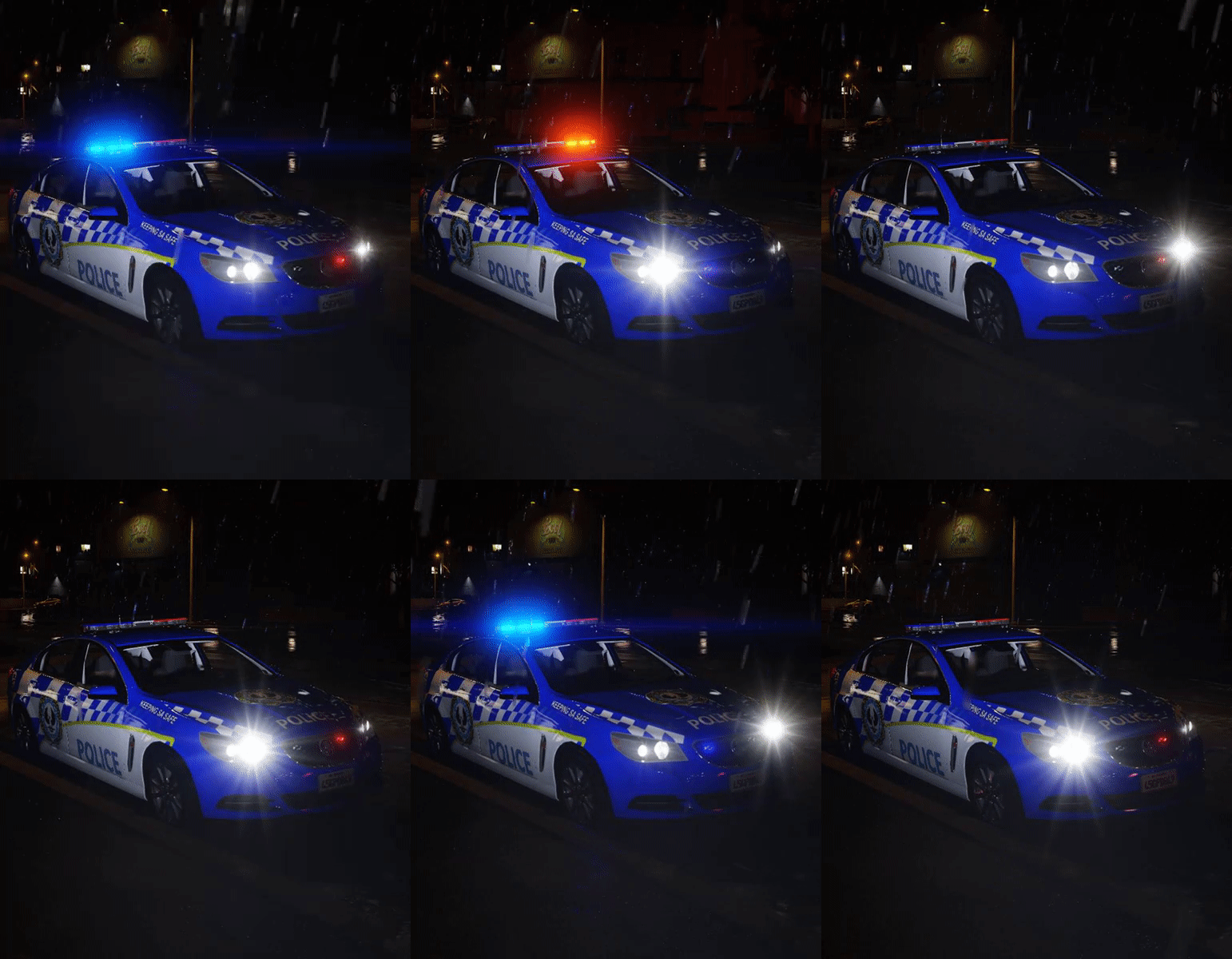
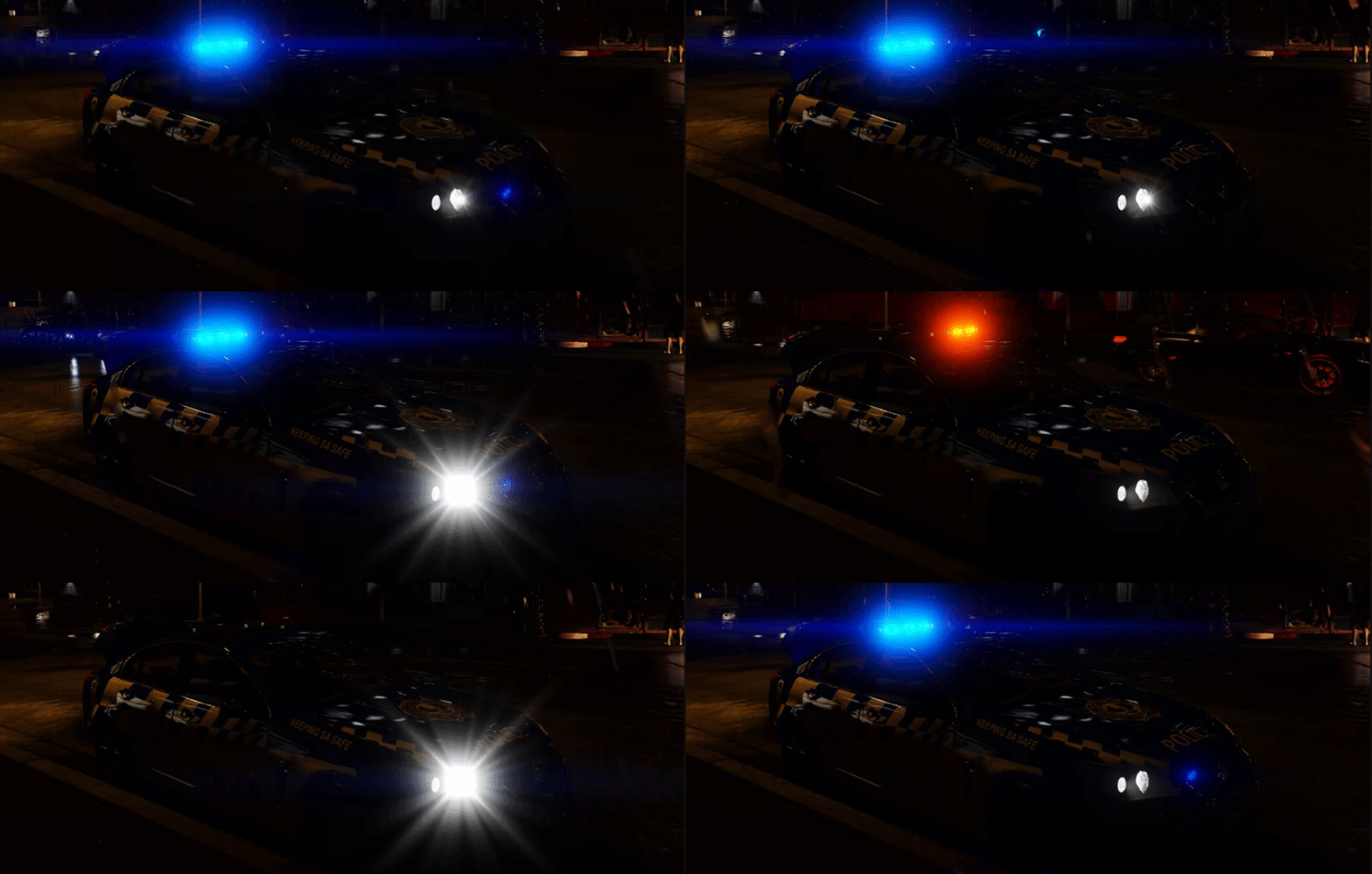
Looking Sexy! Like if you think the lights look good. @xKryptx
-
I'm not sure @Macgregor will have to answer that one. Please ELS your cars!
-
Yes, just rename the files. Although, with some vehicles this can have issues on the handling.
-
Are you refering to Aussie Flash Patterns?
-
I'm sure he would but, it'sssszzzzzz not ELS.
-
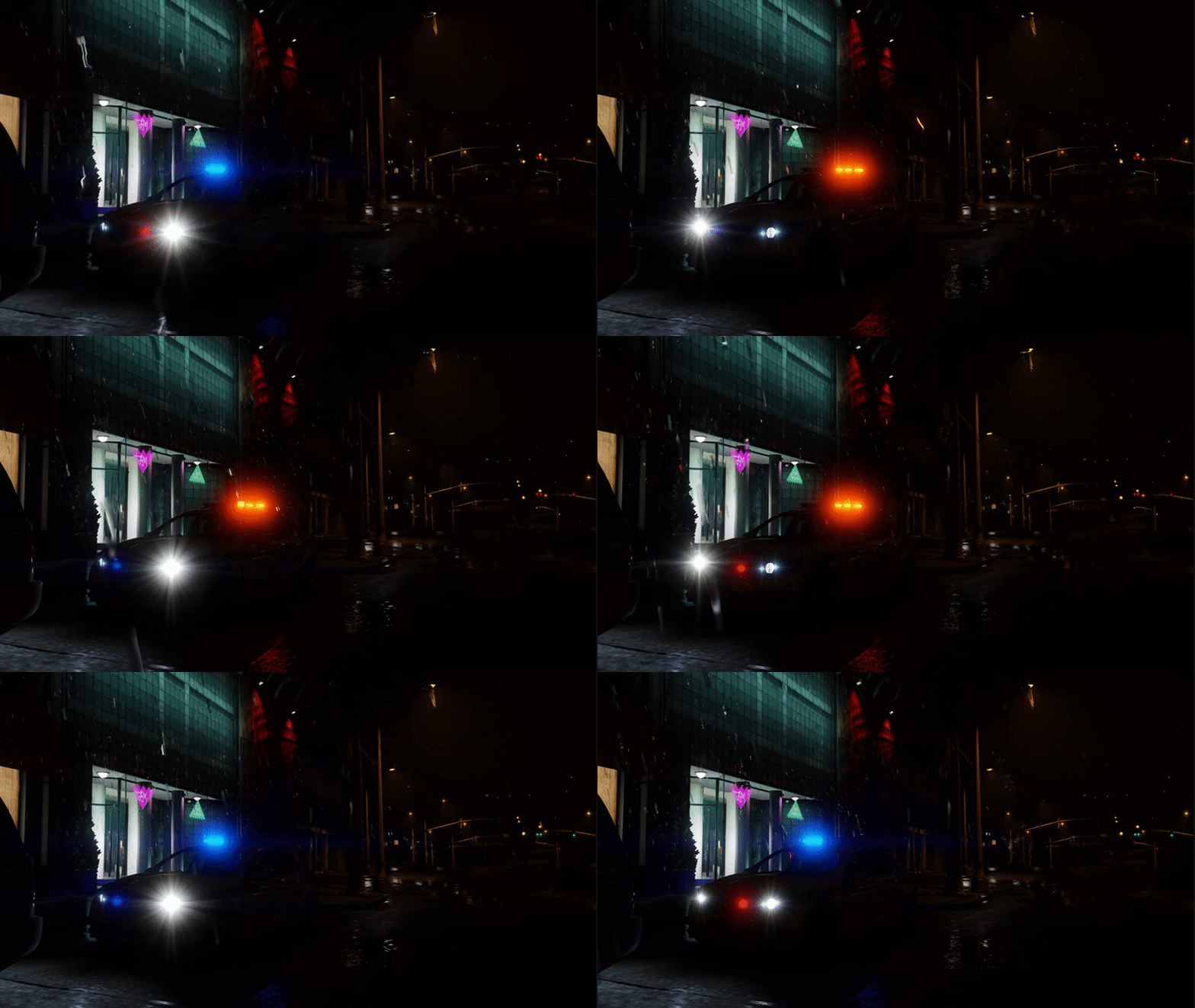
Patrolling in the SA storms. Also, a vid from my backyard. https://sendvid.com/tlj37fss
-
-
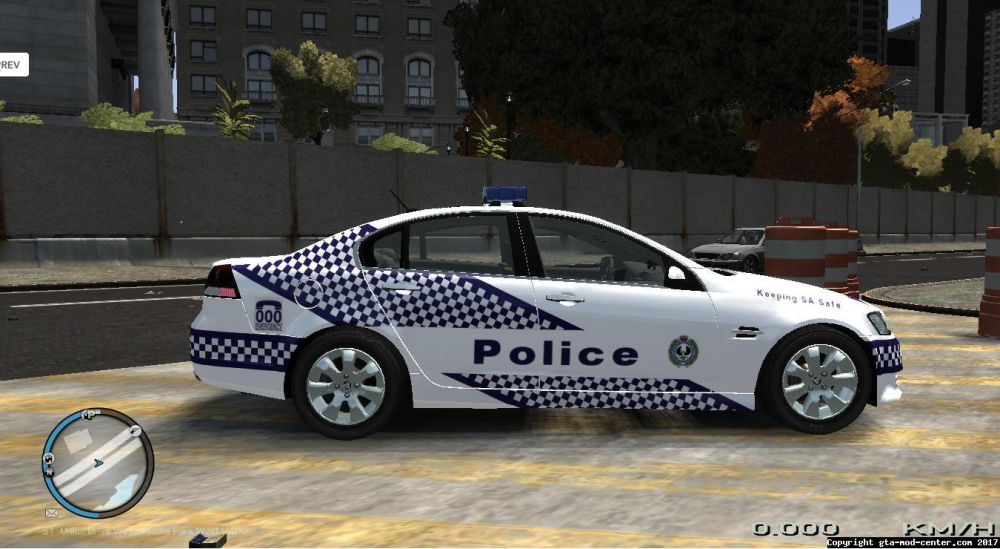
Does SA still use this variant of highway patrol? Also, does anyone know where the PED for the male sheriff needs to be installed to?
-
Do you think the SAPOL stuff will be out this january sometime @SNIT? (Serious Question)
-
Then it's almost definitely an issue with the lines in the mpchristmas2 folder. Forgot the file name.
-
I've had the same issue. Check your installation of Mac's flash patterns.
-
For everyone in SA, the latest SAPOL skin has now been uploaded. New SAPOL Skin
-
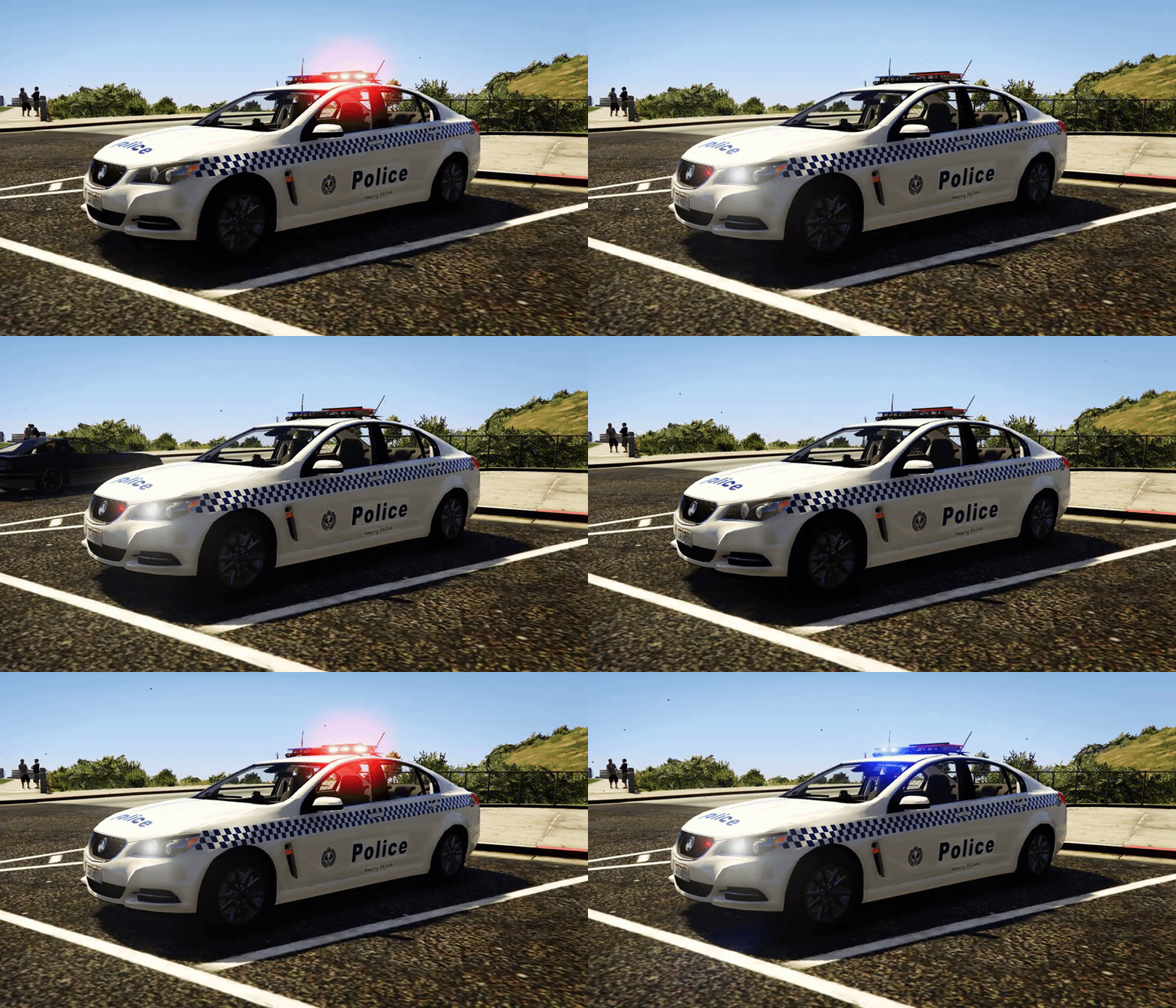 This will work on any released VF. By downloading this modification you accept the following terms and conditions. When downloading this file you, the downloader are the client and therefore must follow these terms and conditions set out for the client. The modification you are downloading is provided without a warranty and therefore you are responsible for any damages which are caused to your game by this modification and the creator which is myself is not responsible. The client is not to re-upload this modification anywhere including in Clan Packs or Discord / Social Servers e.g. Facebook or Twitter. Before creating content which features these modifications you must receive permission from the original creator who is myself. This modification may be altered however it must not be re-uploaded or shared to other users. No part of this modification may be used in another modification without my permission as the creator. I am not responsible for any content created using this modification and therefore it is solely the responsibility of the client to ensure content created is in accordance with all federal and state laws and regulations. These terms and conditions were created by SgtNicko and may be reused by other creators, the creator refers to the person who created the modification this is in subject of. Breaking the terms and conditions outlined here will result in potential legal action being taken. To obtain permission contact me at nickod8090@gmail.com
 -
I'm thinking of the possibilities. My mind is blown.

-
I didn't know you could change ELS colours with the YTD!
-
Ooooohhh killem.
-
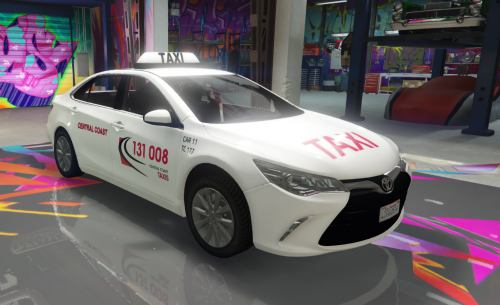
Must say, I think the lightbar suits it.


.thumb.png.cc76efc7982f3ebaf508bc5ccf52762a.png)