



Sgtnicko
Members
-
Joined
-
Last visited
Everything posted by Sgtnicko
-
 By downloading this modification you accept the following terms and conditions. When downloading this file you, the downloader are the client and therefore must follow these terms and conditions set out for the client. The modification you are downloading is provided without a warranty and therefore you are responsible for any damages which are caused to your game by this modification and the creator which is myself is not responsible. The client is not to re-upload this modification anywhere including in Clan Packs or Discord / Social Servers e.g. Facebook or Twitter. Before creating content which features these modifications you must receive permission from the original creator who is myself. This modification may be altered however it must not be re-uploaded or shared to other users. No part of this modification may be used in another modification without my permission as the creator. I am not responsible for any content created using this modification and therefore it is solely the responsibility of the client to ensure content created is in accordance with all federal and state laws and regulations. These terms and conditions were created by SgtNicko and may be reused by other creators, the creator refers to the person who created the modification this is in subject of. Breaking the terms and conditions outlined here will result in potential legal action being taken.
 -
It would be great to finally see something.
-
@snit Should I install Moose's VF or just wait for yours?
-
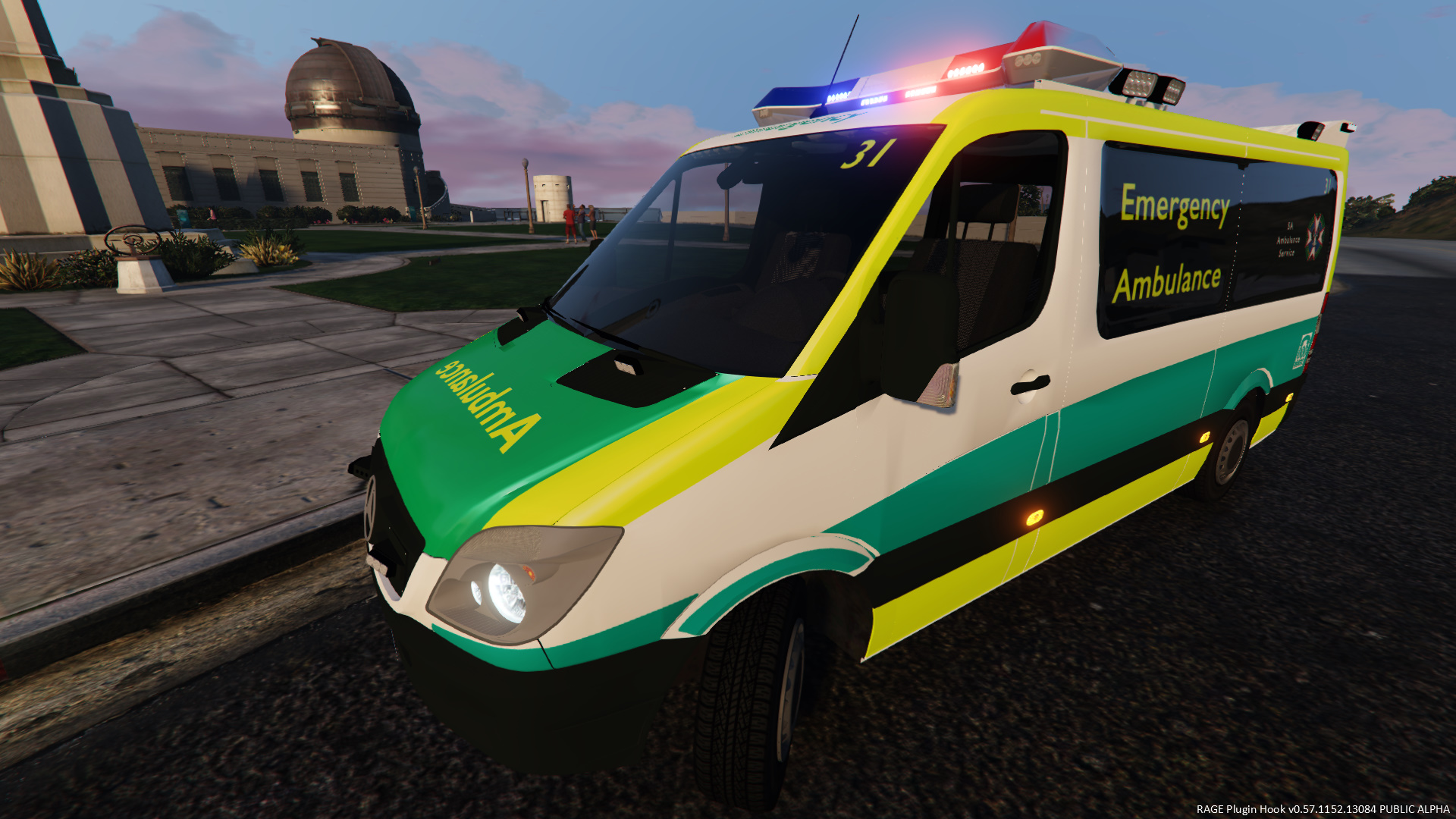
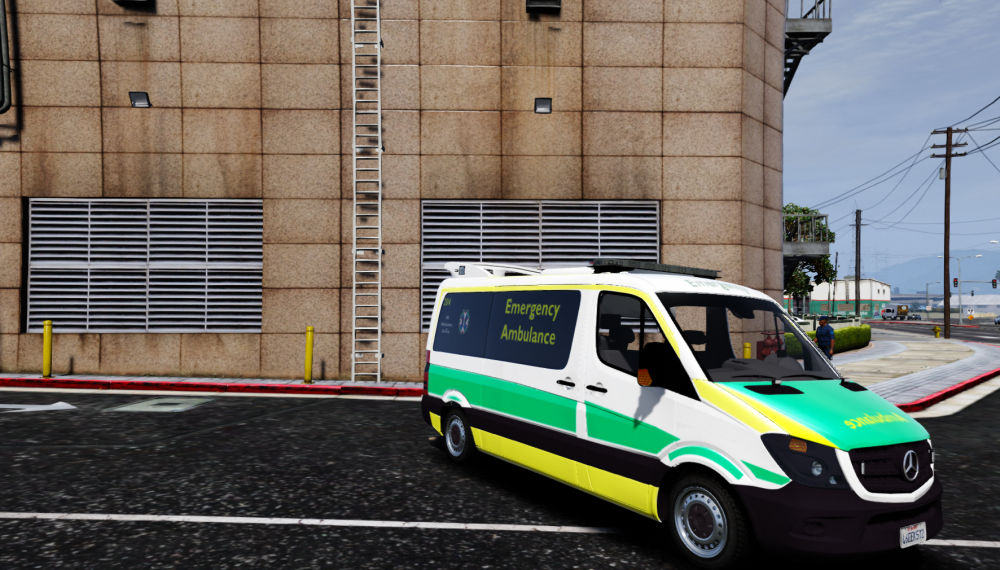
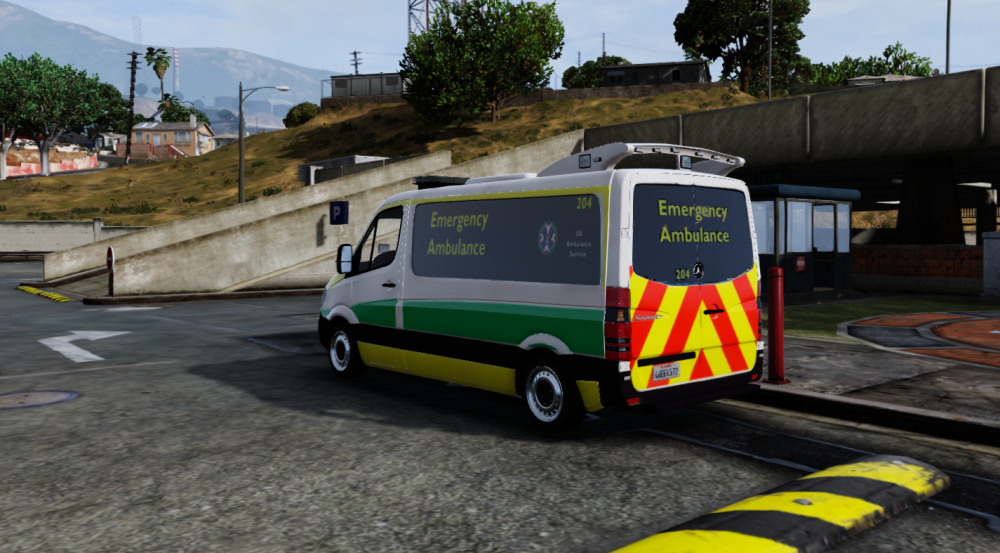
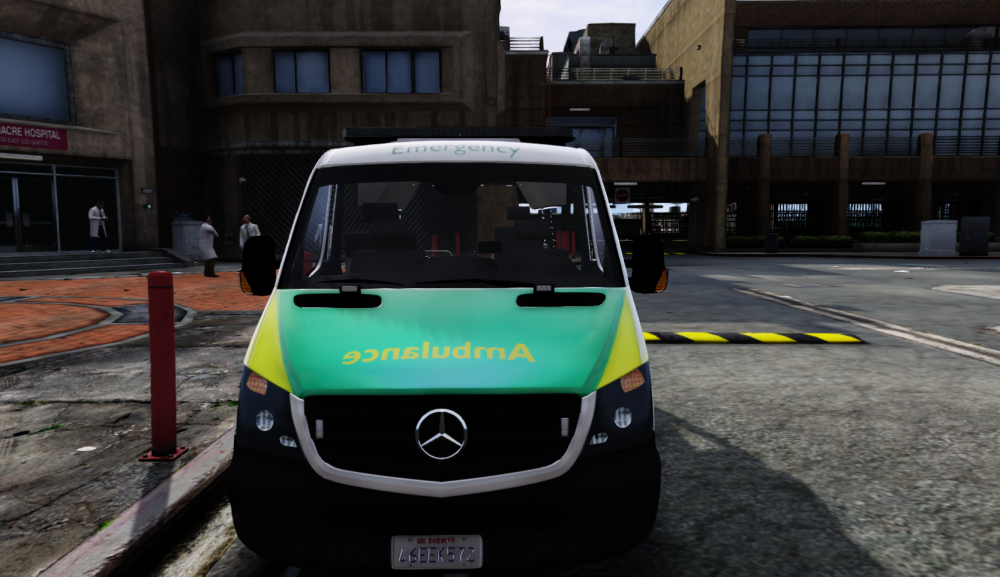
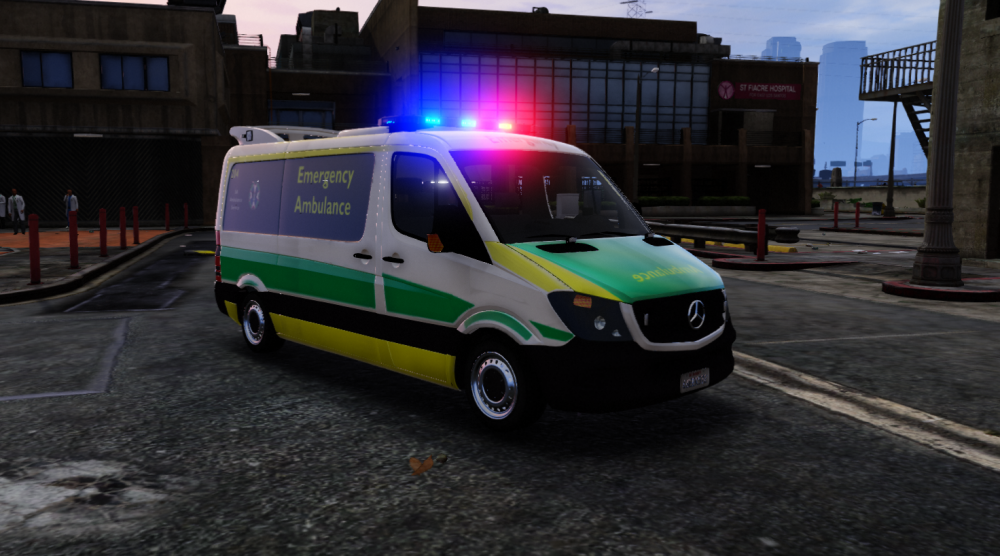
What are these callouts you speak of? Finished SA Skin Will be released tomorrow.
-
Does this version have the windows fixed? @MooseYTY ? Or is that coming in a later update?
-
The texture wasn't mapped on the windows.
-
Ahh, you're very correct.
-
Os the board normally on the back of this light-bar not on top? also, @Moose Is it possible to put text on the windows for the Ambulance?
-
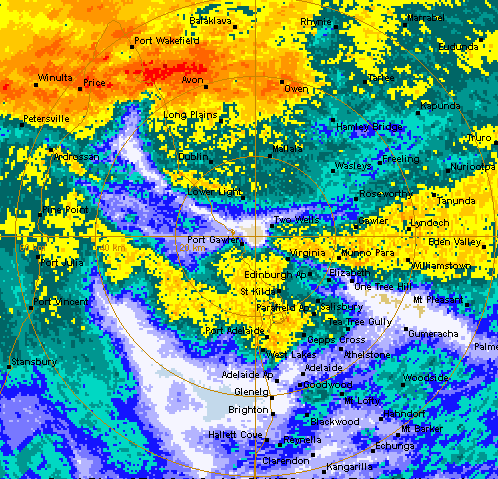
Rest in pieces SA power is out. Just lost all my PS work . Fuck.
-
The SES are going to have a very very busy night.
-
What skin?
-
Also, it is possible to release one with all those lines removed. It make it really difficult to line tings up.
-
What are those other 2 bits? I can see the main template.
-
Is it els? What about the sprinter? Is there a template?
-
@snit I have one it's got a $300,000 connected equipment warranty as well. They only protect against so much. Also, we're meant to be expecting some fast winds ( 90-120 Kmh). But, we have a 12kw diesel gen that's also on out mains. But here's to hoping. *Says NBN will be quick.*........ Turns out to be worse than ADSL on a boat.
-
Looks like there is a massive storm coming. They are tying the hangars in Adelaide Airport with Steel tensile wire. Might be time to unplug the computer. Try disabling the custom loading screen.
-
Yeah
-
There is a new scripthook.
-
I haven't upgraded yet. I want to know if it's stable.
-
Is anyone still having issue with the latest version of RPH?
-
I was talking about a different Ambulance that's been done by @Bulldog Designs. Which I hadn't heard anything about for a little while. I think what @Macgregor is saying is that people (in general) shouldn't come onto the forum constantly asking about Model releases that's not the design of this thread nor the forum. Especially for those who don't create any content themselves. No-one is singling you out.
-
Because Uni SA like to think they own you.
-
Uni SA. I'm guessing.
-
What Uni?
-
Your ambulance is coming out? I hope. Really hanging out for a replacement haha.




