


Creators: Due to background reprocessing of files, approvals and file security checks may be delayed. Thanks for your patience.

PantherP71
Members
-
Joined
-
Last visited
Everything posted by PantherP71
-
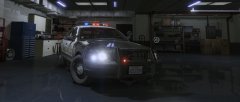
From the album: California Law Enforcement
2009 Monterey County sheriff’s office CVPI -
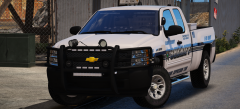 Someone should tell @Gump his ssv rims have the wrong hub cap lol
 -
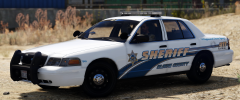 Pretty sure I have an HQ Inyo sheriff star, will check when I get home if you want it
 -
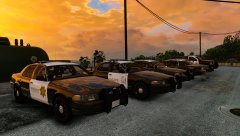
From the album: California Law Enforcement
Santa Barbara County sheriff’s motor pool -
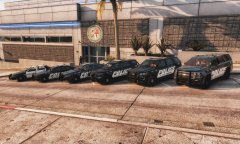 Ayyyy CMPD for the win!
 -
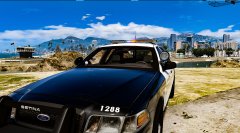
From the album: California Law Enforcement
Cypress Flats CVPIs -
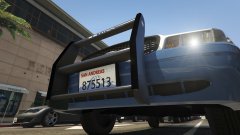 Yes!! Will this push bar be released as a dev resource??
 -
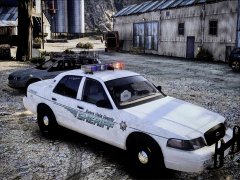
From the album: California Law Enforcement
-
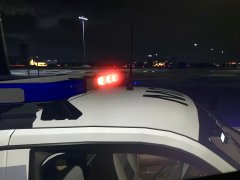
From the album: California Law Enforcement
-
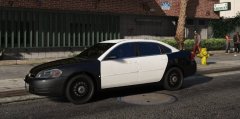 Dope!! I’ve been wanting to use more impala 😘
 -
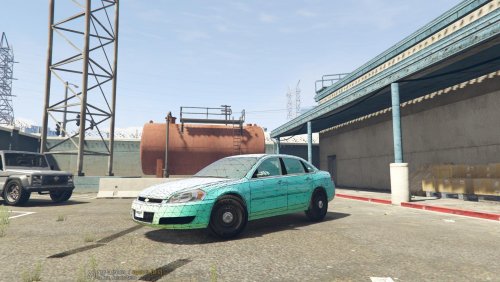 Hey i love this car, but for whatever reason it crashes my game sometimes, any ideas as to why?
 -
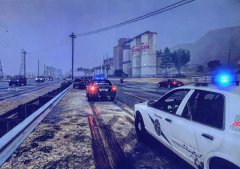
From the album: California Law Enforcement
Two SASP units on scene of a TC involving an SUV and a red sedan, sorry for poor picture quality have no idea how to take screen shots lol -
-
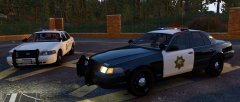
From the album: California Law Enforcement
-
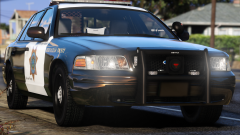 That pushbar is sex:0
 -
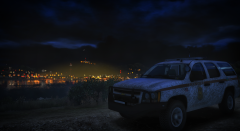 Thank you :)
 -
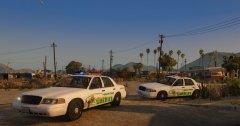
From the album: California Law Enforcement
Two Imperial county sheriff deputies dispatched to a shots fired call at the old marina, across from the salton riviara hotel -
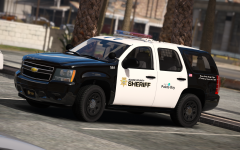 Mmmm you should be using theHurk's base, much better quality and this pack looks great!
 -
Yep, that's perfect placement hadn't seen that yet lol
-
Alright!
-
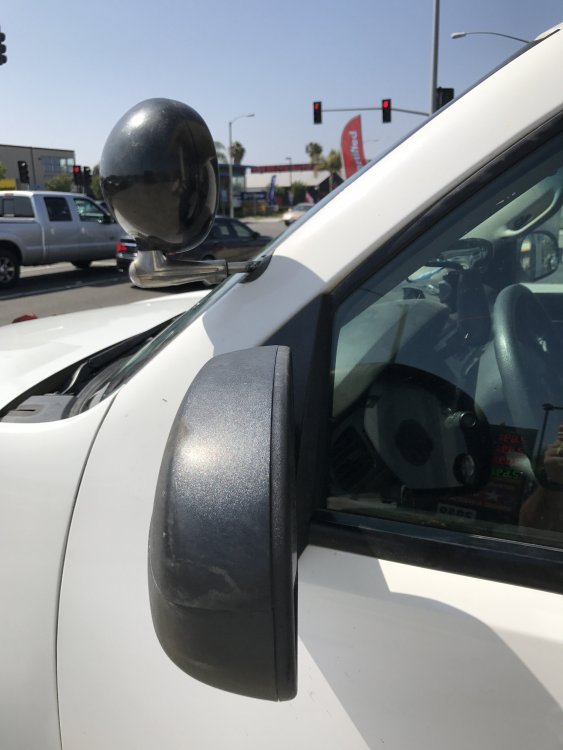
It looks like your spotlight is a little low, it should be the same place as on the Tahoe, above the mirror, other than that these look fantastic and I cannot wait for them! *attached is a picture I just took off my rig, with proper placement of spotlight*
-
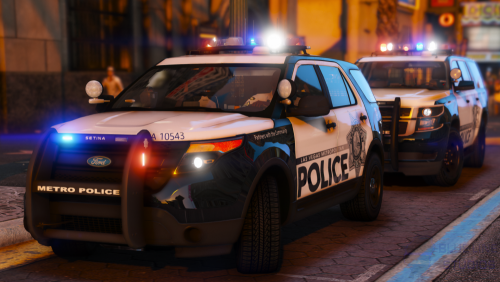 Is there a way to disable the headlight flash on the vehicles in the carcols?
- 67 comments
- 25 reviews
-
-
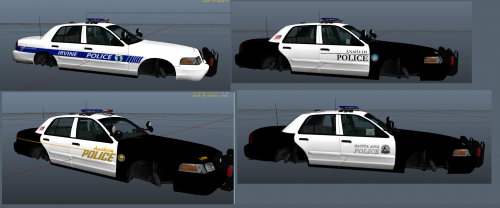 It should be the same template so it should work just fine
 -
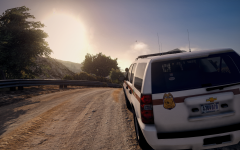 here!, use this on any Tahoe with this template (TheHurk's 2013) just use a trainer to make the car color metallic grey




