officerAMR
Members
-
Joined
-
Last visited
Everything posted by officerAMR
-
-
maybe a mounted Bravo? I believe it can mount a M136 or M60 aswell as the 240b
-
I cant see it, needs more lights :P
-
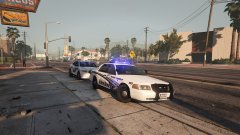
From the album: GTA V stuff
Blue on Blue.....the good kind -
My lawyers will be in touch
-
Told you it would work
-
He can take all the time he needs, the GTA V lighting system is decent, its not like we're stuck with the.....*shudders*..GTA 4 lights
-
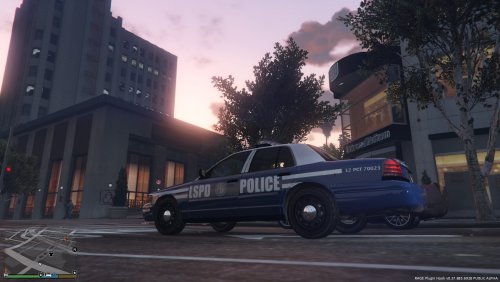 Holy crap this looks great, you should definitely do it for other vehicles and make it a LSPD pack
- 2 comments
- 2 reviews
-
-
Drive it into the water to wheel arch hight :P
-
Its the EVL beta not ELS
-
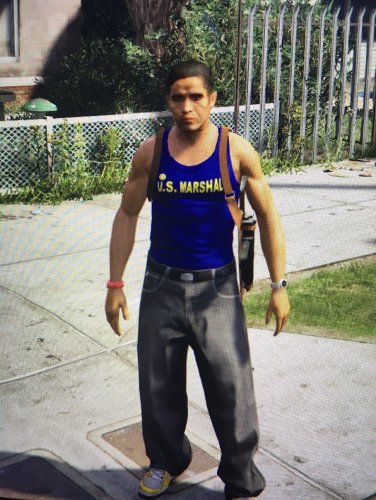 He's a male stripper as his secondary job
 -
Hay, you cant use my Trademark, you're going to get sued over this
-
The P46S2X would look good on a Tahoe IMO
-
-
It wouldn't be ELS enabled tho
-
It uses its own script for the lights rather then using the GTA V default "light settings". This allows mod authors to put as many lights as they please on a police cars without limitations by the games default lighting system
-
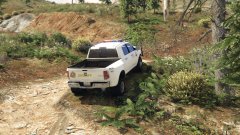 I would remove the Dodge logo on the back for skin, CHP do it to their CVPI's
 -
Lundy made one ages ago
-
Spotlight definitely, i think it should be mounted like this Where the spotlight is on the column rather then mounted to the side of it
-
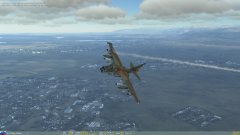
From the album: DCS Adventures
Only minor damages, nothing that you couldn't buff out -
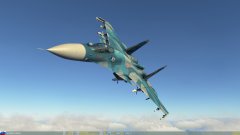
From the album: DCS Adventures
SU-33 RTB after intercepting an Enemy AWACS heading towards the Admiral Kuznetsov -
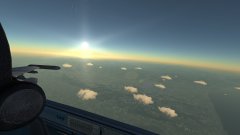
From the album: DCS Adventures
Cruising at 10'000FT -
Thats for sure, that will be the end of having to adapt the carvariations meta
-
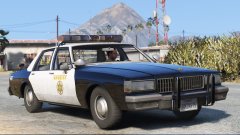 Noice, any chance of a Taxi cab version?