OfficerFive0
Members
-
Joined
-
Last visited
Everything posted by OfficerFive0
-
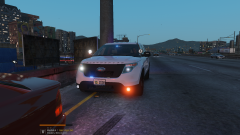
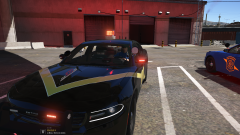
From the album: Michigan Mega Pack
-
 kygos base, my modules, mount and probably something else. However on the older tricore models (used on the pittsfield cars) im its the same, except im using your glass texture, since its really good 😄
 -
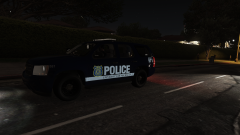
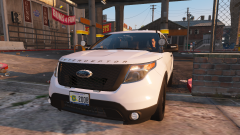
From the album: Michigan Mega Pack
-
I dont think its possible on peds.
-
-
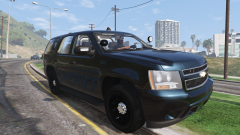
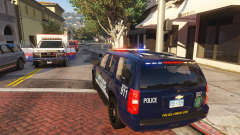
From the album: Michigan Mega Pack
-
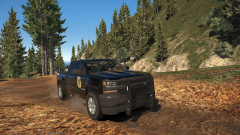 This will be released along with all the other cars in my michigan mega pack. At the current time, there is no release date.
 -
After testing it out, dirt in fact does not appear on the reflective parts. if you use decal2 instead of decal, then i believe dirt would work, but the livery wont be as reflective
-
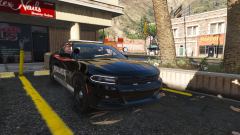
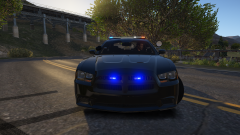
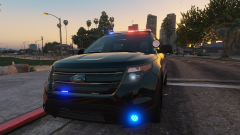
From the album: Michigan Mega Pack
-
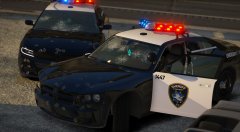 fedsig vision sl
 -
ill have to test that out, i never actually verified if the dirt did or didnt work.
-
does the dirt show in zmod, you may need to copy the mapping
-
-
-
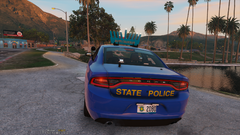 Still no release date.
 -
-
NaturalVision, it causes it. the author stated on the mod page that it was either good looking lights, or good looking sunset (something along those words).
-
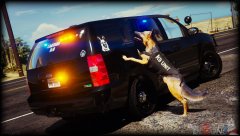 cage in the rear?
 -
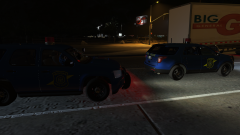
From the album: Michigan Mega Pack
-
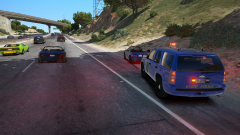
From the album: Michigan Mega Pack
-
From the album: Michigan Mega Pack
-
-
-
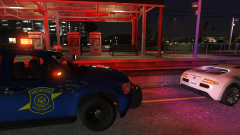
From the album: Michigan Mega Pack
-
-
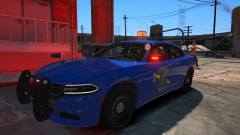 At the current time there is not set release date.



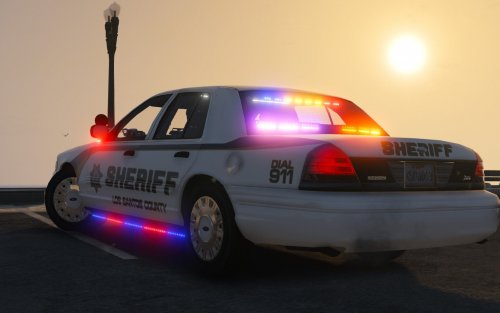
.thumb.png.04a1687a445e54a18a959b7926b87d7b.png)


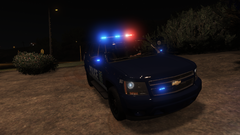
.png.869bd9a184d476f1a040342d48a6c0da.png)