OfficerFive0
Members
-
Joined
-
Last visited
Everything posted by OfficerFive0
-
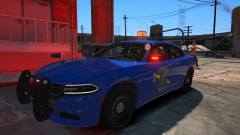 At the current time there is not set release date.
 -
Both the headlight and tailights have wig wags. And unfortunately, the beacon does not have an accurate flash pattern. Ive tested many methods and from what i can tell, its impossible to have the correct flash pattern, even with carcols.
-
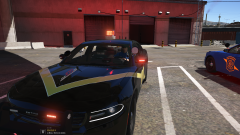
From the album: Michigan Mega Pack
-
From the album: Michigan Mega Pack
-
 I may sometime in the future.
 -
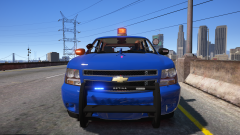
From the album: Michigan Mega Pack
-
-
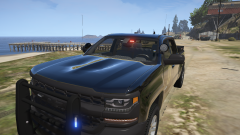
From the album: Michigan Mega Pack
-
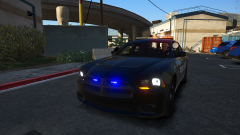
From the album: Michigan Mega Pack
-
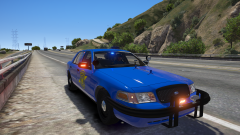
From the album: Michigan Mega Pack
-
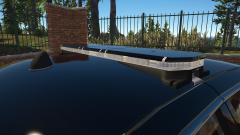
Whelen Justice with colored lenses
-
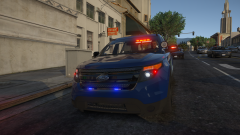
From the album: Michigan Mega Pack
-
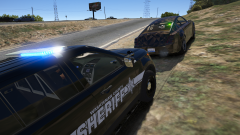
From the album: Michigan Mega Pack
-
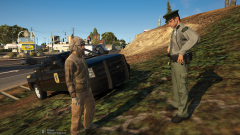
From the album: Michigan Mega Pack
-
.png.018848f10db5c5c03b71af7304ae1761.png)
From the album: Michigan Mega Pack
-
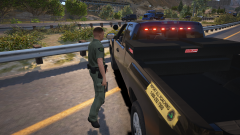
From the album: Michigan Mega Pack
-
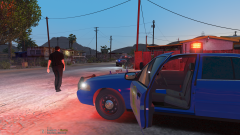
From the album: Michigan Mega Pack
-
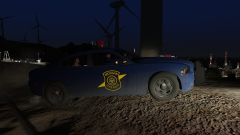
From the album: Michigan Mega Pack
-
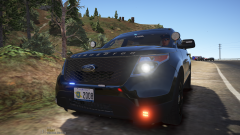
From the album: Michigan Mega Pack
-
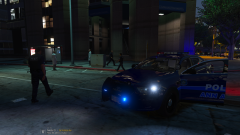 Nope, these will be released once I finish the pack. No, there is no release date.
 -
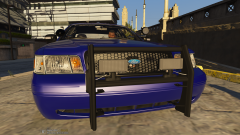
From the album: Michigan Mega Pack
-
From the album: Michigan Mega Pack
-
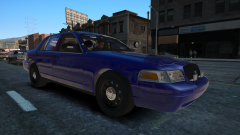
From the album: Michigan Mega Pack
-
-
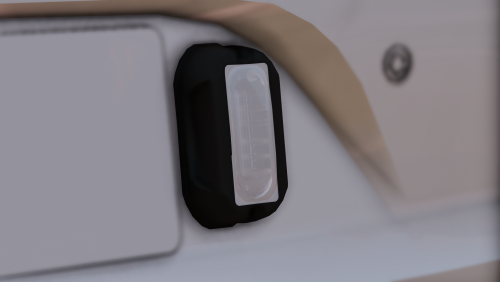 Is it too hard to enjoy a part that I made and decided to release to the public for free? Is it too hard to learn how to set up non els lighting?


.png.4e3d5ea8fdde353fa6a0f8d32357111c.png)

.png.018848f10db5c5c03b71af7304ae1761.png)