


FireSheriff343
Members
-
Joined
-
Last visited
Everything posted by FireSheriff343
-
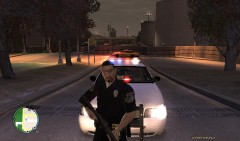
From the album: Messing around with fraps
A look at a custom Stuart PD CVPI along with a custom Stuart PD Uniform -
From the album: Messing around with fraps
COD mod -
-
 very true.... this time he screwed with the wrong trooper
 -
 im gonna need to make sergeant one day.....
 -
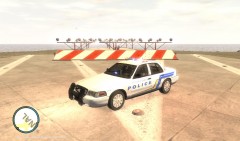
From the album: Messing around with fraps
Skin made by jesse0000000007 -
-
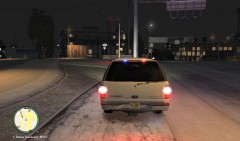
From the album: Messing around with fraps
all around works great... wish it had a couple of side lights for going through intersections but even the real ATTF guys dont have that -
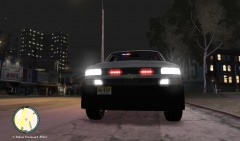
From the album: Messing around with fraps
closer pic -
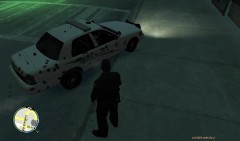
From the album: Life of the S.O. Version 2
Responded to a late night shots fired call.... and look at that... there were some shots being fired -
-
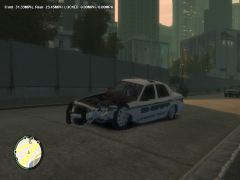 looks like a semi hit it to me.... one big damn curb
 -
From the album: Life of the S.O. Version 2
At around 1728 est time FHP conducted a traffic stop on a reckless driving Chevy Suburban on the Western Highway in the Southbound lane. Upon pulling the vehicle over the driver was cited with reckless driving and let go. As the Trooper got back into his vehicle the Suburban occupied times 2 made an illegal u-turn on the highway and ran into a civilian and fled the scene. The Trooper made a u-turn to go and catch up with the Suburban as it took off. The pursuit lasted around 2-3 minutes where the Trooper with assistance from the S.O. PITed the SUV causing it to roll over. Both suspects were unharmed as they exited the vehicle and both suspects gave up without further incident. -
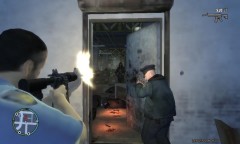 yea here we have shotguns inside the squad car and officers can buy an M4 or keep the AR15 thats issued to them in the trunk. just in case
 -
looks great! i currently have one in my game which is now being replaced with this :P
- 7 comments
- 10 reviews
-
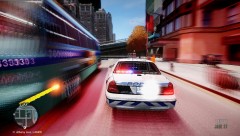 hahaha this is sweet! just dont crash and eject urself
 -
looks good. in my personal opinion i think you should add some sort of badge or something to the doors. but it looks great
-
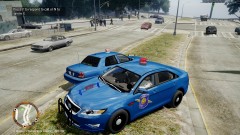 yea i wish FHP was like that lol. here they kinda randomly choose who they want to pull over and write people tickets for doing 10 over the speed limit which is 70mph even though they had to do 125mph to catch up to them. Idk i do like the uniqueness of the car itself im just not a big fan of the big red bubble
 -
im not a big fan of there cars but from what i hear they are not someone u wanna screw with
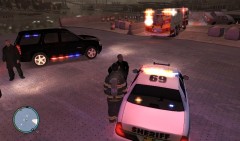 hahaha get outta here! i have both the LED pbso car and the one with the strobe lightbar. and then the tahoe is the one that bugs just releasedpretty much....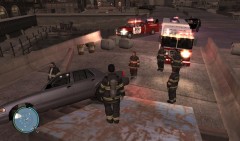
From the album: Messing around with fraps
Battalion 1 arrives on scene to start the investigation of the accident along with commanding incoming fire units on where to stage if the car falls into the water below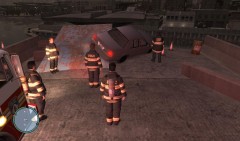
From the album: Messing around with fraps
Firefighters and deputies are dispatched to a 911 call stated that a street racer has gotten himself stuck at the edge of the broken bridge with the possibility of falling off. Upon arrival deputies find a Ford Crown Victoria stuck in between a ramp and construction blocks within feet from falling off the bridge.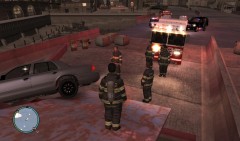
From the album: Messing around with fraps
Firefighters and deputies are dispatched to a 911 call stated that a street racer has gotten himself stuck at the edge of the broken bridge with the possibility of falling off. Upon arrival deputies find a Ford Crown Victoria stuck in between a ramp and construction blocks within feet from falling off the bridge.


