


FireSheriff343
Members
-
Joined
-
Last visited
Everything posted by FireSheriff343
-
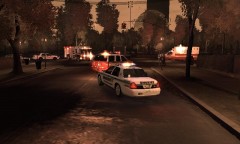 im actually not sure to be honest with ya. it came with the whole car... i know its a double stacked lightbar
 -
haha yea man no problem.... lemme find it
-
From the album: Messing around with fraps
Front view -
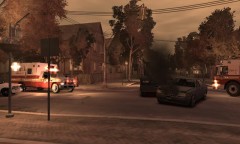
From the album: Messing around with fraps
Front view -
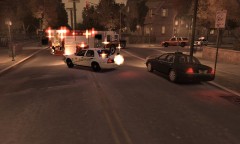
From the album: Messing around with fraps
MVA semi vs. car -
thanks sharp. and boxer if you want i can send u the spas as well.
-
yea i actually thought it was going to b about a 3 or 4 minute video but then i noticed it ended up being 10 minutes long....
-
Hey guys this is another response i did with a detective responding to an officer involved shooting..... my fraps is kinda lagging my game a bit and if anyone has any suggestions for the video or on how to fix it please feel free to let me know! http://www.youtube.com/watch?v=LtCE3qnt3Z0
-
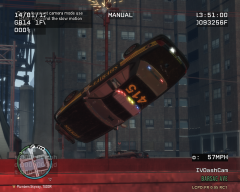 in your defense he is driving a turismo.....
 -
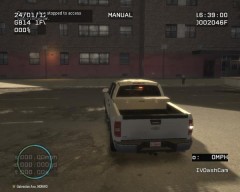 pretty in black :P
 -
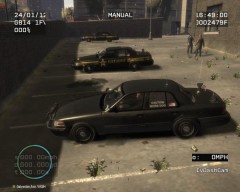 i love the other texture
 -
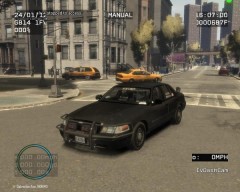 that looks sweet black
 -
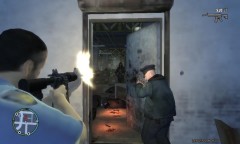 came in as a shootout in progress. here at least our officers have M4s in there vehicles just in case. as where i decided to pull mine out in this instance
 -
hahaha yea. well thanks i just seem to have a little bit of a recording problem while using LCPDFR so i figured id make some responses that way. im kind of experimenting with what works best with my computer and such
-
im in south FL
-
no problem. see here the sheriffs office has all blues. the PD has blue and red and the FD has all red
-
hahaha theres nothing wrong with all blue!!!! and no there actually all red but you can change them in paint if u need to. im actually off to class but ill be back around 2 p.m. eastern and i can send it to you then.
-
im pretty sure bxbugs made it.... yea it caught my eye too and i had to have it lol.
-
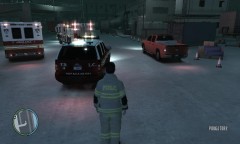 i got both of them off of gtapolicemods i caution using the silverado due to the suspension.... ive rolled it quite a few times going around very simple corners. but the fire truck is called the Spartan Gladiator if that helps any. idk if gpm is back up yet or not
 -
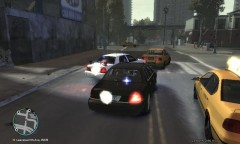
From the album: Life of the S.O.
10-31 (pursuit) on a taxi with a little bit of backup -
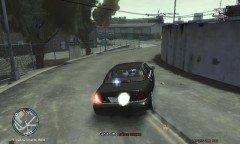
From the album: Life of the S.O.
got a little bit sideways -
From the album: Life of the S.O.
call it the fatal funnel for a reason.... -
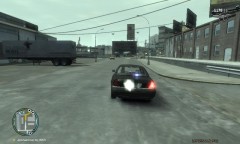
From the album: Life of the S.O.
Responding to a shootout at the sprunk factory -
lol thanks. i had a response with that one. but the suspension is so loose that it looks to roll over going around turns.....
-
Responses from a bunch of different emergency vehicles.... some of the videos are still uploading and i will add them to this post as they become available http://www.youtube.com/watch?v=VnVxo5Cm9N0 http://www.youtube.com/watch?v=qTc97nby0JM http://www.youtube.com/watch?v=ddjMcVBue1g http://www.youtube.com/watch?v=Q7ALV6gUbgg http://www.youtube.com/watch?v=mGem4hoiS_Y


