TheBlakAdder
Members
-
Joined
-
Last visited
Everything posted by TheBlakAdder
-
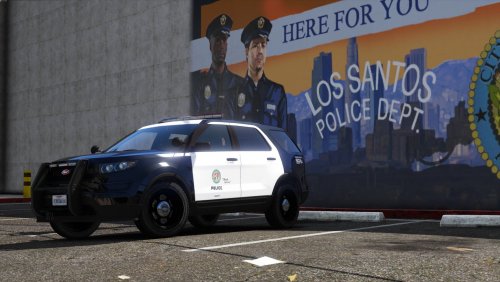 Would you consider making a seperate version that is able to do that? I mostly would like it for customization, nothing against the current one. (Currently using is it as my main one in LSPDFR)
- 23 comments
- 3 reviews
-
LSPD would be lovely. Also, is it easier to do each vehicle as a seperate agency then one with all the extras?
- 23 comments
- 3 reviews
-
-
RagePluginHook.log Just updated GTAV the other day and installed LPSDFR plus some plugins, car packs, and texture mods. Everything was working fine until I installed EUP. Also removed LSPDFR+ to see if it was the cause but it did not fix the crashing.