



alphabravo.
Members
-
Joined
-
Last visited
Everything posted by alphabravo.
-
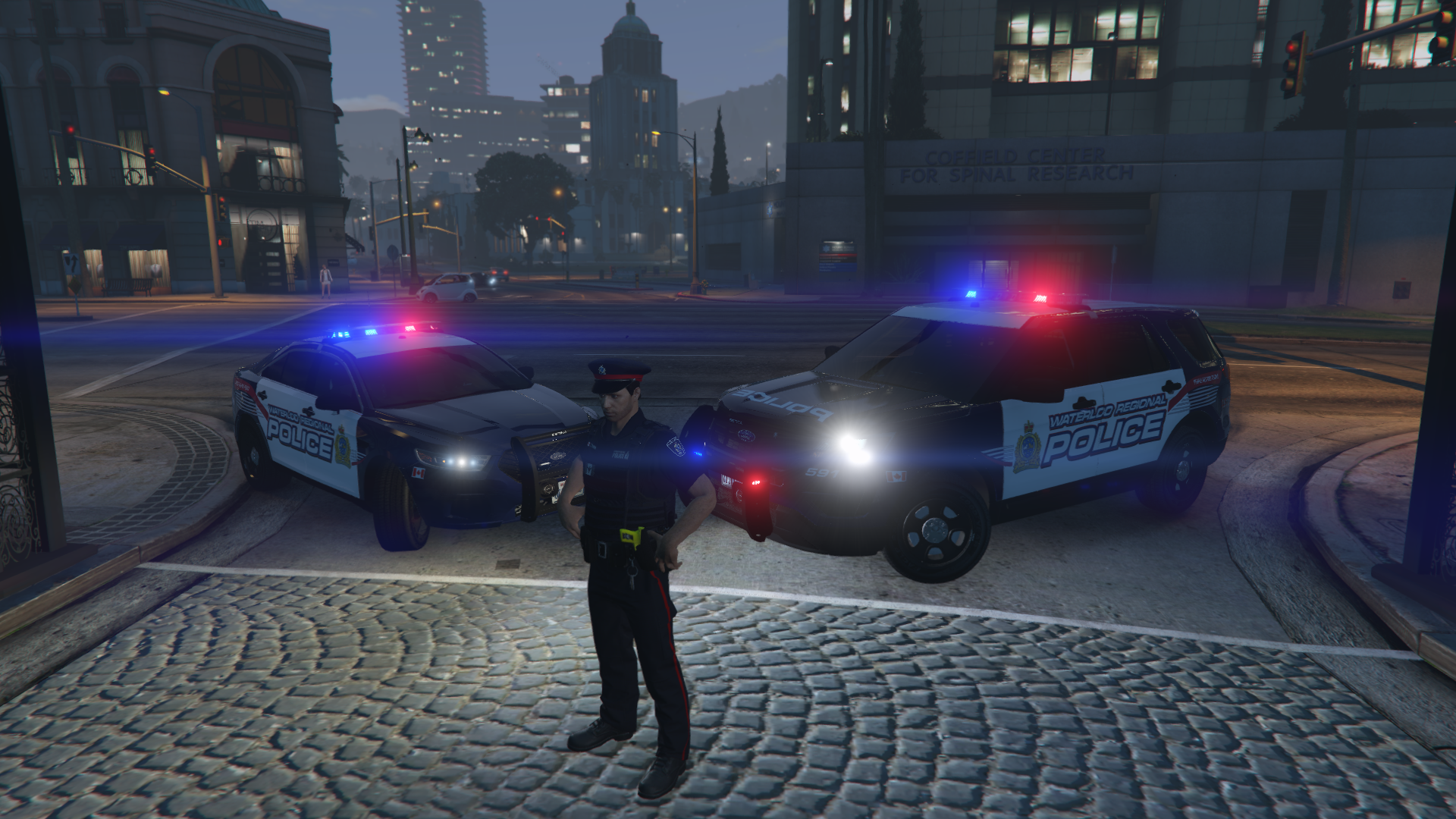
I'm interested to see the final product! Right now I'm using Kyptonic's 2015 Tahoe (link below) with my other marked O.P.P. vehicles. You can see it way in the back of this lineup if you click to view the full image.
-
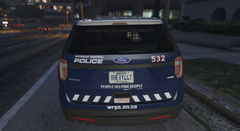
From the album: Ontario Police
Added even more realism recently with Ontario license plates! -
Figured this out. For anybody having a similar issue, the solution is sort of two-step as described below. 1) After setting the hair component (Component #2), call the SET_PED_HEAD_BLEND_DATA native method. Not sure if the order matters for those two actions, but this is what I did and it worked. Calling the native Head Blend method will set their face shape & skin color, and for some reason it also fixes the green hair issue. 2) [OPTIONAL] After calling the Head Blend native method, all hair will be black by default. If you want to change it to another color, you will then need to call the _SET_PED_HAIR_COLOR native method. Two important notes about the _SET_PED_HAIR_COLOR native method: When trying to call the method by name, it was crashing LSPDFR and my game. I had to use the CallByHash method to call it. This method does NOT work until you've called the SET_PED_HEAD_BLEND_DATA method as described in step 1. Sample below for illustration purposes... (read: this specific example not tested, but should work)
-
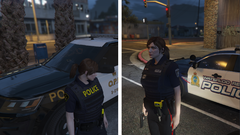 Unfortunately the vehicle pack that I use is Walters RCMP pack which seems to no longer be available for download anywhere online. Then I made my own skins. I would be willing to share the skins as a download but I think they'd be useless unless you can find that RCMP vehicle pack. Let me know if you can get your hands on the vehicle pack. Alternatively, if I can find a decent vehicle pack elsewhere that has cars similar to OPP & other Southern Ontario regions, I could adjust my skins for that vehicle pack & then share them. Again, let me know if you're aware of a decent vehicle pack that could represent Southern Ontario. You can see the various vehicles I use in this video I made, including a couple links in the description. One of the links is for the 2016 OPP Charger which is available for download still (not mine). That would at least get you started.
 -
Playing around with a callout script and trying to spawn an EUP ped. Everything is working correctly except that when I try to set the hair (Component #2), the hair shows up as bright green. Tried searching for similar issues and didn't find any info. I need the hair to be normal, random colors... black, brown, etc. Code below: Any ideas how to be able to set the hair style without it turning out bright green? I really don't want to leave all my spawned peds bald. Apologies if this is not the correct subforum for this question.
-
 I had the same question/complaint, not only about the peds (NPCs) but also the vehicles. I'm not aware of any native way to do this, so I've actually grabbed the sourcecode for Assorted Callouts from the link that Albo posted and I'm working on coding a solution that will make use of the Regions/Agency/Backup/Outfits XML files from my lspdfr\data folder (where I've defined EUP Outfits). Testing is going well - just need to tidy up the solution a bit. Then if I can figure out how, I'm happy to share the updated files.
- 1,081 comments
- 166 reviews
-
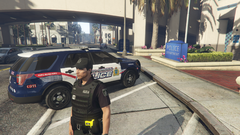
From the album: Ontario Police
Male version of the Special Response Unit (SRU) ped for Waterloo Regional Police Service (WRPS). -
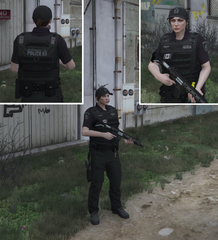
From the album: Ontario Police
Added Special Response Unit (SRU) EUP ped to my lineup for WRPS. -
From the album: Ontario Police
Finally took the time to complete the female EUP ped skins for OPP and WRPS. -
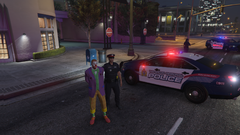
From the album: Ontario Police
Arrested this joker with a machete. -
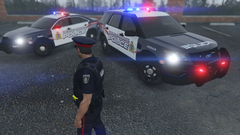
From the album: Ontario Police
Waterloo Regional Police Service (WRPS) EUP Ped and vehicles (Ford Taurus and Ford Explorer) -
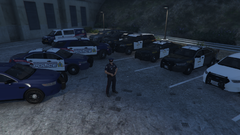
From the album: Ontario Police
Ontario Provincial Police (OPP) and Waterloo Regional Police Service (WRPS) vehicles & WRPS EUP ped. -
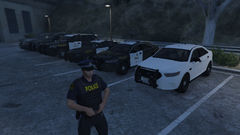
From the album: Ontario Police
Ontario Provincial Police (OPP) vehicles & EUP ped. Vehicle models are not mine, but most of the skins are made by me, including the ped. -
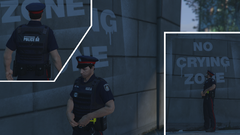
From the album: Ontario Police
My attempt at creating a Waterloo Regional Police Service (WRPS) ped using EUP -
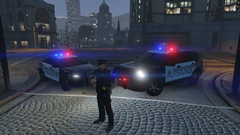
From the album: Ontario Police
Decided it looked silly driving around in WRPS vehicles with my O.P.P. ped. This is my first go at a Waterloo Regional Police Service ped for EUP. In the background are my WRPS textures for the Taurus and Explorer from Walters RCMP mega pack. -
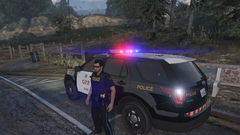
From the album: Ontario Police
My first attempt at adding some Ontario Provincial Police textures into EUP. Also visible is my OPP texture for the Explorer from Walters RCMP pack. -
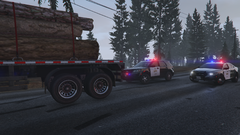
From the album: Ontario Police
-
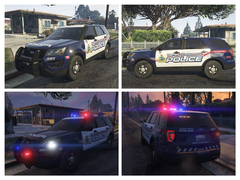
From the album: Ontario Police
WRPS -
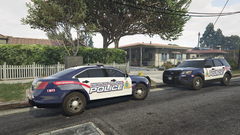
From the album: Ontario Police
Waterloo Regional Police Service -
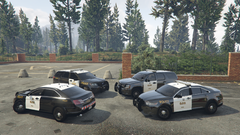
From the album: Ontario Police
Explorer, Tahoe, Taurus x 2 -
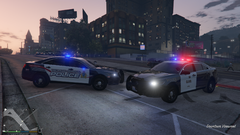 Thanks for your interest. The majority of these textures I created personally. However, I have borrowed a couple pieces of these textures from other GTA IV textures by other authors. As such, I'm not yet making these textures available for download. This may change in future, but first I'll need to re-create the copied parts myself or get permission from the original authors. Stay tuned... I really like how the textures are turning out so I would love to release them and allow others to enjoy. I just need to put the time in to make them fully "mine".
 -
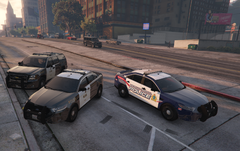
From the album: Ontario Police
-
From the album: Ontario Police
Waterloo Regional Police Service & Ontario Provincial Police -
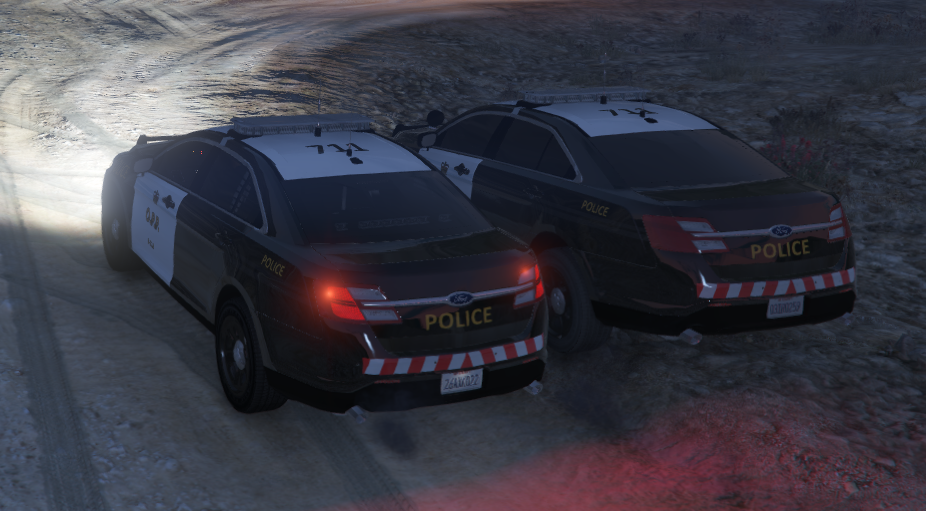
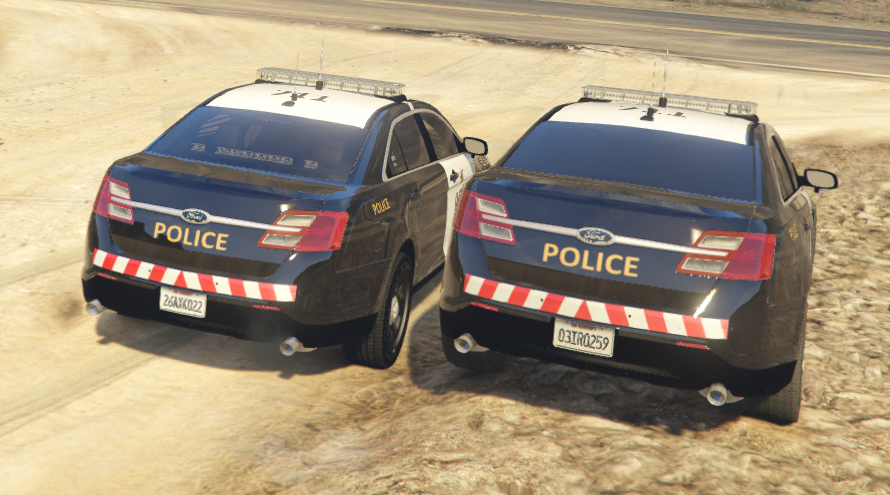
I have installed a custom vehicle model in the POLICE3 slot. It's the fully marked Taurus from the RCMP mega pack by Walters. The issue only seems to be with this vehicle model and the slicktop Taurus in the POLICE4 slot which is based off of this same model. EDIT: I've actually confirmed this also happens with other custom vehicle models (all from that RCMP Mega Pack since that is all I have installed). So maybe it is a larger issue? Basically what is happening is after driving one of these vehicles for a while, the rear window gets blacked out so you can no longer see the rear deck lights, whether they're turned on or not. If I respawn the car from the F4 console, sometimes it spawns with the blacked out rear window too. I can keep respawning it until one spawns with a transparent rear window. Sometimes it takes 4-5 spawns. I've never noticed the exact timing when this happens, I just all of a sudden notice that my rear deck lights aren't showing. This leads me to believe it is happening while I'm away from the car (t-stop, foot pursuit, etc.) See attached image for an example. The vehicle on the right has the blacked out rear window (notice you can't see the rear deck lights or anything inside the car). The vehicle on the left is freshly spawned with a transparent rear window. NOTE: I have applied a custom texture to this (you'll notice it's not RCMP), but this issue existed before I ever did that. Any ideas how to fix this? I'm not familiar with vehicle modding, but I'd be willing to learn enough to try to fix this. Thanks in advance for any suggestions. Obviously this is a real officer safety issue having no rear deck lights. 😄 EDIT: Adding a better image during daylight and at a different angle...
-
.thumb.jpg.4c698d76a91cd8e3fe7d2ef024f2c492.jpg) generally not working for me either. GTX 1060 got it to spawn a few times, but usually crashes my game. shame, because it's a beautiful model
generally not working for me either. GTX 1060 got it to spawn a few times, but usually crashes my game. shame, because it's a beautiful model- 16 comments
- 4 reviews


.thumb.jpg.4c698d76a91cd8e3fe7d2ef024f2c492.jpg)