
alphabravo.
Members
-
Joined
-
Last visited
Everything posted by alphabravo.
-
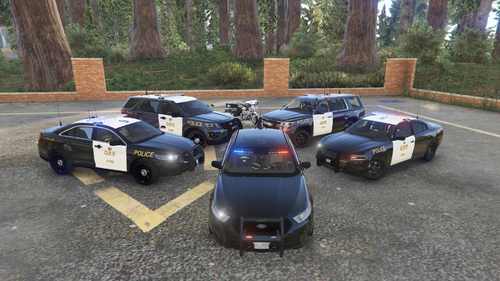 Once you've installed the LSPD Legacy Pack into your GTA files (so the cars are working in-game), you need to use OpenIV to browse to the .ytd files for each of the LSPD Legacy Pack cars, double-click on them, and then import the livery files (use the Import button or drag-and-drop them onto the OpenIV window). There are probably plenty of YouTube videos that explain how to install liveries if you're still stuck.
 -
-
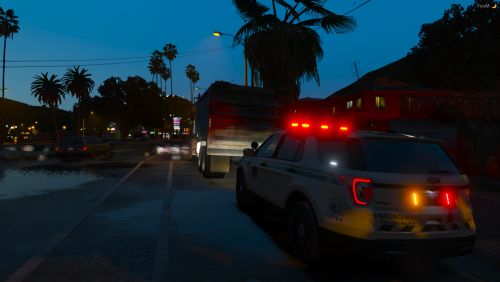 The Ram model doesn't seem to be available anymore, but the texture works perfectly on this Ram:
- 1 comment
- 2 reviews
-
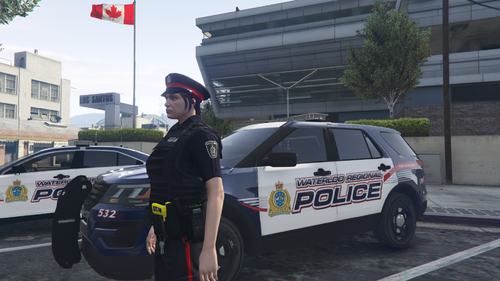 Yes, you can use the XML files located in your GTA V directory under lspdfr/data. Those files dictate what the AI police/fire/ems backup looks like. So you could configure them to use the WRPS uniforms. There is a sample outfits.xml file in the download. You'll just have to update your Agency.xml and possibly Backup.xml files to use the new outfits.
 -
 I made it
 -
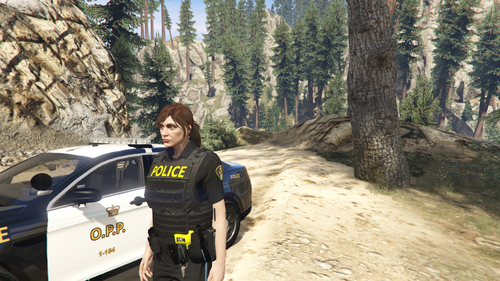 I believe it's kind of a random mixture. It is an addon install though, so it's very easy to remove/disable if you try it out and want to remove it afterwards.
 -
In the Agency.xml file, you only change one of them (or add a totally new agency with that script name). In the Backup.xml file you can change as many as you want. For the variations in the Agency.xml, if you just use outfit="opp_officer" then it will pick a random variation. However, if you want the Loadout ped to have a specific variation you can for example use outfit="opp_officer.m_ofc_3" to select a male Sergeant.
-
Go into your GTA V directory and then lspdfr/data subfolder. Open the agency.xml file, copy one of the other agencies (like LSPD) and change the values to OPP. For the Peds part of the agency, use the values found in the provided outfits.xml file. Once your agency file is edited, you'll need to use the "ScriptName" value from the agency file and put that into the backup.xml file. Here's what my agency file looks like for one of my agencies: (note: you'll have to change the vehicle values to match yours, such as police3, sheriff2, etc.) Here is some more information in the technical documentation: https://www.lcpdfr.com/wiki/lspdfr/04/modding/doc/agency/
-
You have the base EUP package installed? (Law & Order)
-
-
Two ways you can do this: 1) Rename the .oiv to a .zip extension, then extract the *.rpf files and explore them with OpenIV. Then you can extract whatever files you want. OR 2) Install the oiv, then explore the DLC pack with OpenIV and extract what you want. Then you can delete components of the dlc pack (for example, a *.ytd file) and EUP will go back to using the original. Because it's an addon (DLC pack) installation, it's very easy to disable/uninstall and revert back to the default EUP - either partially or fully. That's why I designed it this way.
-
Thanks for the compliment!! Glad you're enjoying some of the stuff I've shared. I thought for sure there would already be a Toronto EUP pack given how popular TPS is on here. However after a quick search it appears that we are indeed in need of a TPS EUP pack. Maybe I'll add that to the list to work on. Appreciate the suggestion!
-
-
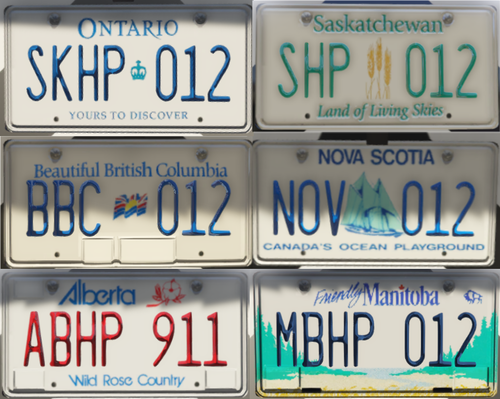 Ontario was already included in the pack, but good point about the Québec plate - I have now added it based on your recommendation. Thanks!
 -
Add more realism to your game with these Canadian licence plates! Replaces the "SA Exempt" plate on the emergency services vehicles. The letters/numbers on the plate will still be randomized in-game exactly as they are now. The colour of the letters will match the plate as shown in the screenshots. Provinces/territories currently available: Alberta British Columbia Manitoba New Brunswick Newfoundland/Labrador Nova Scotia Ontario Prince Edward Island (PEI) Québec Saskatchewan If there is enough interest, more provinces/territories will be added in future. If you have a particular request for a region that is not yet included, add a comment below and I'll do what I can to prioritize your request. Enjoy! P.S. Yes - we spell "licence" (the noun) with a 'c' in Canada.
-
-
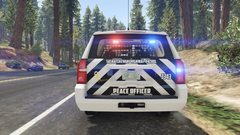
From the album: [WIP] Canadian Police
Vehicle is from Ripple's LSPD Legacy Pack. Texture was created by me from scratch. -
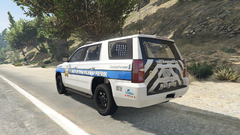
From the album: [WIP] Canadian Police
Vehicle is from Ripple's LSPD Legacy Pack. Texture was created by me from scratch. -
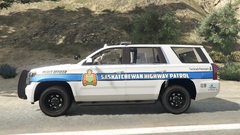
From the album: [WIP] Canadian Police
Vehicle is from Ripple's LSPD Legacy Pack. Texture was created by me from scratch. -
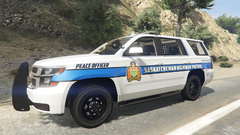
From the album: [WIP] Canadian Police
Vehicle is from Ripple's LSPD Legacy Pack. Texture was created by me from scratch. -
1. Install OpenIV if you haven't already 2. Use OpenIV to install Ripple's LSPD Legacy Pack for the vehicle models (linked above in the description). 3. Follow the installation instructions in my download file to install the OPP textures onto Ripple's vehicle pack. You can DM me if you're having any trouble.
-
 Using that game config makes my game crash at startup. I've been using the "limitless vehicles" game config (link below) with no issues. Now, as @OfficerBread mentioned, my game crashes when I try to enter cars in this pack - but only sometimes; usually after I've been playing for about 30 mins or so. Any idea what particular part of Dilapidated's game config fixes this issue? https://www.gta5-mods.com/misc/gta-5-gameconfig-300-cars
- 276 comments
- 45 reviews
-
I've kind of been considering that. Maybe once I've got the O.P.P. textures done for Ripple's full pack, I can pretty easily make some changes for a lore-friendly version. What are you thinking... LSSD? Or SAHP?
-
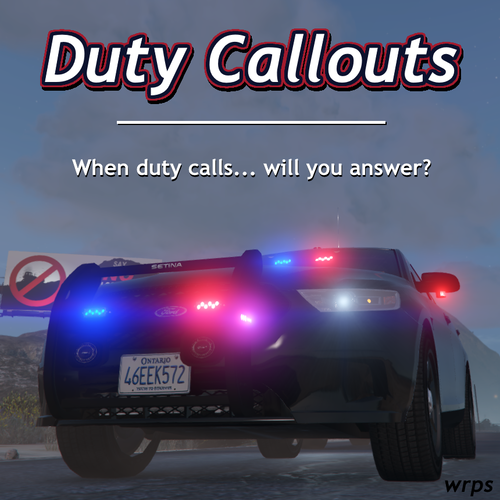
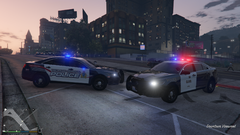 I have now made these vehicle textures available for a different car pack that can be found on LSPDFR.com. Here are the links to the vehicle texture packs (which then link to the vehicle pack that you need to download):
 -
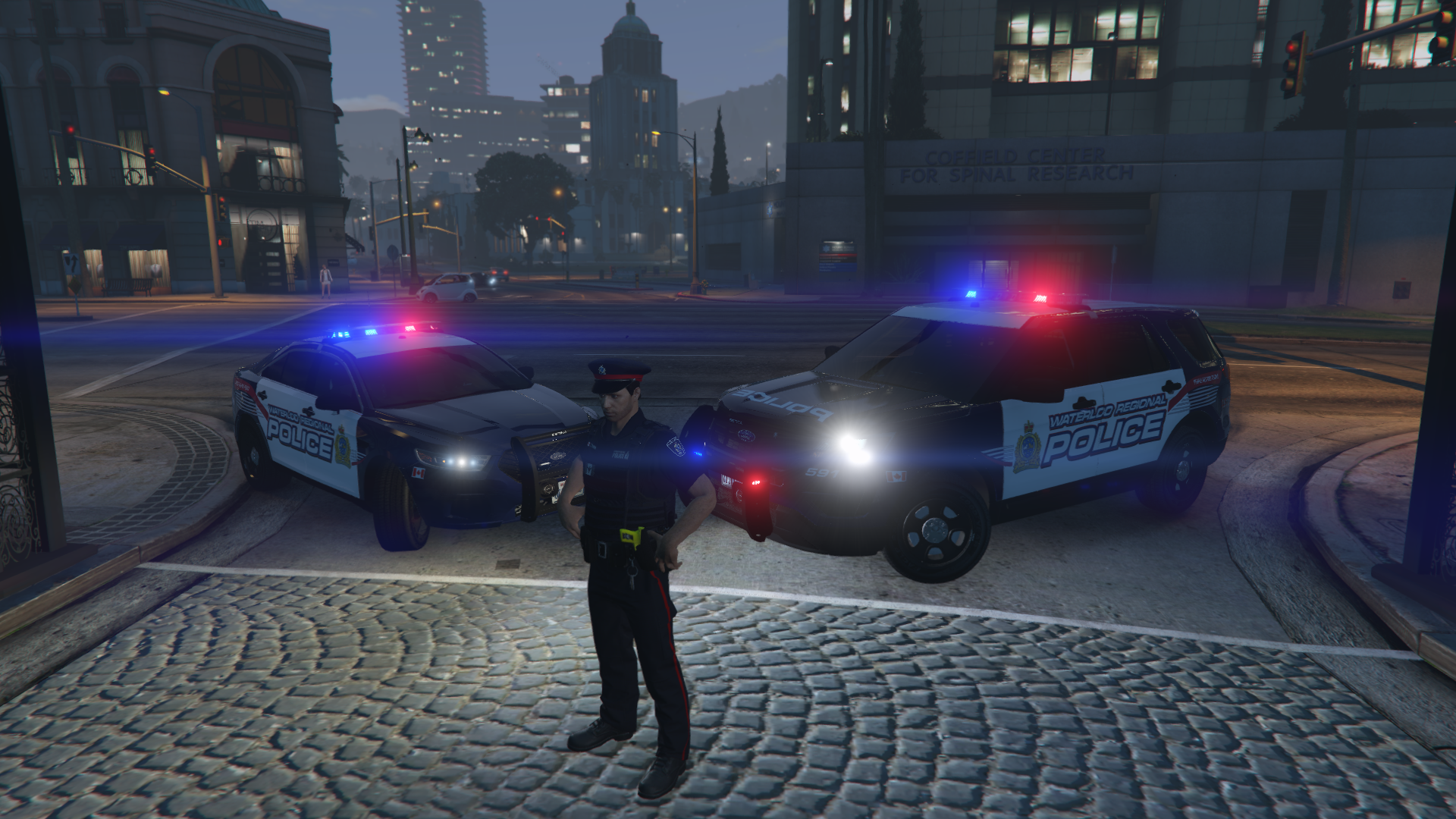
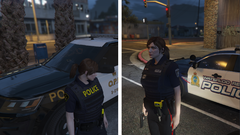 @LiquidRain, I have now uploaded WRPS and OPP texture packs for Ripple's LSPD Legacy Pack of vehicles. There are also ped texture packs available now too. Have a look through my available downloads.