



alphabravo.
Members
-
Joined
-
Last visited
Everything posted by alphabravo.
-
From the album: Ontario Police
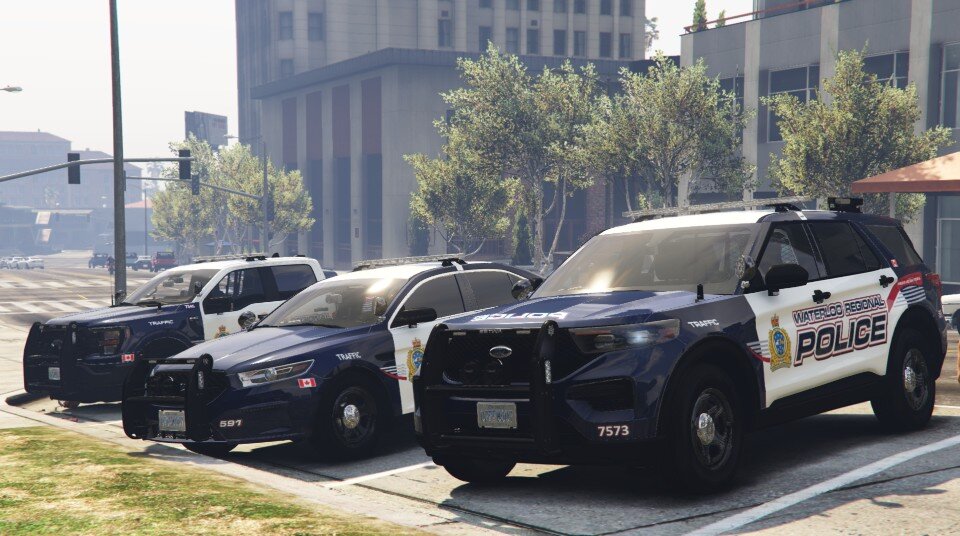
Models are from Ripple's 2025 Legacy Pack. Liveries are done by me from scratch in 4K. -
Waterloo Regional Police Service (WRPS), Ontario Provincial Police (O.P.P.) mostly... Most vehicle models from RCMP Mega Pack by Walters. Some WRPS texture elements ported from GTA IV texture by t0y.
-
WRPS Fleet 2026
-
 OPP Fleet 2026
-
 OPP DUI
-
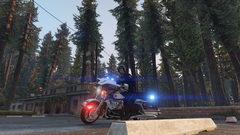 O.P.P. Motorcycle Unit
-
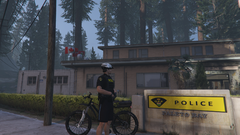 OPP Bicycle Unit
-
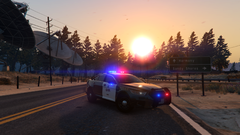 OPP Roadblock @ Sunset
-
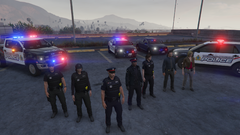 WRPS Crew
-
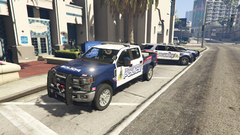 WRPS Ford F-250
-
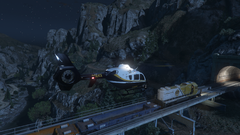 OPP Air Pursuit of Stolen Freight Train
-
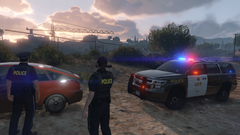 OPP Abandoned Vehicle
-
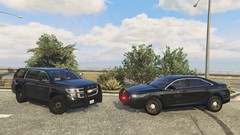 OPP Catching Speeders
-
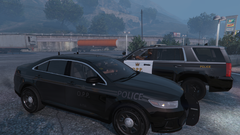 Cruiser Parking
-
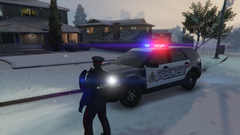 Snowy_suburbs.png
-
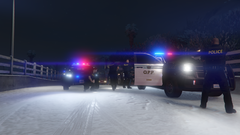 O.P.P. Respond to Heavily Armed Gunman
-
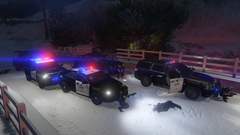 Heavily Armed Gunman - Multiple O.P.P. Officers Down
-
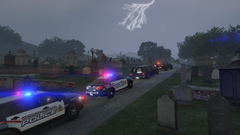 Heroes In Life, Not Death
-
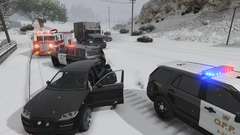 Winter MVC Response
-
TahoeTexturePack10.png.c4342db0259704240dbddca95b4188f5.png) Oh Canada
Oh Canada
-
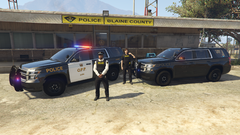 New OPP Tahoes
-
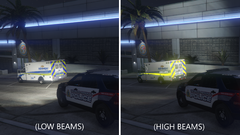 Region of Waterloo Ambulance reflective livery
-
-
From the album: Ontario Police
All models from Ripple's Legacy Pack 2025. All liveries done by me in 4K from scratch. EUP shown is my EUP pack for EUP 8.1 (I have yet to update beyond this so that I don't have to redo all my EUP textures). -
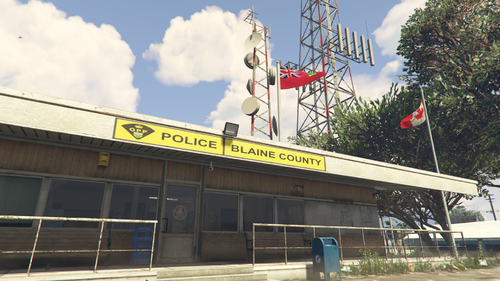 Yes, absolutely. I've used it in FiveM servers. Sorry, I just don't have the time to do a video. Is there something unclear about the included installation instructions?
 -
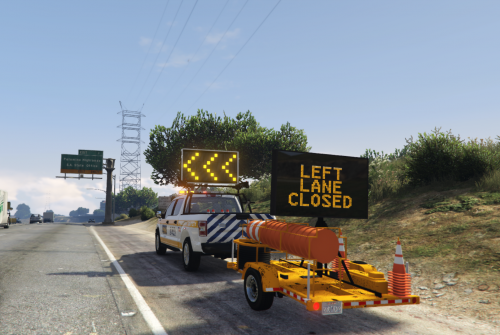 https://www.redneckmods.com/products/2018-generic-1500-class-dot-truck-remastered-standard-bed
- 6 comments
- 1 review
-
It is not made to work in single player. It is a FiveM resource only at this time.
- 6 comments
- 1 review
-
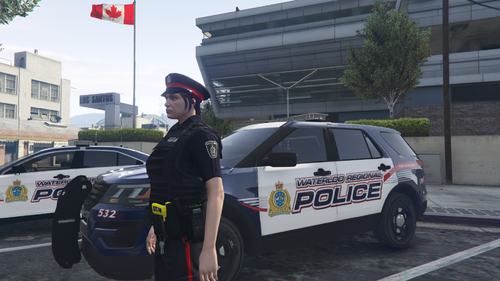 My guess is that you're using a newer version of EUP. This works with EUP 8.1 only. For some reason they changed a ton of stuff in EUP 8.2 which typically shouldn't be done for a minor version release. I haven't taken the time to update this pack for EUP 8.2+ yet. Uninstall EUP 8.2, find and install EUP 8.1, and then reinstall this pack and you should be good.
 -
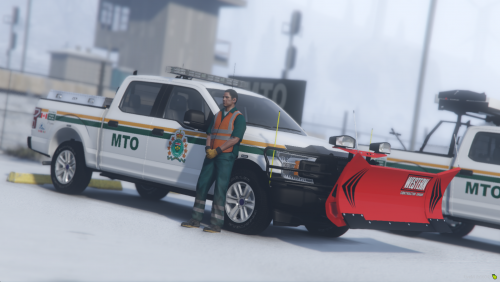 This texture pack is made for Redneck's 2018 Generic 1500 Class DOT Truck REMASTERED (Standard Bed) (Ford F-150) which is not available on LSPDFR.com for download. Refer to installation instructions for details about purchasing & obtaining the vehicle model.
 -
Trailer script for FiveM, specifically designed to work with the "DOT Message Board Trailer" from Redneck Modifications. DOT Message Board Trailer on RedneckMods.com The script allows you to turn the sign on/off, rotate it, and change the message all from within your vehicle or while standing in front of it. Commands Enter these commands in the chat window. All commands show a hint within the chat window to help you. /trrotate - rotates the sign /trsignon - turns on the sign /trsignoff - turns off the sign /trattach - attach the trailer to your vehicle /trsign1 to /trsign12 - switch to the specified message (will automatically turn on the sign if it's not already on) Notes / Known Issues When you have the sign rotated and switch to a different message (e.g. /trsign3), you'll see the animation for the sign rotating again after the message changes. This is out of my control. It has to do with how Extras are turned on & off when switching the message. For the script to work, the trailer must be behind your vehicle OR you must be facing the trailer if on foot The angle of the trailer compared to your vehicle/ped may prevent the script from working. If you try a command and you get notified that the trailer could not be found, try moving your vehicle to a different angle from the trailer. Straight on (directly in front of) the trailer should always work. There is no /trdetach command because the default button (press & hold H) seems to work fine. In my experience, the attaching did not work automatically so I added the attach command. IMPORTANT - For the most up-to-date script file AND instructions/notes, please visit the GitHub repository: https://github.com/DeckardCain001/TrafficTrailer
- 6 comments
- 1 review
-
-

- 4
-
-
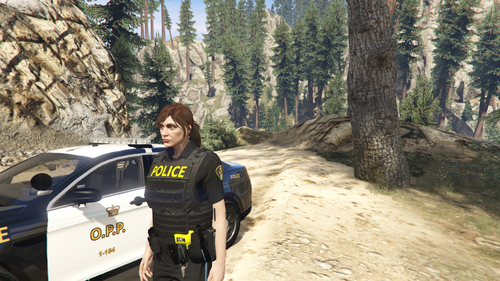 Can you send a screenshot? And you're using EUP version 8.1, correct?
 -
@easton1110 At some point when work is less busy, I would like to update the uniforms for EUP 8.2. Not sure when that will be though. I was able to find the older version of EUP 8.1 by looking for a video on YouTube. @sosezi If you look in my OPP Police Stations download, it has the necessary files for the Canadian flags.
-
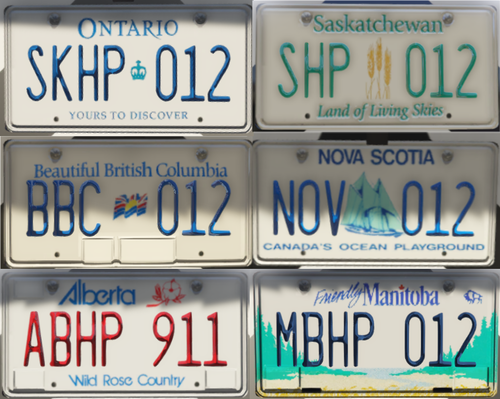 You absolutely can. Will take just a bit of work. You'll have to copy & rename the two *.dds files for 01-04. Then, if you want the font colour to show up too and proper letter positioning, you'll have to edit the .ymt file and copy the settings for plate 05 to 01-04 too.
 -
The latest version of EUP significantly changed the clothing models, breaking lots of things. If you download an older version of EUP (version 8.1 - hint: check on YouTube), then these WRPS uniforms should work.
-
 No plans at this time.
 -
The developers of EUP made significant changes to EUP with the recent 8.2 version release and this has broken most customizations. I recommend that you find an older download of EUP 8.1 (hint: search YouTube) for these uniforms to work until I have a chance to update this pack for EUP 8.2.
-
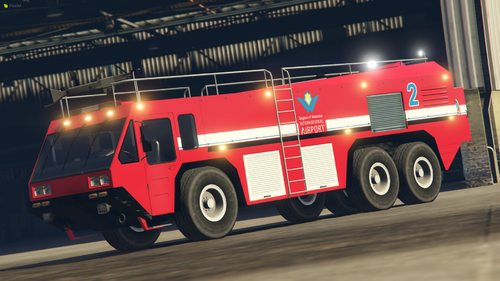 High-quality texture for the fire-fighting Hydramax AERV from Waterloo Region International Airport (Waterloo, Ontario, Canada). The model is not exactly what Waterloo Region uses, but it's the closest I could find. ***** PLEASE DO NOT MODIFY, RE-UPLOAD, OR RE-SHARE THESE FILES ANYWHERE ***** Link to vehicle model:
 -
You're a god. THANK YOU for taking the time to post the solution!
-
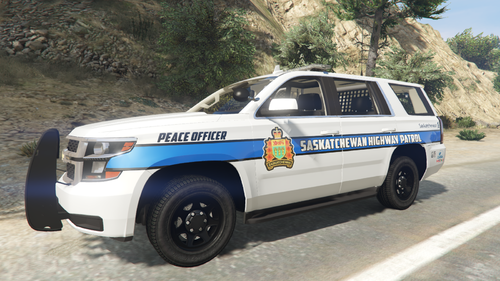 Saw a pic of one of these SHP Tahoes and loved the livery. I'm not from that province, but decided to make the livery anyway for fun. Enjoy! It should work for most 2015-2020 Tahoe models. *** PLEASE DO NOT MODIFY, RE-UPLOAD, OR RE-SHARE THESE FILES ANYWHERE ELSE *** Pairs well with my Saskatchewan license plate texture as shown in the screenshots:
 -
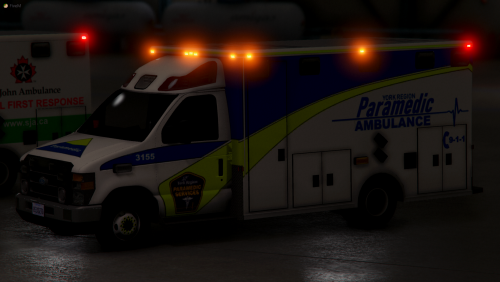 This looks beautiful! Been waiting for that style of lightbar to show up on an ambulance. Any chance you'll be creating a Chevy version too?
- 11 comments
- 9 reviews
-
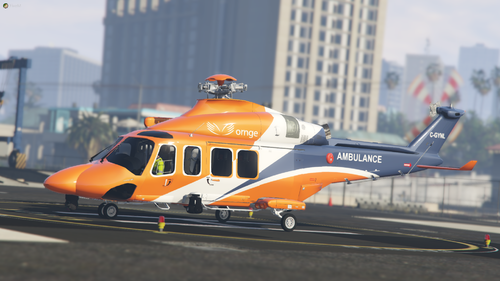 Not sure. I don't think the download includes one. Maybe there is one floating around out there? I just used one of the liveries already included with the helicopter to know what to edit. It was a bit of trial/error too for certain parts.
 -
Enjoy this high-quality 4K texture for the AW-139 helicopter used by ORNGE air ambulance. 2K texture included as well for anybody who has issues with the larger 4K file size. This is the NEW livery used by ORNGE as of the year 2021. ***** PLEASE DO NOT MODIFY, RE-UPLOAD, OR RE-SHARE THESE FILES ANYWHERE ***** Vehicle download link:
-
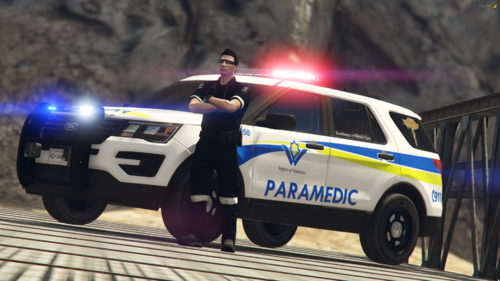 High quality Explorer (FPIU) and Expedition 4K textures for the Waterloo Region Paramedic Services (Ontario, Canada). 2016 Ford Explorer/FPIU - x2 textures 2018 Ford Expedition - x1 texture ***** PLEASE DO NOT MODIFY, RE-UPLOAD, OR RE-SHARE THESE FILES ANYWHERE ***** Vehicle model download links:
 -
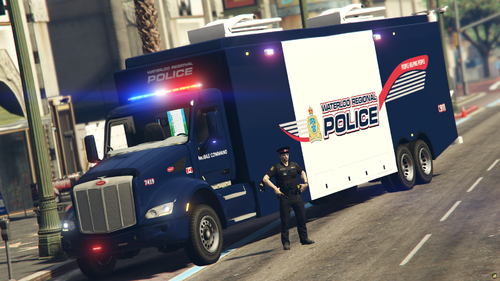
High quality Mobile Command texture for the Waterloo Regional Police Service (WRPS - Ontario, Canada). The texture is made for the "[NON-ELS][FIVEM] Peterbilt Mobile Command Center" by Wraith Haven Customs. (link below) ***** PLEASE DO NOT MODIFY, RE-UPLOAD, OR RE-SHARE THESE FILES ANYWHERE ***** Vehicle model download link:
-
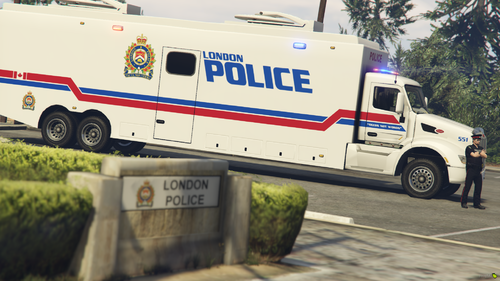 High quality Mobile Command texture for the London Police Service (Ontario, Canada). The texture is made for the "[NON-ELS][FIVEM] Peterbilt Mobile Command Center" by Wraith Haven Customs. (link below) ***** PLEASE DO NOT MODIFY, RE-UPLOAD, OR RE-SHARE THESE FILES ANYWHERE ***** Vehicle model download link:
 -
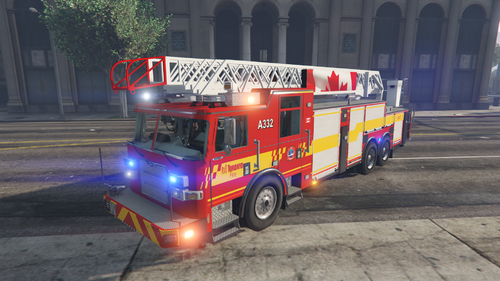 Toronto Fire Services - Pierce Arrow XT Pack vehicle textures Enjoy this high quality, 4K vehicle texture pack created from scratch, originally for a FiveM community that no longer uses them, released with their approval. Mid-quality 2K versions of the textures are also included since 4K textures can cause performance/crashing issues on low-end computers. Vehicle Pack: Pierce Arrow XT Pack by Medic4523 This vehicle pack is NOT available for download on LSPDFR.com. You will have to get the vehicle pack from Modification Universe (link in download). Every vehicle has multiple liveries (3-5) for variety in truck numbers and skin variations, as per images found on Google Images of real Toronto Fire trucks. Vehicles textures included: Engine x5 (Engine2A model) Ladder x4 Tender x4 Rescue x3 Squad 313 High Rise Unit Hazmat Unit Tiller x4 (Tiller2B model) Trailer x2 Note about screenshots: Many of the screenshots were taken in OpenIV which means the model doesn't always look correct (missing wheels, etc.). This will not be an issue in-game. Screenshots are only meant to demonstrate the high quality liveries. The vehicle models are equally high quality when loaded in-game. ***** PLEASE DO NOT MODIFY, RE-UPLOAD, OR RE-SHARE THESE FILES ANYWHERE *****

TahoeTexturePack10.png.c4342db0259704240dbddca95b4188f5.png)

