


flanders
Members
-
Joined
-
Last visited
Everything posted by flanders
-
Meh. having trouble embedding. added link fixed
-
It started with a speeder. I got him pulled over, but he decided to stop in the middle of the road. When I get to the door, he accelerates as if to flee. Then he hops out with an uzi and I have to return fire. A fleeing citizen then runs into me and pulls a bat. Instead of attacking me, though, he turns and runs all while still yelling at me. I call EMS and they start working on the suspect. Then a fire truck responding to another call hits a car and it explodes. I look in horror as two flaming SUVs start heading my way with what appears to be no one driving them! Later I needed to move my charger out of the way as a responding firetruck almost hits it. It was so close that there were sparks flying. All this because I wanted to hand out a speeding ticket. *sheesh* http://youtu.be/rqwygHrYSAc
-
The cycle is pretty much what Dramacydal503 said. So, Like I did with IV, I'll play the game first on the console. When the mods get good for the PC version (and when it finally makes it to the PC) I'll pick it up then. Till that happens I'll be right back here playing LCPDFR during the downtime.
-
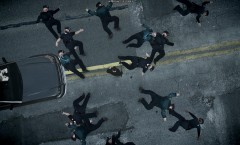 The person in the truck probably turned their car seat into a toilet watching all that. *checks twitter ... looks up ...* "Holy ****!"
 -
Yellowstone County Area Pack v1.0 June 2012 These are LEO cars from my area in Yellowstone County, Montana. If you are wondering why I have ELS and Non-ELS mixed? I mainly use the MT State Trooper (MHP) car and like having the other cars' lightbars work without crashing my game. Also if I am in the mood for playing a more realistic police experience (read- cars that can actually be damaged and use my door for cover), I hop in one of the city or county cars. The Billings Police only use one skin, but the YCSO use 2 types. One is the older White with black stripe and the other is the new Black and White. I have them on the same car so they randomly appear as they would here in the county. The Highway Patrol currently have 2 skins. I made and am using the newest one. If you would like to see or use the other one, taximan5 has an excellent skin of it included in the MHP Charger folder. All skins have unique license plates. Enjoy! Includes: police1.wtd police1.wft police2.wtd police2.wft police3.wtd police3.wft BPD skins (4) YCSO White w/ Black Stripe skins (2) YCSO Black and White skins (2) Montana Highway Patrol skins (4) Skins: MHP Gold Stripe version ©taximan5. see his readme. BPD, YCSO, MHP new gen skins ©flanders. These are made exclusively for lcpdfr.com. They are not allowed to be uploaded anywhere else. Models: CROWN VICTORIA V2.0 Non-ELS Developed by Sam Thomson 2006 Dodge Charger CHGR-V3.2F ELS Developed by Bxbugs123 FORD CROWN VIC V-7.1 Non-ELS Developed by Accurate Studio Permission to upload models was given. Original readmes for the models included in their corresponding folder. ************************************************************************************************************************ Cars 'should' work in any police slot. Just rename and import. Make sure to add " +livery " without the quotes in your vehicles.ide for the corresponding vehicle to use all the skins. ************************************************************************************************************************
- 3 comments
- 1 review
-
-
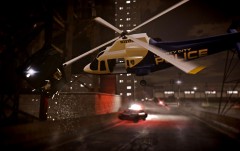 Is it not every pilots dream to get more involved in the chase? In Liberty City ... it's a reality!
 -
-
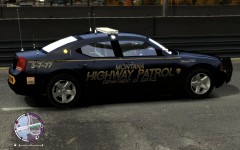 I really like these better than their last ones (basically a small gold stripe with small lettering. These feel like there's some substance to them.
 -
From the album: Flander's Goods
MT Highway Patrol updated the look of their vehicles. So I figured I would make it. I really like these new ones.© Flanders
-
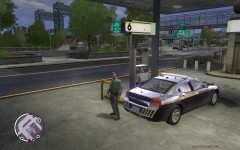
From the album: Routine Police Work
Taking a break from catching speeders to refuel the charger. -
-
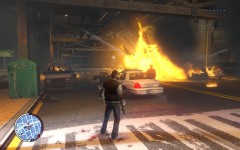
From the album: Fun with guns
-
Random Screens
-
Letting Off Some Steam
-
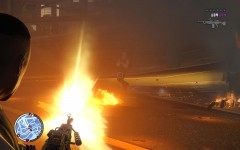 Fun with guns
-
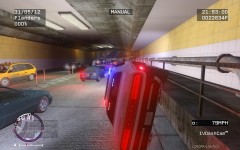 Almost There
-
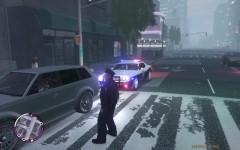 Routine Stop
-
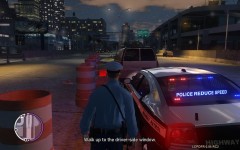 Routine Stop
-
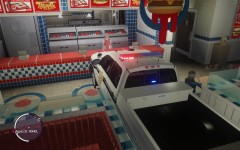 A Powerful Hunger
-
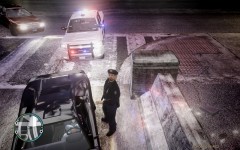 Rain Rain Go Away
-
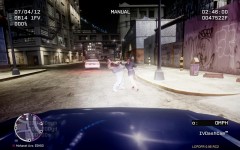 The girl can hit!
-
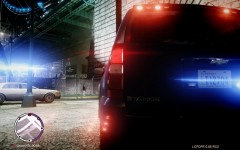 EFLC 2012 04 07 13 03 54 68
-
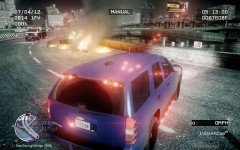 Accident on the Freeway
-
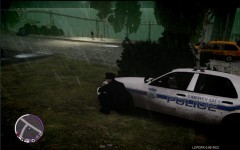 Lying in Wait
-
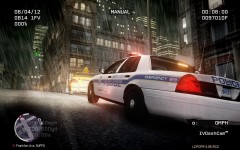 Routine Stop
-
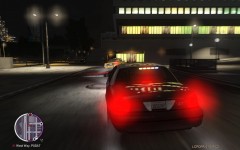 Hard Corner
-
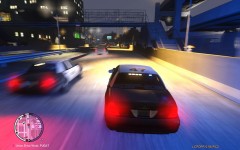 Need for Speed
-
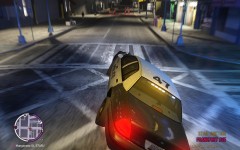 Rough Landing
-
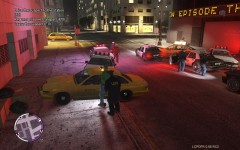 Long arm of Law
-
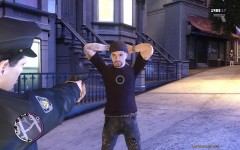 Uh huh. Put em up.
-
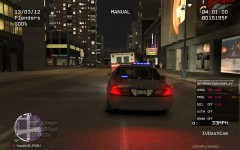 Ambulance Chaser
-
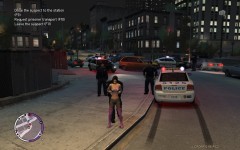 Perks?
-
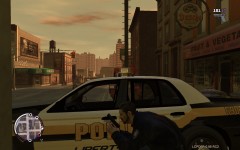 Are These Things Bullet Proof?
-
-
-
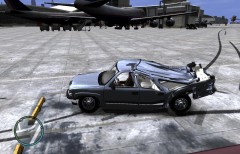 Aw man. I couldn't stop laughing. There were tears, man. Tears!
 -
-
Lol. I've been trying Sgt.Kanyo's handling mods and I'm not quite use to the new handling. It makes for some interesting driving. Thus a pic of me swerving out of a car's way and pulling a half-assed MiB. :)
-
From the album: Fun with guns
Still perfecting my MiB tunnel driving. -
From the album: Fun with guns
Is there such a thing? -
Very cool. Coming along nicely.
-
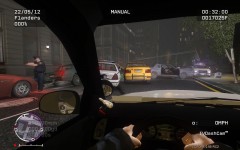
From the album: Routine Police Work
Fleeing suspect bails from his car and is struck by a pursuing cruiser. -
-
From the album: Fun with guns
Is there such a thing? -
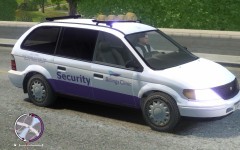
From the album: Flander's Goods
A WIP


