



Sopphic
-
Joined
-
Last visited
File Comments posted by Sopphic
-
-
-
-
 33 minutes ago, Double Doppler said:
Is there any way to make this mod work without LML? I cannot get LML to work in my game without causing enormous stuttering issues (which make it unplayable) as well as constant crashes - and even the developer didn't know what was causing the issue with that specific mod... It's a massive shame since this mod would add so much value to my UK police patrol videos
you can install the dlc.rpf in the download as you would any other addon dlc, then install the plugin as you would any other
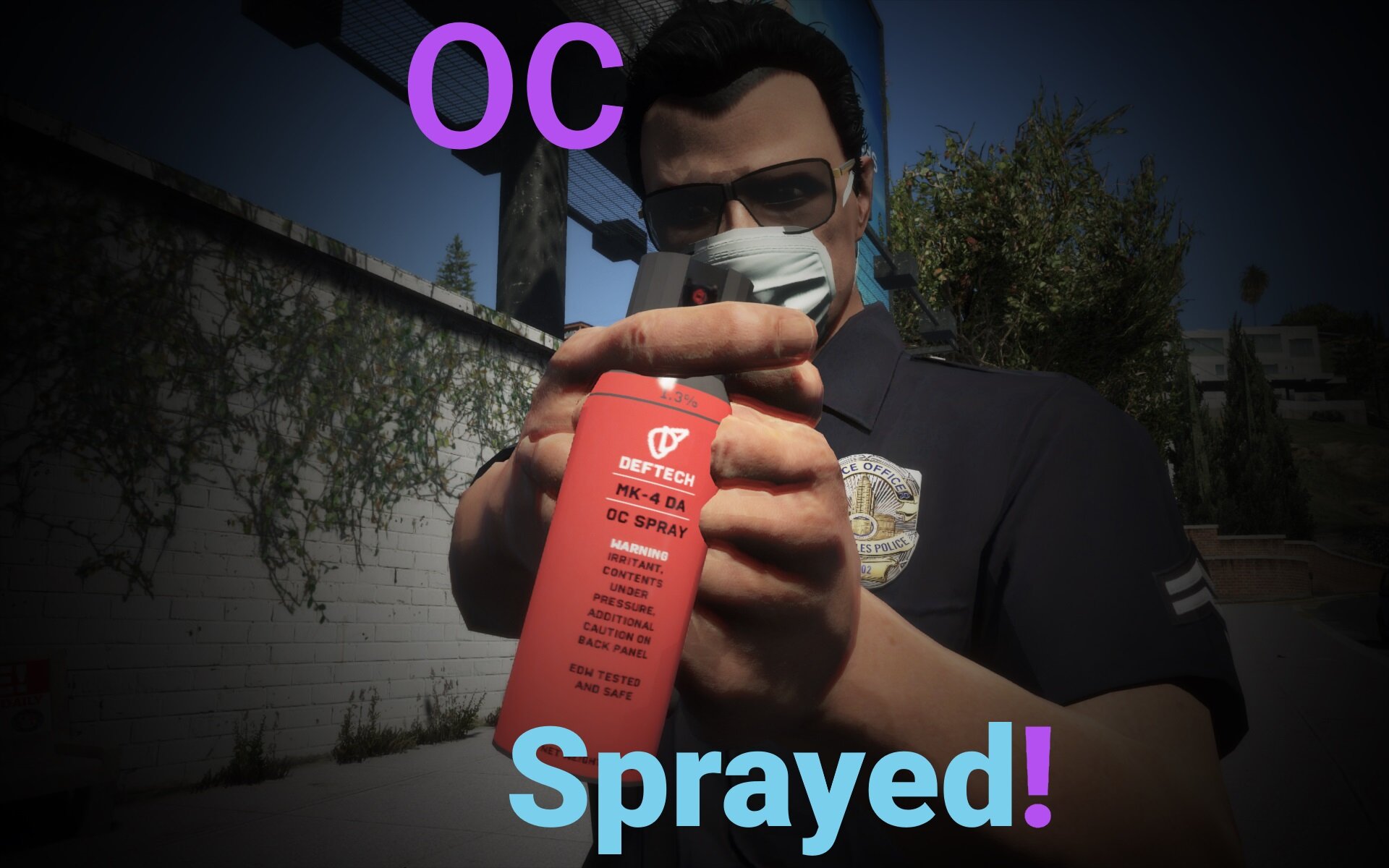
@Double Dopplerfurther to this: the addon dlc name for the dlc.rpf in the download is "dlc_ocspray"
-
-
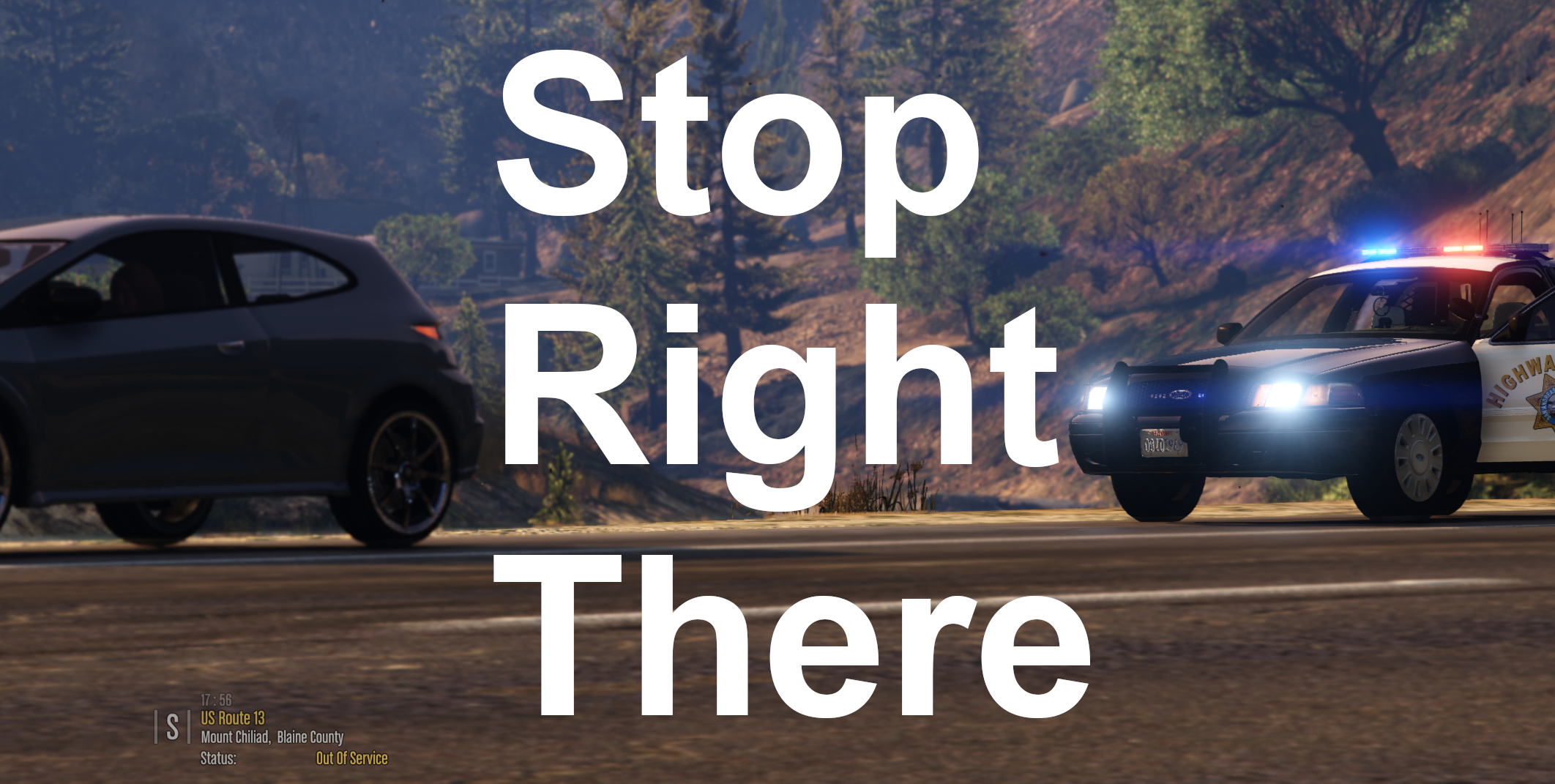 8 hours ago, OfficerBenzo said:
Would there be a way to do this on foot perhaps? Was just testing it out on a out of control scene it would have been nice to get certain drivers to "Stop right there" but it seems you need to be in a vehicle to get this to work properly.
now this i could look into - i know Bejoljo is doing it with his upcoming STP update - on foot pullovers - i'll look into how he implements it and if i could do something similar here.
thanks for the suggestion! -
18 hours ago, Officerporci said:
put a showcase video pls
I can try, but there is really very little to be showcased. Pressing the button you set in the ini initiates a "parked traffic stop" on the nearest valid vehicle. Parked traffic stops skip all the setup of normal traffic stops - if the vehicle is moving it will brake immediately, and if it is not moving it will stay exactly where it is - you will be able to approach the vehicle as in any other traffic stop. You don't, technically, even need to turn your lights on. Just press the button and you're in a traffic stop, with the target already "parked".
-
Edited by Sopphic
@easye323
Yup. In the ini2 hours ago, Lucas.Vieira said:brings the option of giving the suspect the order to get out of the vehicle and raise his hand and move without having to go to the car to give the orders
For this. I would thoroughly recommend the Felony Stop plugin, found here
-
I don't think there's anything stopping you from using this and custom pullover together - in fact, I'd recommend it. Custom pullover does a lot of things we don't do.
-
Edited by Sopphic
@ArriveAlive
good news! My colleague @ziipzaaapM16A4
appears to have solved the blips issue, blips will be being readded in the next update, releasing soon™!- Kaatun and ArriveAlive
-
 1
1
-
 1
1
-
9 minutes ago, DarKKlusteR said:
A video preview would be sufficient to know exactly how this plugin works, and what it does in-game.
mhm. Working on it. I originally wasn't going to upload this till i had taken screenshots and videos, but i decided to just throw it out there.
Thank you for the suggestion! -
@ArriveAlive This is taking longer than expected, as such, I have temporarily released a version - hotfix 1 - with no blips, while i work on the issue. Happy patrolling!
Please wait while the file undergoes the approval process 🙂
-
I am testing auto removing the blip once the vehicle is released - if i cannot get it to work, it will sadly have to be a button
- ArriveAlive and Tom_Fox
-
2
-
-
6 minutes ago, ArriveAlive said:
Finally! I have been wanting to pull someone over during a redlight without them having to move. So far I've noticed it works great but the red blip when you mark them does not go away after you've let the driver go. Great job on this!
Will work on this ASAP. Thank you for reporting!
@ArriveAlive for short term solutions - would you prefer if i skipped adding the blip, or implemented a button to press to remove it?
-
4 hours ago, Officer Smitty said:
Basically a company that provide law enforcement and ems equipments.
Cool!
Nice pack 🙂
-
-
-
.png.d544b543a3449c8f5e42162fd8700b05.png)
-
-
-
I'm really enjoying this. Great work!
Will you do a version to go with the EUP Badges mod, so we can flash our badge and have the DA badge?
-
As previous comments have been deleted by moderators (thank you 🙂)
Well done. This is a great pack with some top quality work - it's great to see more DLS stuff being made, as well
-
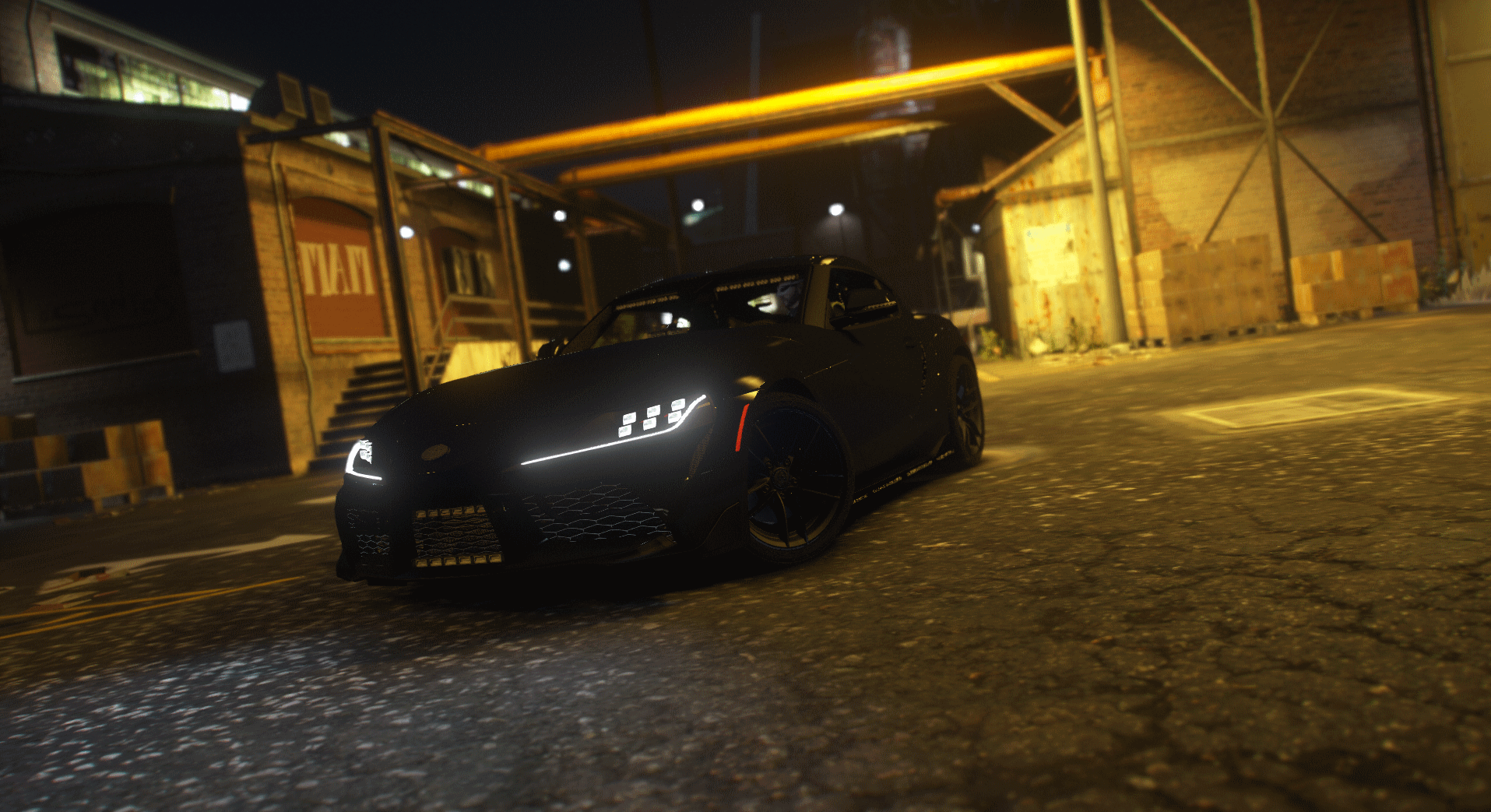
this vehicle is sexy, and the lights look great, but the handling line is - no offense - awful. It rolls over more than i do in my sleep.
-

.png.956e57545112b309c33a89adda242587.png)
.png.d544b543a3449c8f5e42162fd8700b05.png)
.png.0c3f7830f755b49b05c78337232902af.png)



EUP 8.3 | Santos Constabulary | Generic British UK
in Player & Ped Modifications
i'm havign the same issue - and the ARU pants are white. Other than that - gorgeous work 🙂