




ConsKrypt
Members
-
Joined
-
Last visited
Everything posted by ConsKrypt
-
1989 VL Commodore Pulled over for 'Vehicle too low' Defect notice issued also for illegal fitment of rollcage (not signed off by a qualified engineer)
-
That can be arranged :PNot just yet, but will be soon :) Code3 RX2700 Code3 Defender
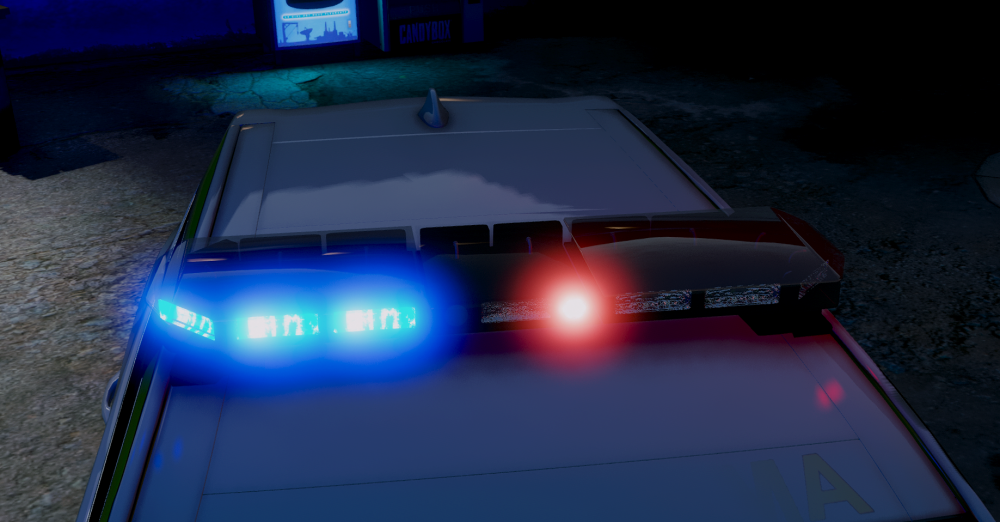
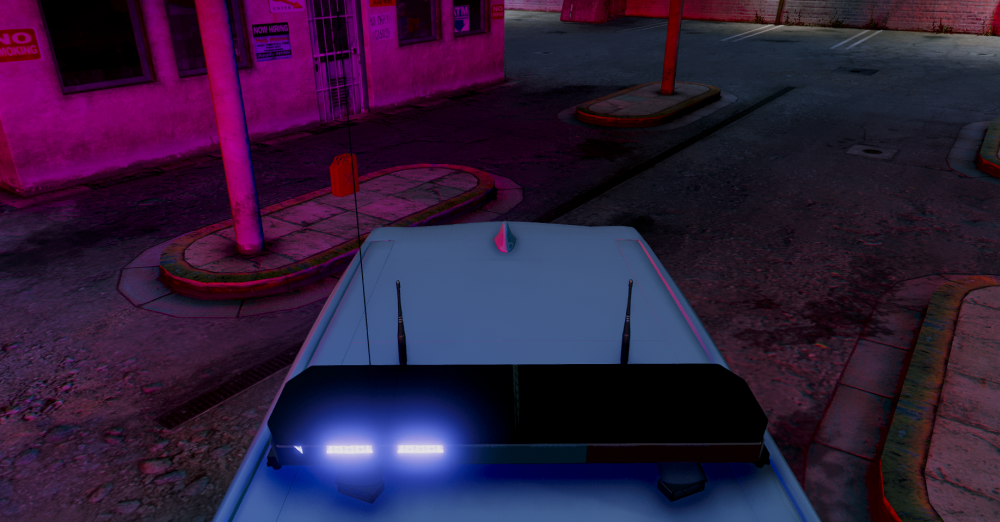
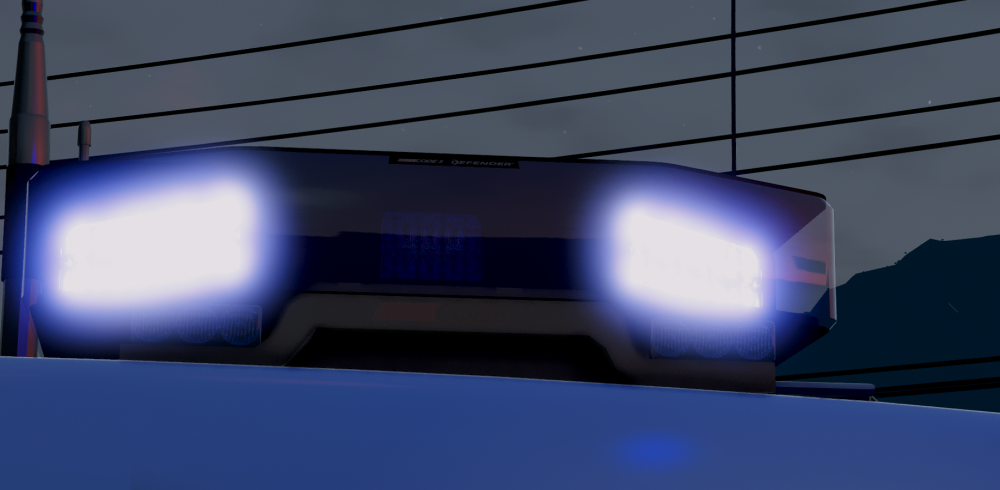
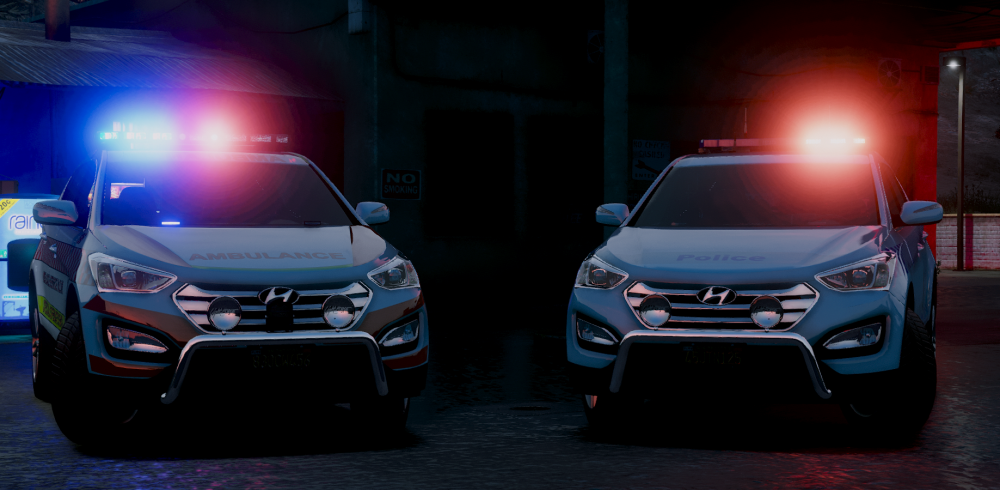
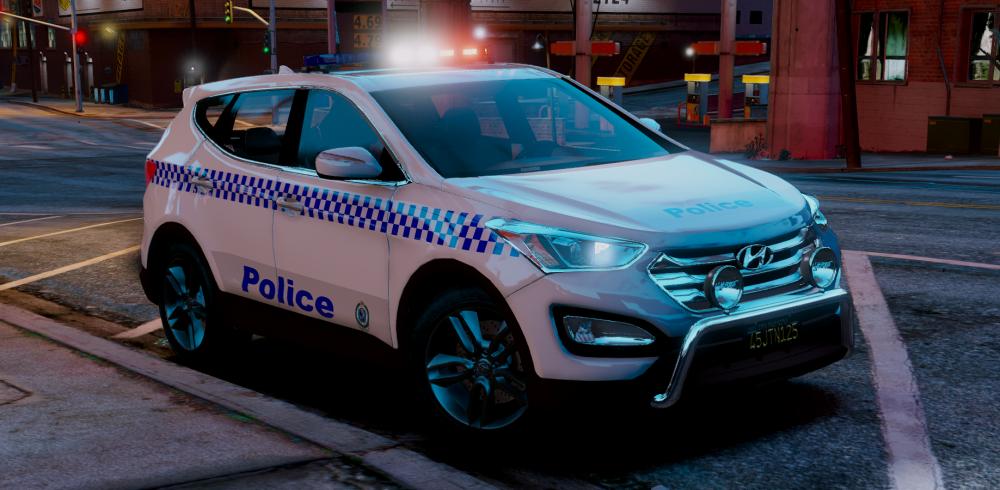
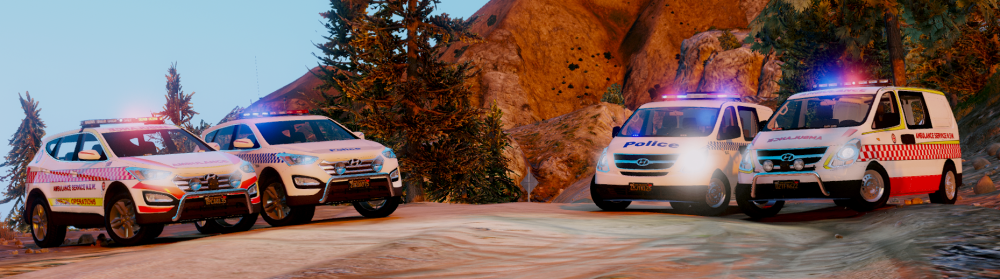
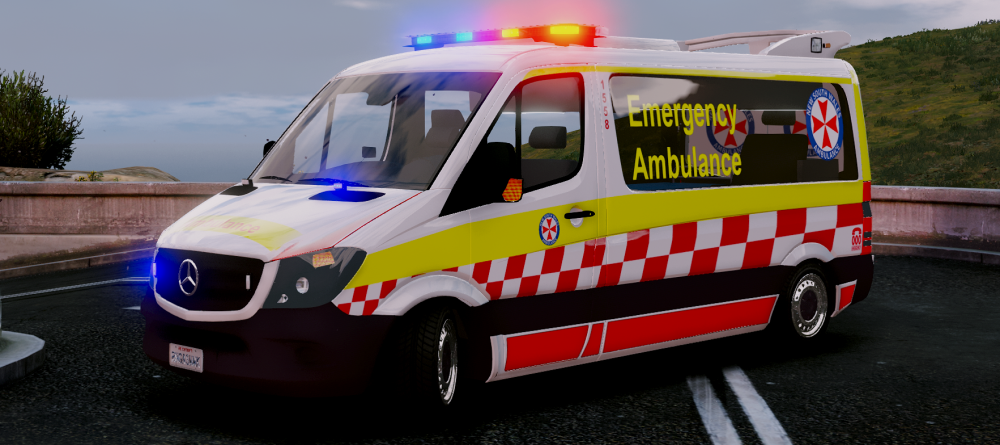
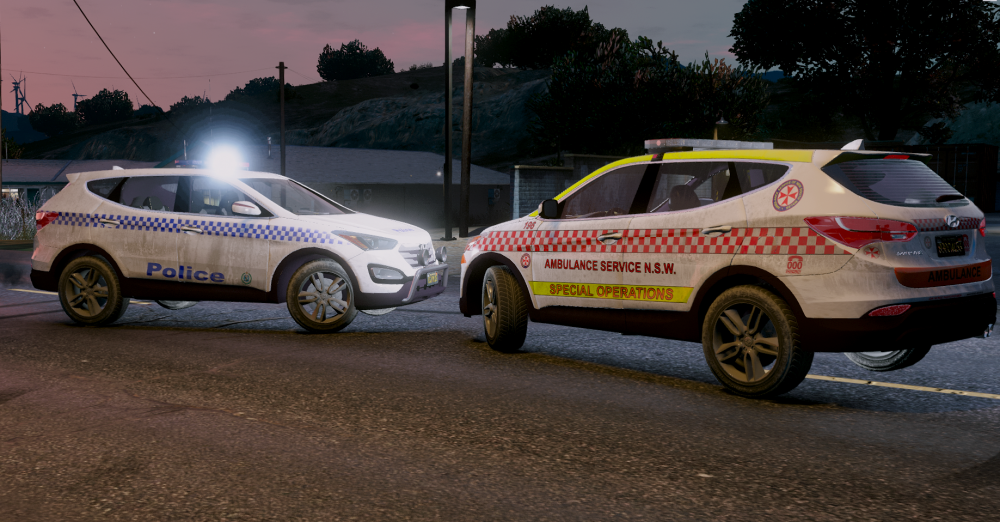 For Moose's ELS Sprinter.
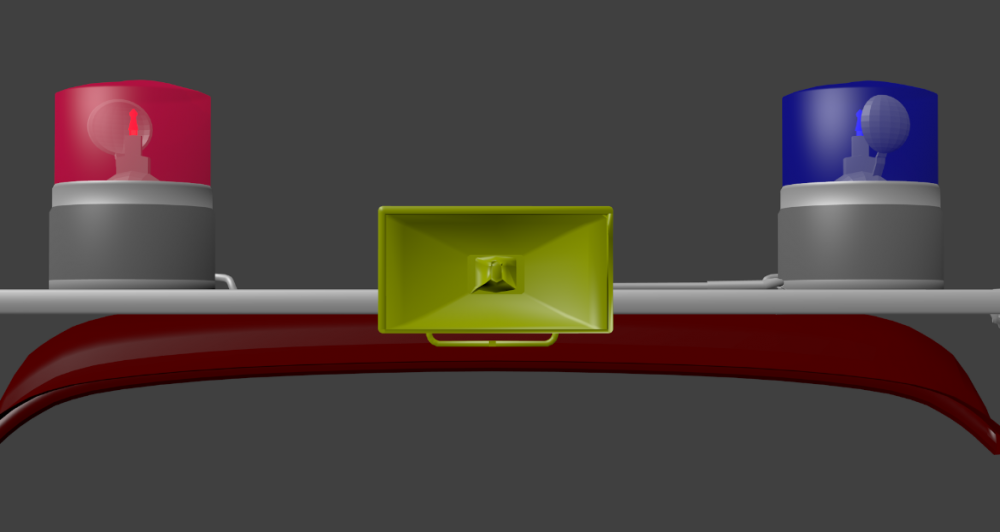
 7 days to dieonce I remod my game ill be sharing some aussie content again. GTA Updates suck :(These are in blender so they do not represent that of what it should look like actually in game. Beacons Off Textures: Beacons On Textures: At current the beacons colours are mapped incorrectly due to my own stupidity of mirroring the UV on accident, I will fix this up within the texture rather then remapping themSo I have decided to remodel the entire setup for the MFP Pursuit Interceptor, this is what I have got so far (roof spoiler, roof racks and beacons are done but yet to be textured.) Much higher poly then the first attempt as it was simply the minimal amount of polys, smoothing issues were apparent due to this.Having some issues (although im too lazy to read up on tutorials so ill just keep pulling more hair out :P) but its on ELS (not rotators currently) still need to iron out some bugs but getting there :) Pro Tip: Do not use Windows 10 Recording feature, its absolute blowarse... https://www.youtube.com/watch?v=qTA7u17rytYThank you for the suggestion but the whole purpose of this experiment was to learn more about modeling my own accessories to work in game rather then use other peoples dev parts, I am also not 100% sold on the quad rotator as am not certain if they were quads or singles within the movies (could be a bit of both to be honest). The Livery will also probably come in a few flavors as there were a few renditions of it throughout the movies themselves of the MFP livery.
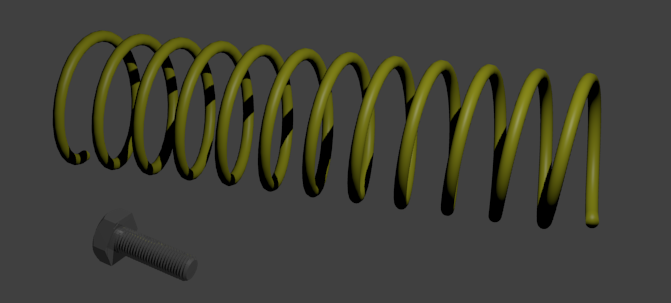
 I am aware of this but my 4 door XA falcon need a lot of work, I was offered this so I jumped on it, unsure of the actual terms currently so I still do not know if this will end up seeing a release (not to fear if it doesnt because I can always place the setup on the XA with an XB facelift.)There isnt really much to relay to you other then a screenshot or two, custom modeled beacons and roof spoiler which are both yet to be textured and the overall skin needs finalising too, model is from Forza Horizon 3 Converted to GTA V by Baba0rum File submitted by @Darkmyre, Thank you both :) This is also my very first attempt at getting a model working in game although most of the work was already done for me (civilian version of the vehicle, i have only made the police accessories, which there are more to come.)Oh look, something else is around the corner too, wonder what it could be.Shit posting eh? Better get to cleaning then, shall we?To label 4x4 thats many vehicles about, please be more specific next time. -20 points.Ill have a go if you're able to tell me what vehicle these are from.
 Couldnt help but notice the 'KK' folder, would I be right to assume ? :P Side note, i now have a serious OCD issue. For the love of all that is worth loving, please clean your desktop...




Account
Navigation
Search
Configure browser push notifications
Chrome (Android)
- Tap the lock icon next to the address bar.
- Tap Permissions → Notifications.
- Adjust your preference.
Chrome (Desktop)
- Click the padlock icon in the address bar.
- Select Site settings.
- Find Notifications and adjust your preference.
Safari (iOS 16.4+)
- Ensure the site is installed via Add to Home Screen.
- Open Settings App → Notifications.
- Find your app name and adjust your preference.
Safari (macOS)
- Go to Safari → Preferences.
- Click the Websites tab.
- Select Notifications in the sidebar.
- Find this website and adjust your preference.
Edge (Android)
- Tap the lock icon next to the address bar.
- Tap Permissions.
- Find Notifications and adjust your preference.
Edge (Desktop)
- Click the padlock icon in the address bar.
- Click Permissions for this site.
- Find Notifications and adjust your preference.
Firefox (Android)
- Go to Settings → Site permissions.
- Tap Notifications.
- Find this site in the list and adjust your preference.
Firefox (Desktop)
- Open Firefox Settings.
- Search for Notifications.
- Find this site in the list and adjust your preference.