xMoD
Members
-
Joined
-
Last visited
Everything posted by xMoD
-
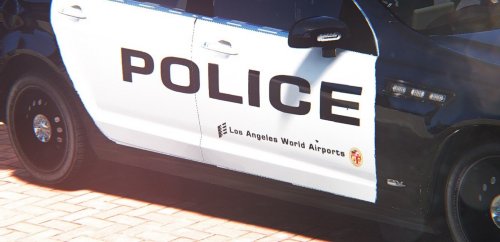 Looks good, cool texture.
 -
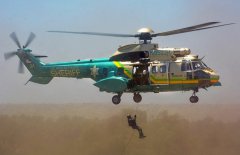 xD
xD -
-
-
-
-
From the album: Work in Progress
Currently making this for GTA V ;) -
-
-
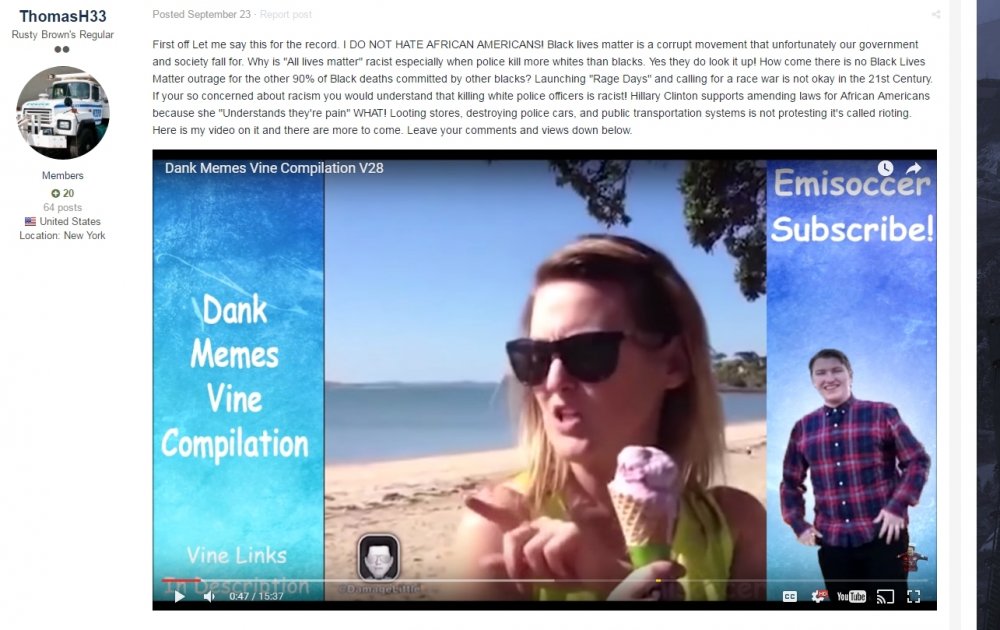
Why has this come up
-
-
-
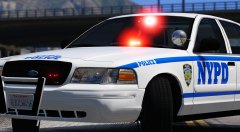 This will be interesting
 -
Heyy you used one of my screenshots :)
-
-
-
 How do I get rid of these light patterns. I cant replace sheriff or sheriff 2 with anything because the light patterns you made made their lights look bad
- 445 comments
- 108 reviews
-
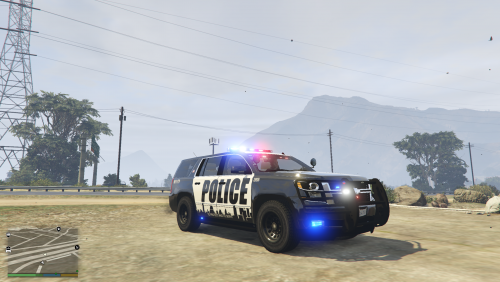 It makes it easier, just upload the texture not sheriff2. I don't want to go put that in then extract the texture myself.
 -
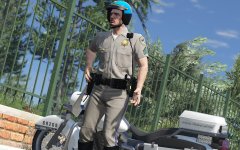 That x26!
 -
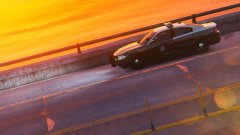 I know but it is a new design
 -
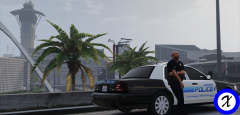 https://www.gta5-mods.com/vehicles/lapd-2010-ford-crown-victoria-police-interceptor
 -
Its Tahoe not Taho And the file I am downloading is just a picture, where is the texture??
-
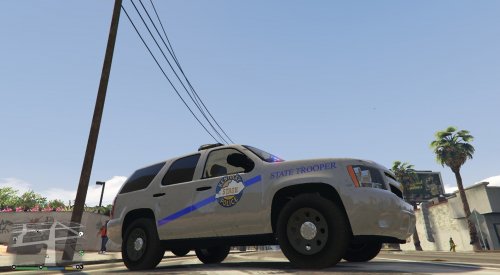 Nice job for your first texture, but there are some, errors plus I have never seen a KSP Tahoe before. 1) The main decals on driver, passenger and rear doors is too big, scale it down a bit and the blue line should touch the outer edge of the driver/passenger door and the outer edge of the rear door 2) The STATE TROOPER decals on the front of the vehicle are the wrong font and should bend along with the edge of the hood 3) The STATE TROOPER decals on the trunk are wrong font aswell
 -
Yes but its a new design that FHP will use
-