




flwpheonix
Members
-
Joined
-
Last visited
Everything posted by flwpheonix
-
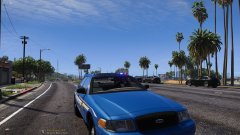
From the album: My random patrols
-
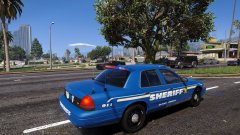
From the album: My random patrols
Whelen Fast Trax -
From the album: My random patrols
-
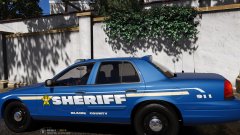
From the album: My random patrols
-
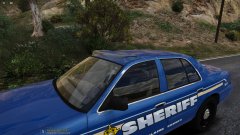
From the album: My random patrols
-
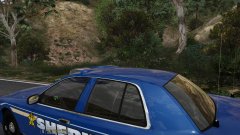
From the album: My random patrols
-
Can you expand your mods folder?
-
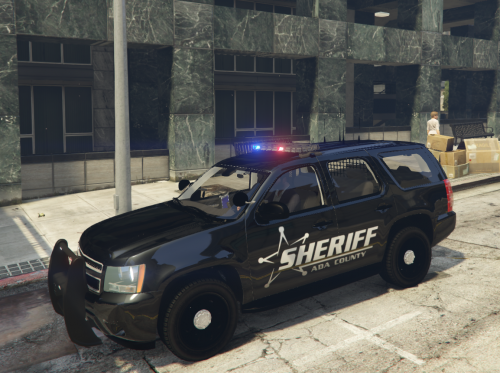 Considering that 90% of the '13 and '17 Tahoes use the same mapping, it's pretty pathetic that you cannot be bothered to look at vehicle models and find one you like. Be happy that a3grimreaper even bothered to upload it here. Sheesh!
- 5 comments
- 1 review
-
Dismiss the compounds on the wheels and re-compound them. See if that fixes it.
-
speed
-
yes...you still need to unsync it. No idea...that is something you will have to mess with.
-
Yes. I made the MX7000 in my STL area car pack do a portion of a rotation to simulate intersection sweeps. To do this set sync to bpm=false and adjust the speed value to fit.
-
That error I believe is a memory error. To fix this, go to your base node (police, police2, or whatever you have it labeled) Click Isolate, then go to properties. Under user defined properties, either adjust the base to a higher number (you may have to test multiple times until the error stops) or add the line Base and start at 250. Keep lowering this number until the error stops.
-
This error means that one of your parts has the default shader applied. Select all parts, then go to poly mode. Select parts by material and click the default material, then select. Those polys need to be assigned a GTA V shader.
-
Glad to help
-
Yes, but not the way you are probably thinking. The only way to have dual colors is to have to sirens on top of each other. They would start their rotation opposite each other....meaning if one is firing towards the front at the beginging of the rotation the other one would have to start firing to the rear. The down side of this is that when they make 180 degrees of the rotation, your second color would be firing to the front and the front to the rear.
-
<flash value="false"/> under the siren setting with cause it to rotate. If set to true, then no rotation occurs, rather you will get the flash.
-
Is the lighting being produced from ELS or Carcols? If it is from ELS, make sure slicktop=false in the .vcf Then adjust the co-ordinates as needed. Remember that x=left/right, y=front/back, z=up/down
-
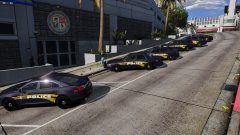
From the album: My random patrols
-
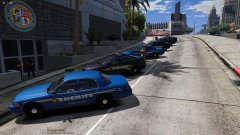
From the album: My random patrols
-
A video on how to do what exactly....Everything you need is in this thread....
-
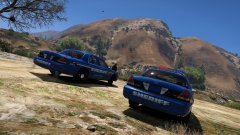
From the album: My random patrols
-
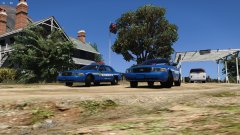
From the album: My random patrols
-
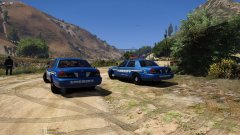
From the album: My random patrols
-
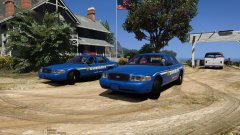
From the album: My random patrols


