Skip to content
View in the app

A better way to browse. Learn more.

LCPDFR.com

A full-screen app on your home screen with push notifications, badges and more.

To install this app on iOS and iPadOS
  1. Tap the Share icon in Safari
  2. Scroll the menu and tap Add to Home Screen.
  3. Tap Add in the top-right corner.
To install this app on Android
  1. Tap the 3-dot menu (⋮) in the top-right corner of the browser.
  2. Tap Add to Home screen or Install app.
  3. Confirm by tapping Install.

1210saad

Members
  • Joined

  • Last visited

  1. Beautiful pack. The only issue I have is that some cars do not spawn with the pushbars and other extras, anyone know how to make them do so?
  2. Looks nice! The livery you used though was only for the special recruitment vehicles, the ones on the street are a little different.
  3. TheCanadianDream started following 1210saad
  4. Thanks! Ya but this was like their main badge so I used it.
    • 61 downloads
    • Version 1.0.0
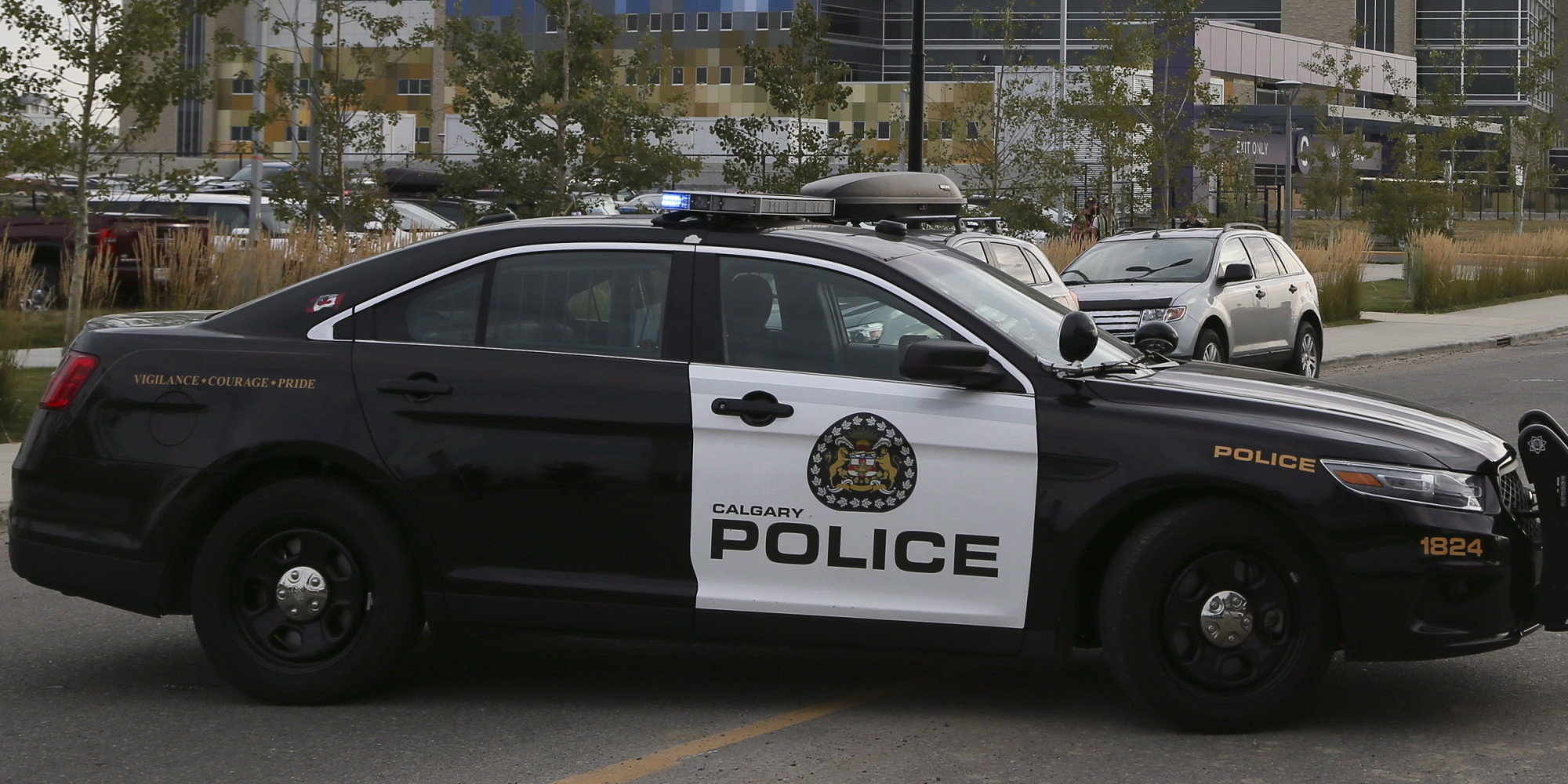
    I made these skins a while ago, felt selfish keeping them all to my self. Based on the Calgary police service's fleet. Sorry for the crappy screenshot quality, didn't bother getting an ENB. Any feedback would be appreciated, also let me know if you have any questions. Thanks!
  5.    Abel Gaming reacted to a comment on a file: PoliceMenu
  6. Can you please add the option to spawn police2? You can spawn all the other cars but police2, thanks.
  7. Garry can go on a ride along with me
  8. I was looking for these, Thanks.
  9. 1210saad started following BayAreaBuggs
  10. Hey guys I'm looking for the Tomar Scorpion 970L lightbar, I've seen a couple of models with it and was wondering if someone could perhaps tell me where i could find one. This explorer from my city has it, and I want to model one, but I really need that lightbar, so far I have the explorer, the setina PB-450 pushbar and the els lights, but not the lightbar. Thanks.
  11. Can please tell me where you got that light bar from?
  12. Wow not bad, I think the font needs a little more work.

Account

Navigation

Search

Search

Configure browser push notifications

Chrome (Android)
  1. Tap the lock icon next to the address bar.
  2. Tap Permissions → Notifications.
  3. Adjust your preference.
Chrome (Desktop)
  1. Click the padlock icon in the address bar.
  2. Select Site settings.
  3. Find Notifications and adjust your preference.