




F5544
Members
-
Joined
-
Last visited
Everything posted by F5544
-
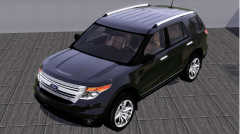 This is not the same model as the gpm.
 -
first time to convert
-
From the album: previews.
i have asked permission to convert this vehicle into the Ford Police interceptor Utility vehicle.© Fresh prince creations.
-
-
the rambar is optional. if your want a permanent rambar use this in the vehicle line, Ext_requi
- 14 comments
- 5 reviews
-
-
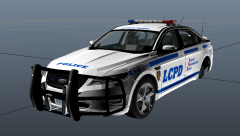
From the album: previews.
-
-
-
-
-
-
-
Hi. Try to replace the textures with the original. Are they blurred again? Are they the same size in pixels? Try another skin. This is a skin problem. Not a car problem.
- 18 comments
- 8 reviews
-
Thanks. No i don't make els vehicles. Sorry. No plans to use this light bar. This thing causes problems on new vehicles and i am not convinced. That the lightbar turnt out good.
- 29 comments
- 3 reviews
-
-

- 1
-
-
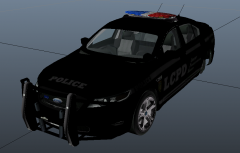
From the album: previews.
please tell me your opinion? better the the picture before? -
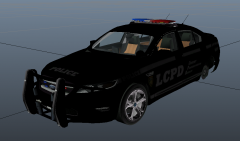
From the album: previews.
almost complete, making a honeycomb grill, changing the interior. -
-
-
-
-
-
-
-
Hmm then the problem still exist. Still not fixed. I am back at testing again.
- 18 comments
- 8 reviews

