




F5544
Members
-
Joined
-
Last visited
Everything posted by F5544
-
 hmm just busy with trying to fix glass data.
 -
-
-
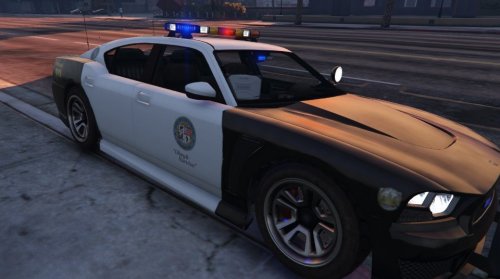 strange even without the handling, it shouldnt be crashing. Try lowering your setting. Or new install of the Car. Or without mods you can import your own skins for the Car. it is possible. I will release the dev version of the bar. i am busy now with the fedsig arjant for the iinterceptor first. Then a mx7000 and a nypd lightbar. Doesnt know now what the name of the bar is. The yellow lights can be removed but only for private use
- 54 comments
- 19 reviews
-
-

- 1
-
-
 The buff is just to test. I will release this for the interceptor
 -
lights setup almost done, and then collisions.
-
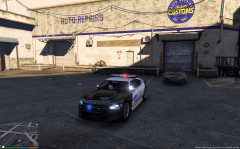 @@AmericanBagel tomorrow Lights are almost complete. and the collisions. But i check the police3 first if it's skinned properly otherwise i need to skin it again with all lods
 -
needs to be resized and fitted with the light textures.
-
@MikeyBrown @Aaron013 use a different dlc and add the car to the vehicles.rpf use this path then: \Rockstar Games\Grand Theft Auto V\(mods)\update\x64\dlcpacks and put it in one of the dlcs.
- 54 comments
- 19 reviews
-
yes you can import it. the game overrides this newer version with the old one.
- 54 comments
- 19 reviews
-
-
Hi, This is my first conversion with a new lightbar. It's unlocked, you can learn from it. If you use parts please ask for permission. For new skins or updates of these skins go to the creators, Pylophony and Blueorange. Upload only on LCPDFR.com Do not re-upload elsewhere. Hope you'll like it.
- 54 comments
- 19 reviews
-
-
- 13
-
-
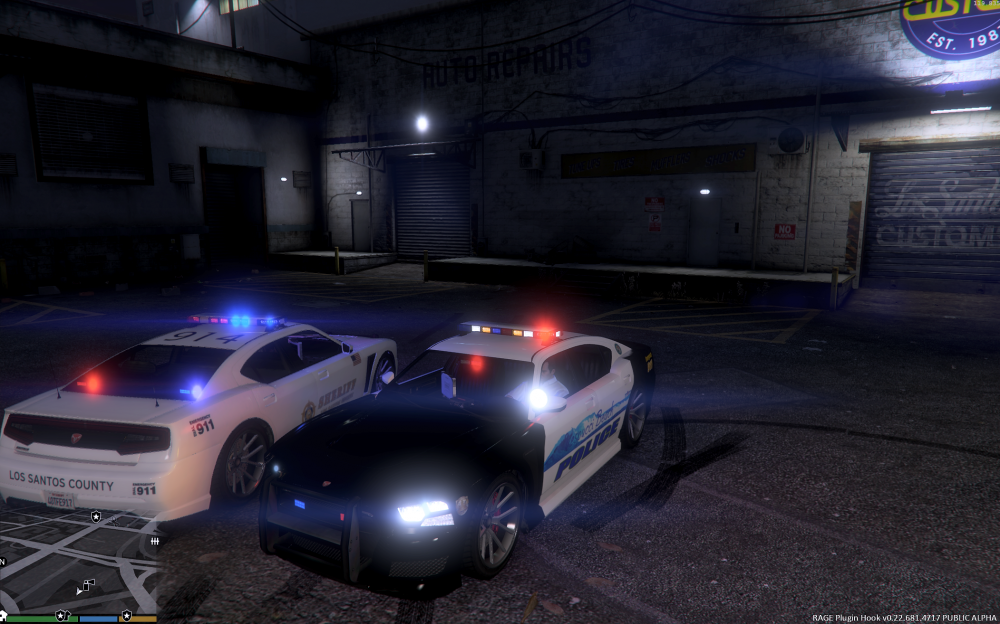
everything is done, but i am searching for the tuning parts file. to assign tuning parts. but there is no information about it.
-
yes i mean dummy. no the rotating lights are in a different setup. its in a other file not zmod file.
-
 Hey Mitch, I worked together with Ltmatt with this one. The template car will be updated, i will change the chrome grill.
 -
everything works, release in about an hour. just adding the police computer and fixing some small things.
-
 everything works, release in about an hour.just adding the police computer and fixing some small things.
 -
 ingame test. everything works fine except the glass. Now time to add the rest of the police stuff and then release. in about 10 hours.
 -
-
-
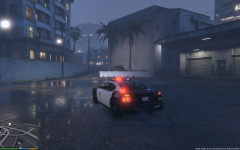 2 days max
 -
hmm.. difficult to explain. first i will release a car with it and then the lightbar. you only have to resize it for your vehicle and its ready.
-
Whelen edge, everything works. Hazard lights, search lights, police lights. Only thing to fix is the glass breaking.
-
-
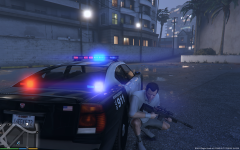 Partly. Siren 1 till 6. Now the rest.



