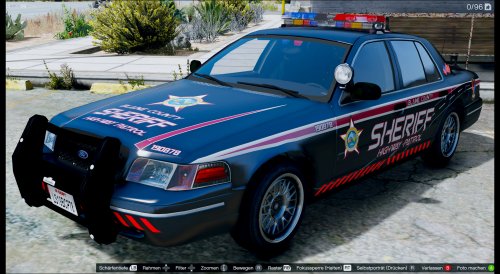
F5544
Members
-
Joined
-
Last visited
Everything posted by F5544
-
-
 The lapd pushbar is on the car. Use a trainer to enable it. I will add the wraparound in an update
- 146 comments
- 24 reviews
-
-

- 1
-
-
-
as many requested, i will update the arjent and put it on the cvpi
-
-
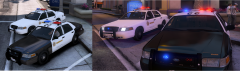 Released :D
 -
For installation instructions. you need to know how to install cars and carcols.meta. there are many tutorials online for it. use the latest dlc This is the first police car with 2 lightbars. Extra 1 is the Fedsig Vista, Extra 2 is the Code3 21TR by Kygo, converted to GTA V by me. Do not use parts or re-upload this car on another website, or ask permission first please. For installation problems use the comments or PM me. Credits: Model is original Driver San Francisco , modified for GTAV by F5544, marked to police version by Cj24 and KevinDV Liveries are made by BogdanM. Fedsig Vista Lightbar, Rhino Rambar made by F5544 and Textures by Lt.Caine/F5544. Code 3 21TR lightbar made by Kygo. Console made by 0taku. Interior parts made by Bxbugs123/Schaeft with permission to use. Interior textured by F5544/BogdanM.
- 146 comments
- 24 reviews
-
-
- 26
-
-
is fixed. Al is ready for release. need to wiat for permission of kygo for his lightbar and then i will upload it.
-
will be fixed also in other versions. i am optimizing all the vertexes/normals.
-
This is my latest project. i am now busy with the last touches.
-
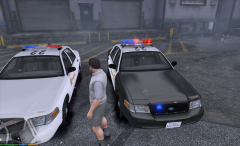 this lightbar above is an fedsig vista and a code 3 21tr
 -
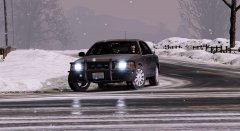 nice
nice -
I will be making this car with an improved arjent next
-
Yes
-
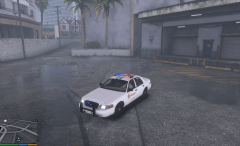 is no arjent. code3 21tr
 not possible with the gta engine. i am busy with an cvpi with vista/code21tr
- 139 comments
- 21 reviews
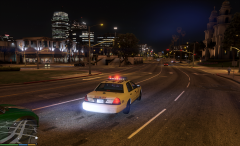 This is one of the lightbars. the other one will be a code3 21tr
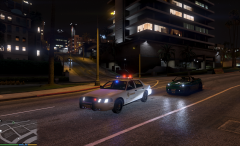 This is one of the lightbars. the other one will be a code3 21tr
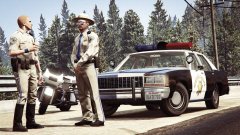 very nice cars lundy, good job, i was thinking to to convert the jetstream. I am going for the vista.