


snail
Members
-
Joined
-
Last visited
Everything posted by snail
-
-
 Hey! Recently the callouts have started to auto-end when i reach the destination? any ideas?
- 136 comments
- 42 reviews
-
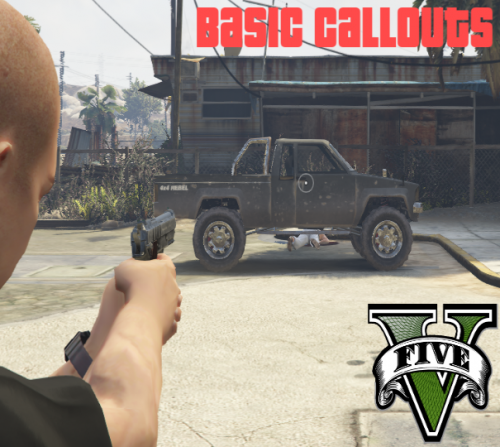 One more thing; any way you could change "end callout" from 'x' to 'end'? As 'x' instantly generates another callout 🙂
- 58 comments
- 12 reviews
-
-

- 1
-
-
Keep working on this, i'm missing normal, "boring" callouts so much, so i really hope you keep it up! Don't abandon it for something new, this has a lot of potential 🙂
- 58 comments
- 12 reviews
-
-
- 1
-
-
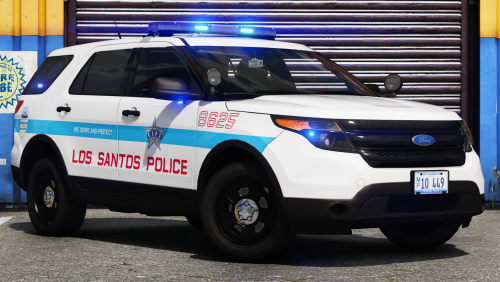 This is my new standard pack! Every car works as they should, and looks nice aswell 🙂 All blue lights5ever ❤️
- 24 comments
- 3 reviews
-
-
- 1
-
-
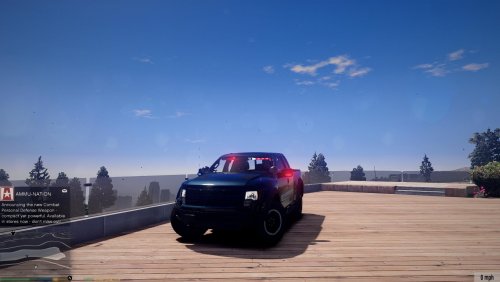 I see this is a pretty old model, but whenever i put someone in the back (arrested peds) LSPDFR crashes. I hope this get updated sometime soon 🙂 Would be great with a VCF aswell.
- 5 comments
- 1 review
-
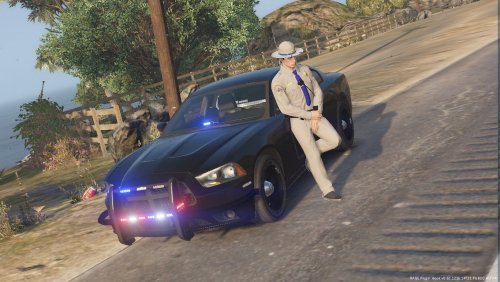 Very good pack! Except a few spelling errors which i've mentioned in the comment section. Also what CemeteryGaming wrote.
- 33 comments
- 10 reviews
-
-
"Prevent an crash" oof... "Exelence" (It's spelled excellence) Other than that, the pack seems really good 🙂
- 33 comments
- 10 reviews
-
-
- 2
-
-
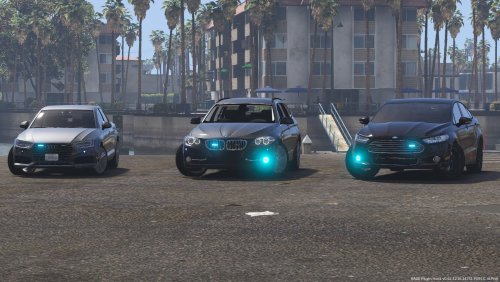 I really like these cars! Good job 🙂 However, the door on the Audi doesn't close when you step out, and it's delayed shutting when going in...?
- 5 comments
- 5 reviews
-
-
-
 This is a plugin you just got to have! (hence it's listed on Essential Mods!) 😁
- 1,178 comments
- 137 reviews
-
-
- 1
-
-
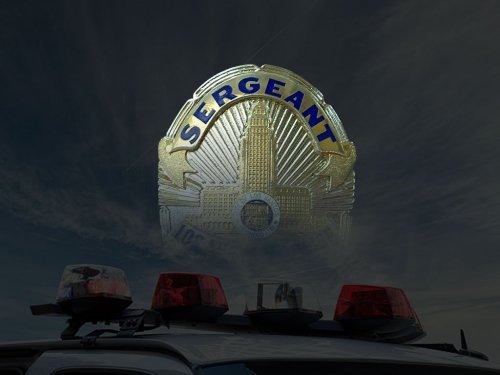 Sounds promising, but that huge Sergeant shield in the bottom corner is a huge NOPE. Will download when it's removed 🙂 Or is it just added to the pictures? What an illusion.
- 101 comments
- 18 reviews
-
-
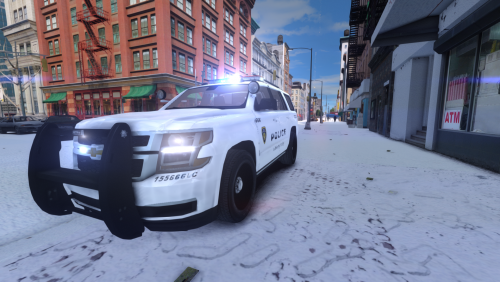 4/5 Nicely designed vehicles! If these had an option for all blue lights it would instantly be a 5 :-)
- 7 comments
- 6 reviews
-
 Best car pack as of now, imo. Also really easy to install! (i love mods with installer<3) Only thing that's missing is a modded Park Ranger car and police bike, and it will be 10 stars :)
- 779 comments
- 187 reviews
-
-
-
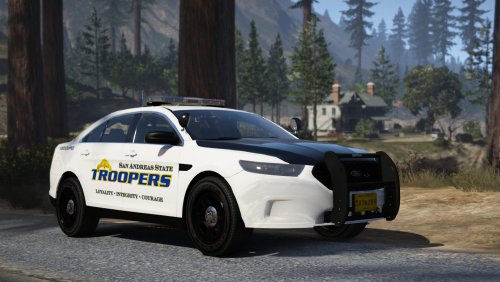 "These vehicles are not based of any specific department." They.. kinda are m8 :) They look great anyhow, good job!
- 50 comments
- 26 reviews
-
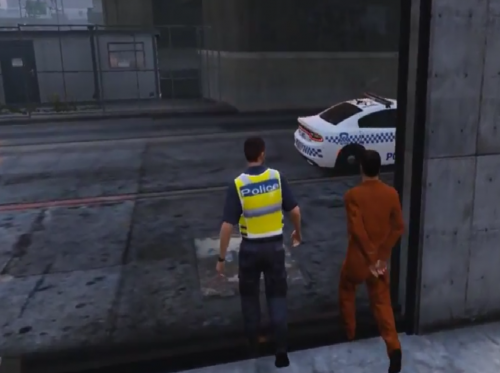 do i HAVE to install the menu and the sound files?
 -
Greetings! I followed this tutorial, and i get it working in OpenIV. The part i added shows up when double-clicking the .wdd in OpenIV, but it does not show ingame? As i wrote this, i realized you might not add stuff with this method, only replacing existing meshes? :/ Any thoughts/help?
-
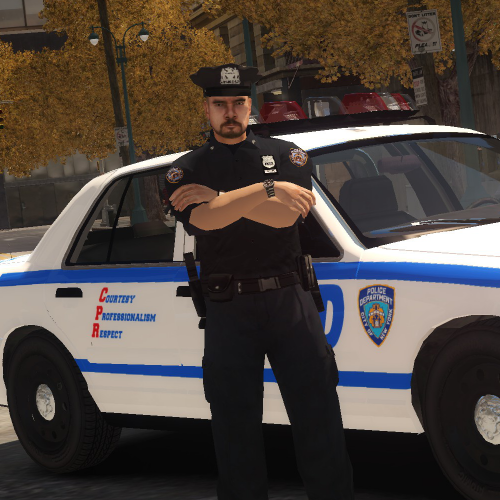 Great peds! However, it would be awesome if you added the following; 1. earpiece 2. choice between baggy pants and tighter ones 3. position a baton that's horizontal where the handcuffs are, and put the handcuffs where the baton is now :-)
- 18 comments
- 2 reviews
-
-
- 2
-
-
Greetings! When i start GTA IV, the Social club window that comes up only shows a "Play" button, but no place to login etc. http://imgur.com/a/dlhQw And when i do press "Play", nothing happens. Anyone knows how to fix this? EDIT: I tried to force-skip the social club thing completely, but the game still won't start, so i'm not sure if its social club that's the problem.
-
My bad :-) Can any mods move the thread?




