


gatekeeper
Members
-
Joined
-
Last visited
Everything posted by gatekeeper
-
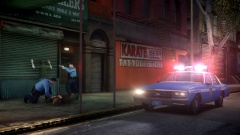 Looks good
 -
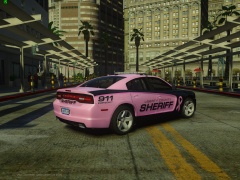 Looks pretty awesome
 -
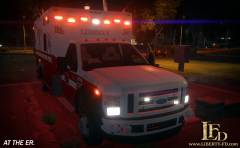 Looks really good glad you fixed the headlights
 -
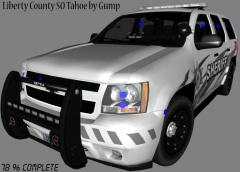 Looks real nice
 -
Yeah in hindsight I admit it wasn't the smartest thing to do but it was the only thing I could think of at the moment cause I couldn't get the guy off my friend and he had his arms pinned
-
-
I told him first and the suspect was on top of him, he wasn't just a stranger he was a friend
-
-
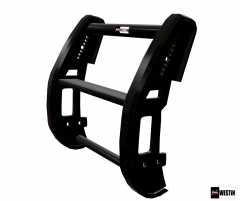 Great work
 -
 Looks good
 -
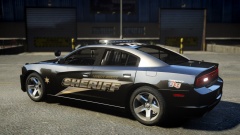 Beautiful where is the link to the car
 -
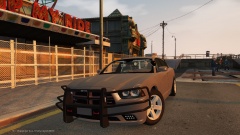 Nice car
 -
I actually had a situation after I left the job I was visting n.y. on vacation and I saw a friend of mine in a foot pursuit and I joined in and was able to catch the guy who knocked my friend to the ground and was on top of him and had a knife, I used my friends weapon and drew down on the guy and got him to submit
-
![Federal Signal Navigator Lightbar (UPDATE) [v2.0]](//s3-gallery.int-cdn.lcpdfrusercontent.com/gallery/album_3389/sml_gallery_148203_3389_463488.png) Better but resize the slr pods and make the outer glass closer to the slr pod
Better but resize the slr pods and make the outer glass closer to the slr pod -
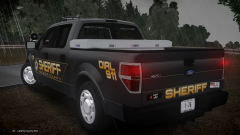 Great looking truck
 -
Looks much better, got some other things you need to fix: shorten the outer edge glass and you need a wide reflector behind the center slr pod as seen in this picture go onto the website click on the watch tab and they have a youtube video that gives you a better view of the light bar http://mobile.fedsig.com/products/376/navigator_lightbar
-
![Federal Signal Navigator Lightbar [v1.0]](//s3-gallery.int-cdn.lcpdfrusercontent.com/gallery/album_3389/sml_gallery_148203_3389_137112.png) Just keep up the great work!
Just keep up the great work! -
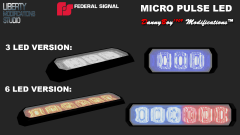 Looks great
 -
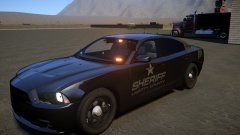
-
I agree would be better if the decal is lowered
-
If you have access to an unlocked federal signal slr use one of the turretts from that and you need another rotator in the middle and the led's need to be the double led's on it take a look at this video
-
Looks great, is this for public release?
-
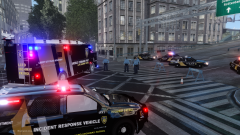 Looks great
 -
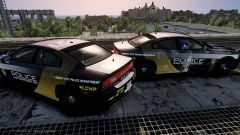 It looks great
 -
I personally think he should have made more of an effort to grab her before deploying his tazer, you can see him Camly walking behind her at a slow pace, I know when I told somebody I was going to arrest them I didn't just walk non chalantly up to them. So I honestly think in this case he was wrong to deploy his tazer it was not used to prevent escape because a few more steps would have accomplished that

![Federal Signal Navigator Lightbar (UPDATE) [v2.0]](http://s3-gallery.int-cdn.lcpdfrusercontent.com/gallery/album_3389/sml_gallery_148203_3389_463488.png)
![Federal Signal Navigator Lightbar [v1.0]](http://s3-gallery.int-cdn.lcpdfrusercontent.com/gallery/album_3389/sml_gallery_148203_3389_137112.png)
