



TaylorSwift
Members
-
Joined
-
Last visited
Everything posted by TaylorSwift
-
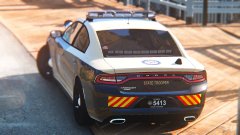 I'm actually unsure, but i'm friends with Ironic, so I don't believe he'd mind, I'll ask him either way. This is ironics. I'll add a bit of tint over the wingman, and they use the flex in the 15 ghost's and unmarkeds, they probably use it on a few marked as well, but the one i'm basing it off of uses the wingman ledx.
 -
From the album: TaylorSwift's WIP
-
 It's only a ghost livery that they will use, it isn't a new design for marked cars.
 -
That isn't FHP's new design. It's simply a ghost design being used on only 5-6 chargers. That is not it either, this is IronicRainbow's 2015 charger. Not codex's, and not the one from V mods. @Him1250 @PSource
-
From the album: TaylorSwift's WIP
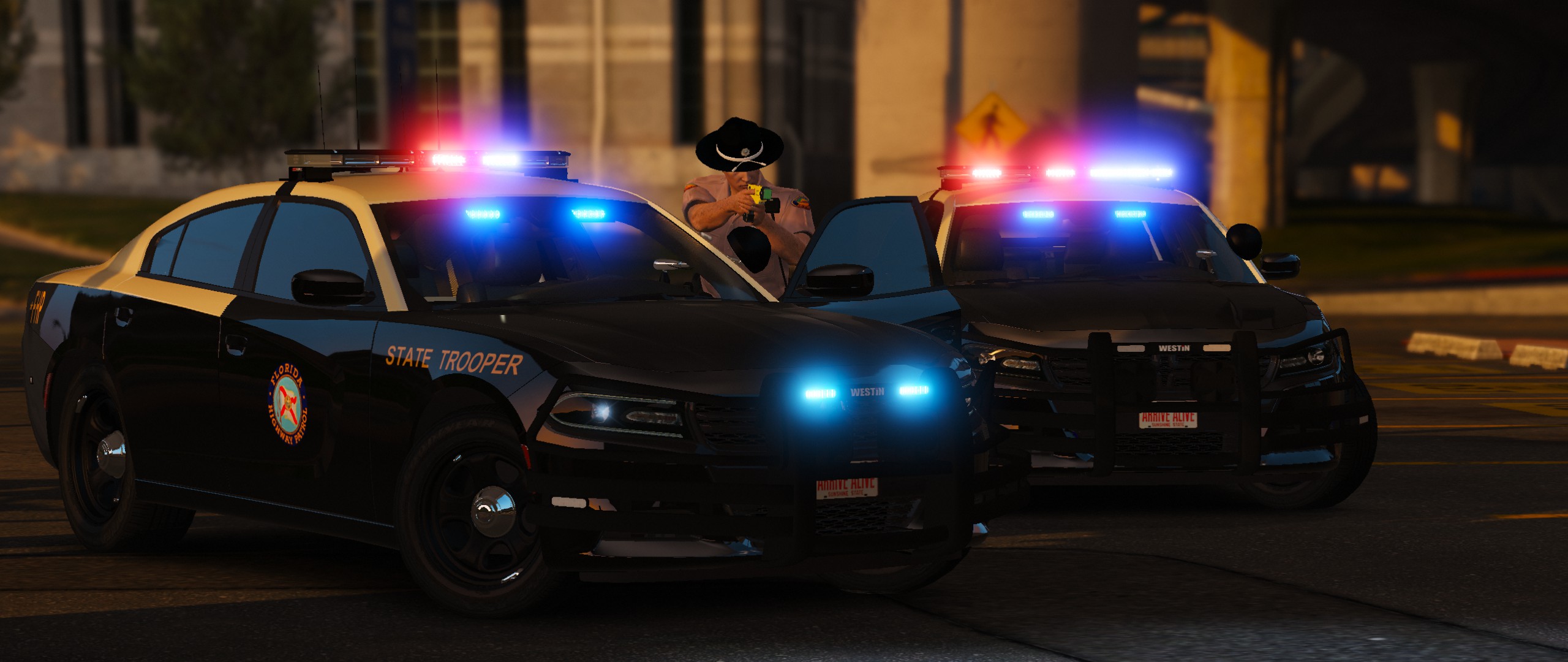
Will include several extras: The choice of Westin or Setina. Several antenna options. A State Trooper logo pictured here: chek the albm nam m8 It's the crew lol
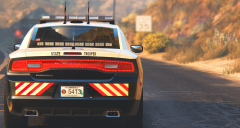 Incredible screenshot, nice work.Emergency strobes, it's even on the screen lolCan't really give an estimate.Exactly this, Rockstar editor is incredible for screenshots. And I was using memeenhancer, but I am now using it along with Redux.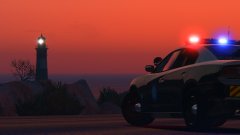
From the album: TaylorSwift's WIP
whydoesthelighthousehavealight?.jpg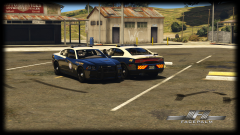 Nice screenshot, here's some more:
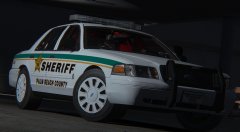 thank u please my male homo-sapien
as said in the description, I need to darken them lmao
thank u please my male homo-sapien
as said in the description, I need to darken them lmao
From the album: TaylorSwift's WIP
I need to make the wheels darker, woops.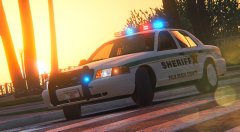 what
Sweet, i'll look into that tonight. Will do.They have unmarked Ford Taurus SHO's, not interceptors. And yes the do have the utilities. I do not use true coronas, but I assure you my lights are visible nearly to the real life distance they would be, not 10 meters. Truly are beautiful SUV's. And yes, a slicktop/unmarked vic will be included.
This one will not have a steelie version, PBSO only uses hubcaps on these versions of cruisers. If it is scaled the same then sure, but I really don't have time to refit everything, work consumes my life, yay.
not my base model, so im not sure if this should even have a flex fuel badge. I understand what years have them, but i'm not even sure what year Underwood based his off of lol. https://gyazo.com/0975ec5c682a41c31b03e41a9565583d
Scratch made the entire car, completely different one from the beta :P
what
Sweet, i'll look into that tonight. Will do.They have unmarked Ford Taurus SHO's, not interceptors. And yes the do have the utilities. I do not use true coronas, but I assure you my lights are visible nearly to the real life distance they would be, not 10 meters. Truly are beautiful SUV's. And yes, a slicktop/unmarked vic will be included.
This one will not have a steelie version, PBSO only uses hubcaps on these versions of cruisers. If it is scaled the same then sure, but I really don't have time to refit everything, work consumes my life, yay.
not my base model, so im not sure if this should even have a flex fuel badge. I understand what years have them, but i'm not even sure what year Underwood based his off of lol. https://gyazo.com/0975ec5c682a41c31b03e41a9565583d
Scratch made the entire car, completely different one from the beta :P



