Skip to content
View in the app

A better way to browse. Learn more.

LCPDFR.com

A full-screen app on your home screen with push notifications, badges and more.

To install this app on iOS and iPadOS
  1. Tap the Share icon in Safari
  2. Scroll the menu and tap Add to Home Screen.
  3. Tap Add in the top-right corner.
To install this app on Android
  1. Tap the 3-dot menu (⋮) in the top-right corner of the browser.
  2. Tap Add to Home screen or Install app.
  3. Confirm by tapping Install.

TaylorSwift

Members
  • Joined

  • Last visited

Everything posted by TaylorSwift

  1. May u send a link for the Fire Engine? Thanks!
  2. Amazing job! I Cant believe i found this!
  3. Wow quick reply's! Thanks for the help everyone! as "theninja35" said i'm pretty sure there is a way to move the camera i'll check it out i thought this was the problem. Thank you i'll make sure to use this site everytime, you guys are a real help. It just suck cause i youtube for realism and you know dash cam is pretty much the most realistic way to so... whatever i'll try to fix it. And to "theninja35" i found the file it is "VehOff" io do belive but i dont know what coordinates to set! lol
  4. Hey everyone, I was wondering one thing and that is , Why in some modded cars does the dash cam looks like part of the window is showing ...Does anyone know how to fix it? Thanks!
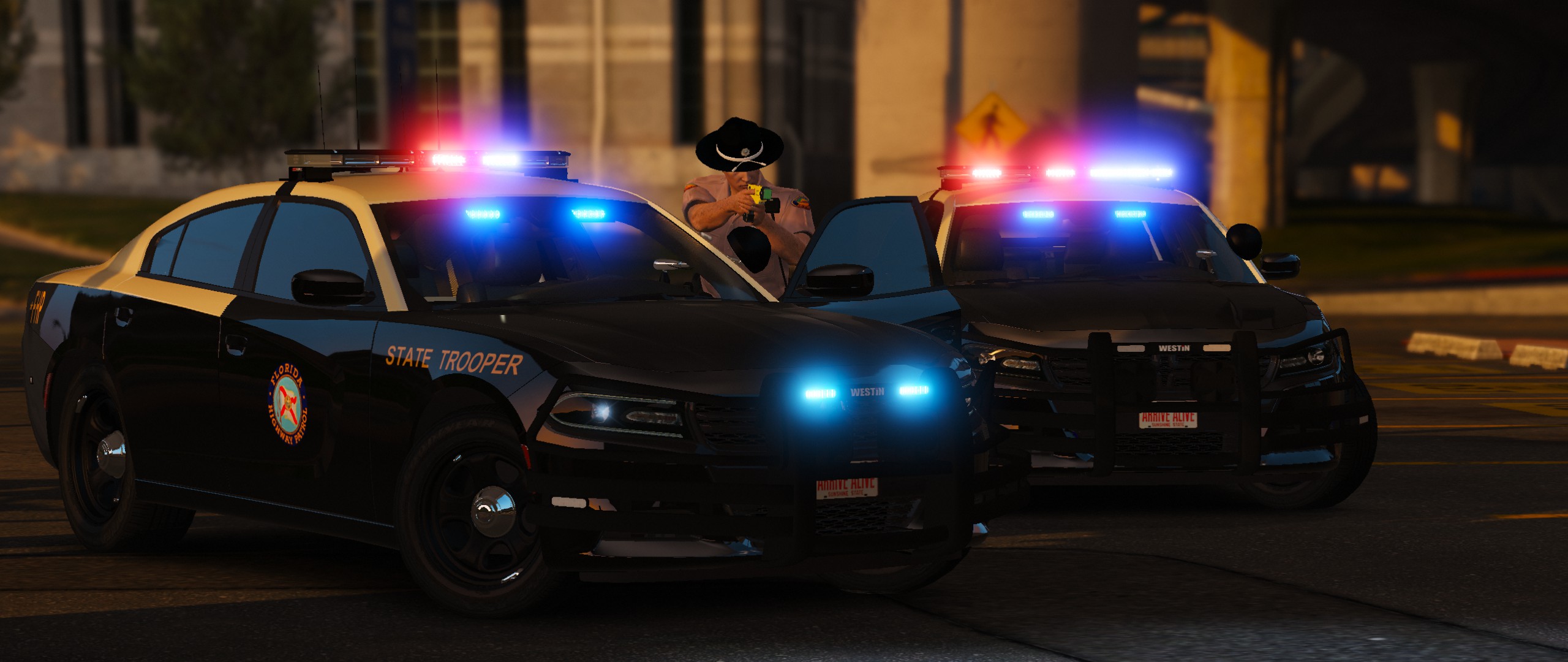
  5. Images added to a gallery album owned by TaylorSwift in GTA V Galleries
  6. WIP

    Images added to a gallery album owned by TaylorSwift in GTA IV Galleries
  7. Images added to a gallery album owned by TaylorSwift in GTA IV Galleries

Account

Navigation

Search

Search

Configure browser push notifications

Chrome (Android)
  1. Tap the lock icon next to the address bar.
  2. Tap Permissions → Notifications.
  3. Adjust your preference.
Chrome (Desktop)
  1. Click the padlock icon in the address bar.
  2. Select Site settings.
  3. Find Notifications and adjust your preference.
