




Mikofiticus
Members
-
Joined
-
Last visited
Everything posted by Mikofiticus
-
New video!
-
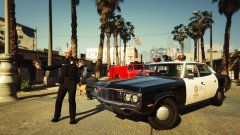
From the album: GTAV - PC
-
I do. That is such a helpful mod lol
-
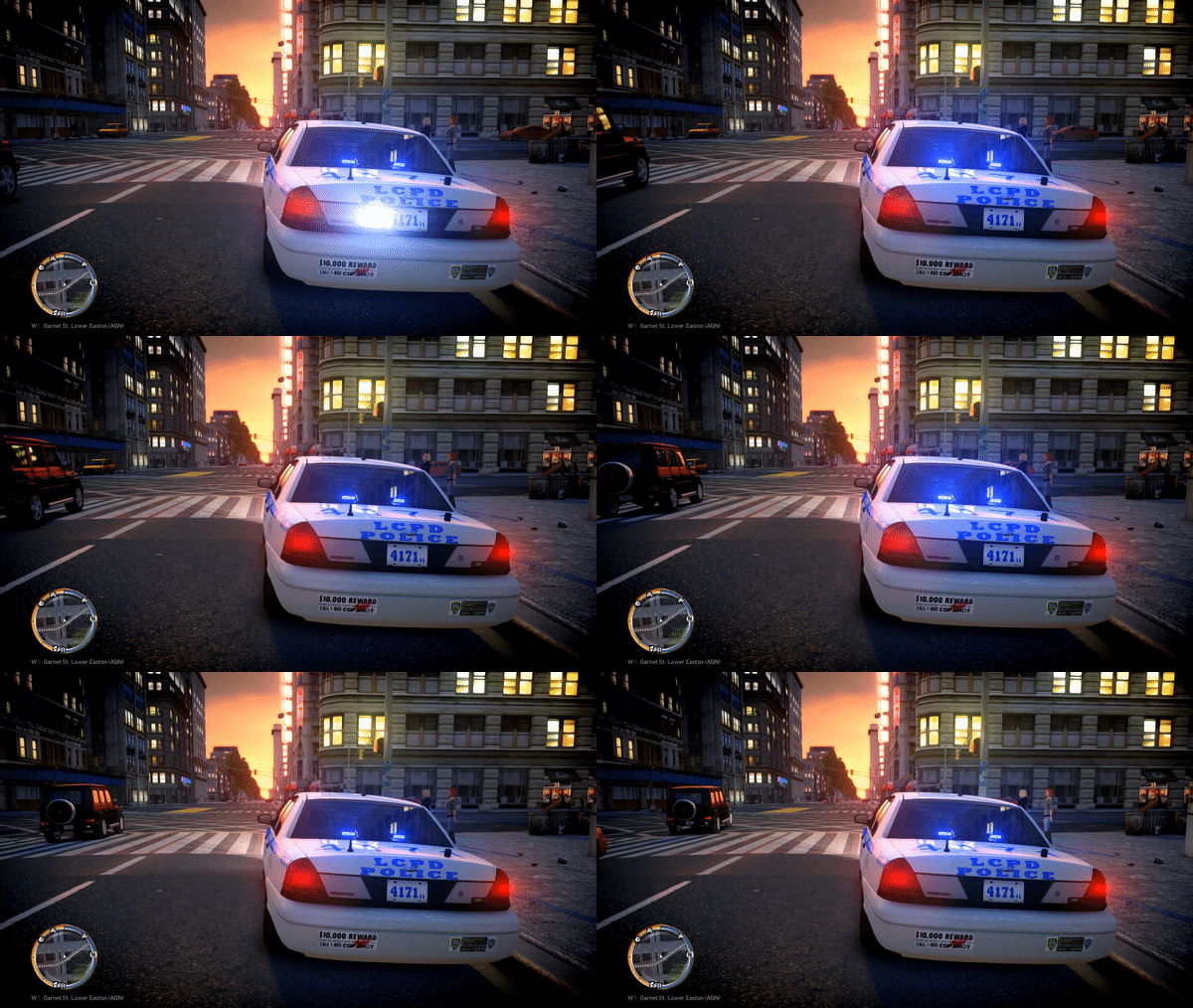 I'd say so. How many gigs of VRAM does your 970 have? I have 4 Gb. That would help a lot too.
 -
I would imagine lots of RAM and a good graphics card. Upgrading from 8 gigs of ram and a 660ti to a 970 and 16 gb of RAM helped immensely. I rarely got any more crashes in IV. But that was just me.
-
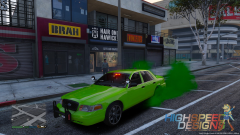 The picture quality looks fine to me.
 -
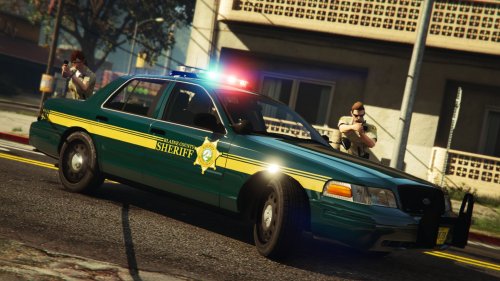 I didn't notice if they were different, sometimes the light can make the colors look really weird.
- 5 comments
- 7 reviews
-
Here are my last two, I don't think I'll get any better.
-
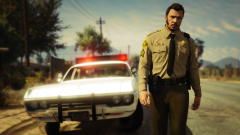
From the album: GTAV - PC
-
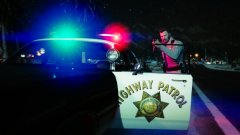
From the album: GTAV - PC
-
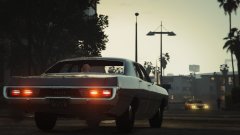
From the album: GTAV - PC
-
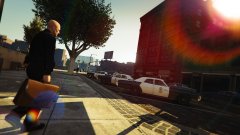
From the album: GTAV - PC
-
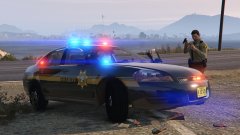
From the album: WIP Textures (GTAV)
Impala is done! Get it here! http://www.lcpdfr.com/files/file/9506-blaine-county-sheriffs-office-cvpi-skins/ -
Here are some of the projects I'm working on right now. For the Blaine County skins, I might not be able to do the Explorer due to the template. I will probably do a Tahoe or Suburban instead.
-
 Is the template off? Like the quarter panels? I'm trying to make a skin for it, but it looks like the rear and front quarter panels are shifted. I get this:
- 563 comments
- 116 reviews
-
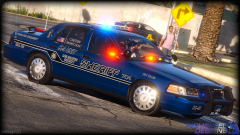 Holy hell those are some shiny hubcaps lol.
 -
I still think making a post like "Okay, the favorites for the week of _____ are over. Thanks for the submissions. The submissions for the next CSF will be from now until ____" on the actual forum would help a lot.
-
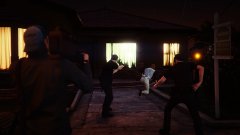
From the album: GTAV - PC
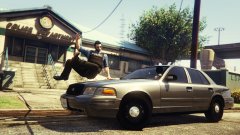
After many requests, the show "COPS" decided it was time to head to the dangerous streets of Los Santos. -
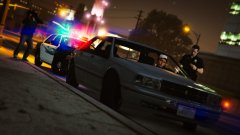
From the album: GTAV - PC
After many requests, the show "COPS" decided it was time to head to the dangerous streets of Los Santos. -
 Awesome video! Do you know the name of the running with the hand on the holster and running and checking the radio animations?
 -
 It's from Alex Ashfold's Emergency Uniform Pack
 -
From the album: GTAV - PC
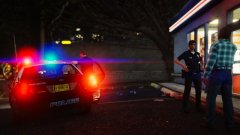
1-Adam-08 responded to a shoplifting at a convenience store in the Mirror Park area. Officer Watts talks to the shop owner, while Officer Keller talks to the suspect. -
From the album: GTAV - PC
-
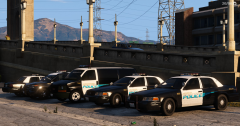 Hm. Not sure what it's mapped to. I know F554's cars tend to have the body color as the spotlight. Maybe his template has it and I missed where the spotlight is.
 -
Looks good. Be careful with you white though. I noticed it also colored your spotlight on the two CVPIs to the right.


