



aciaca
Members
-
Joined
-
Last visited
Everything posted by aciaca
-
 This is nice.
 -
 Nice :)
 -
From the album: Police Chases
-
-
-
It depends in the country. But of course every country need Police. Without police less crime? Without police, everybody would be doing crime cause no one would chase the criminals. Even civilian caught a criminal, who would they call when there is no police? No Police No Prisoner
-
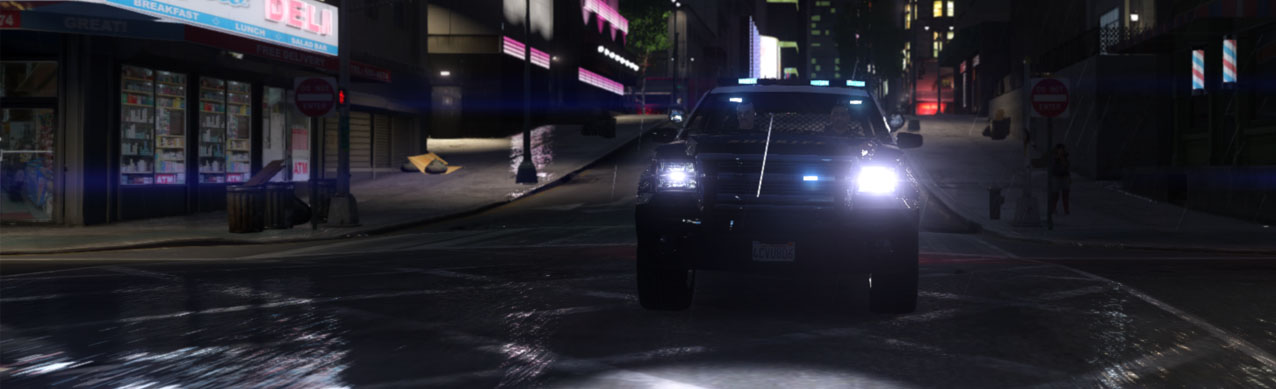
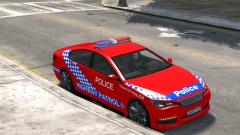 great light bar
 -
-
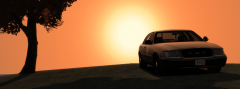
From the album: Break Time
FBI having break time. -
-
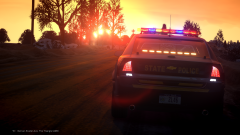 Unbelieveable
 -
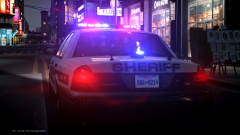 dang .... ***
 -
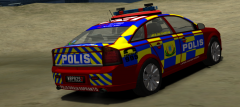
From the album: Police Chases
-
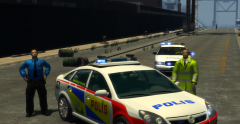
From the album: Police Chases
-
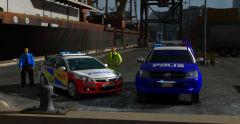
From the album: Police Chases
-
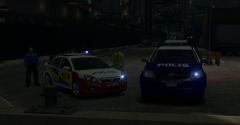
From the album: Police Chases
-
-
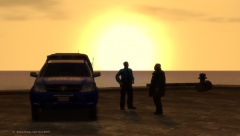
From the album: Police Chases
-
when I read the title it sounds a bit funny, respect as a player lol, what do you expect its a game XD
-
I got antialiasing on my NVIDIA control panel and I turn it on, it works on my gta, its smooth looking. You guys know what I mean. But when I screenshot in game, when I take a look at the screenshot it became normal, not smooth, is there a way to make my screenshot look excetly the same in-game? Or is the ENB doing it, cause I don't have ENB. Cause I keep seeing others screenshots with smooth lines. btw i use fraps for screenshots
-
i have 4gb ram and my gta iv run like shit lol
-
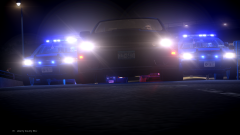 great
great -
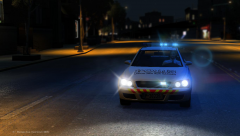
From the album: Police Chases
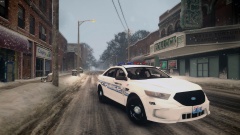
Polis Diraja Esperanto, Repablik Polis Esperanto, Responding... -
People still gonna find thier way to mod anything. Also with DAT files in GTAV, can be tweak.
-
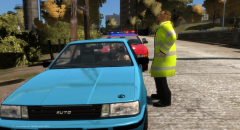
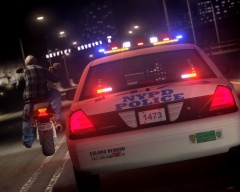 nice pic, just to share here, the cop car and the bike aint moving. look at the biker's leg putting on the floor XD





