
aciaca
Members
-
Joined
-
Last visited
Everything posted by aciaca
-
Hello, how do I install any mods for my own use in FiveM. Mostly I'll be using lore friendly mods since the server I play doesn't allow extra advantages. For exmaple these mods here: Changing Police Vanilla Lights to all Blue. I tried changing as per normal how I did for singleplayer but it's not working. Map Mod https://www.gta5-mods.com/misc/atlas-colored-map-16k-that-also-works-in-radar
-
from your statement. for grand theft auto 5, first trailer shown on 2011, second trailer shown on 2012, third trailer of the 3 characters shown on 2013. then sept 2013 release of the game. so when is the first trailer of gta 6 gonna be release since Q3 of 2022 gta 6 would be release? 😂
-
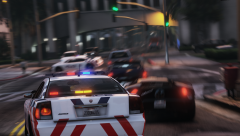
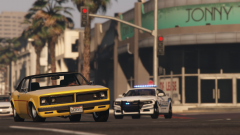
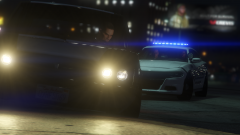
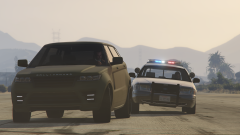
My gallery during police chase.
-
-
-
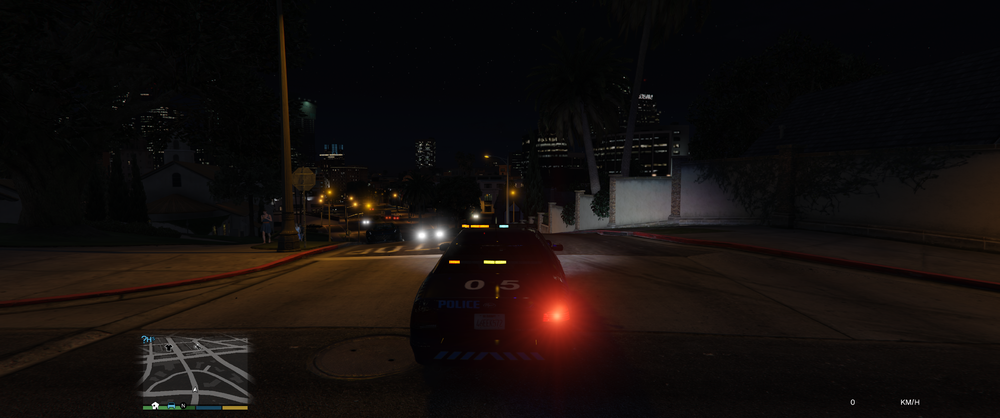
My ELS lights are not bright and it stays the same after changing the visualsettings.dat > car.defaultlight to a higher number. Still not working. I used to edit the numbers and I know how to manually edit it. But It looks like there's no changes. What am I missing? This is mine currently.
-
This album is about my police officers having their Tea / Donut Break during their duties. Stay tune for my pictures!
-
-
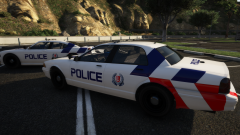
From the album: Donut Break
It's back and neat. I guess... -
-
This album of mine will be showing off downloaded vehicles.
-
-
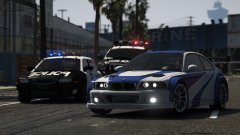
From the album: Pursuit
The Most Wanted is back! -
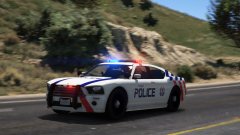 Maybe :)
 -
-
-
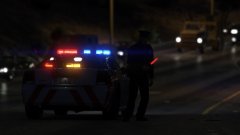
From the album: Pursuit
More road blocks should apply these holidays. -
-
I have the exact same issue. There's no beep sound and can't open up the ELS control panel. I have everything it requires but it's not working it's weird. Till today I still haven't got it fixed. :(
-
-
Only head and tail lights are flashing, by hitting key E. Which means ELS is not registered. I cannot open the control panel. Another thing is I remember I accidentally uninstall my Microsoft Visual C++ Redistributable Package for Visual Studio 2013 some kind like that. Is it because of that? But I reinstalled it again but it does not work...
-
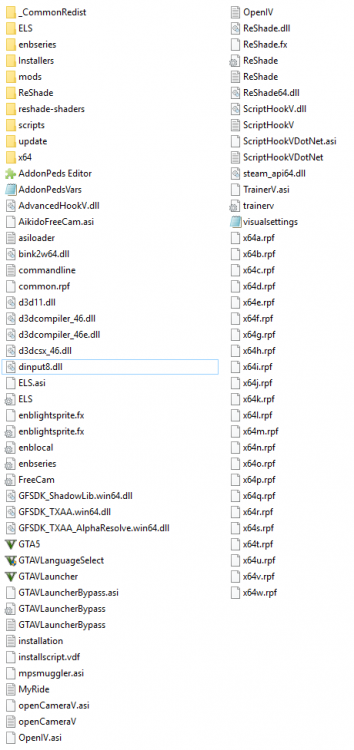
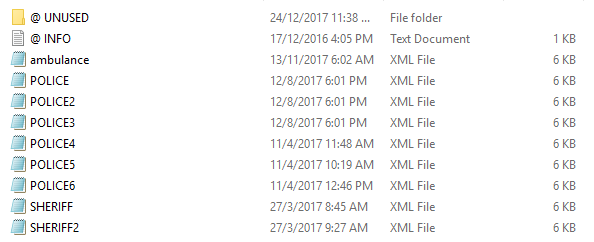
Hello everybody! I'm not new to modding. I've used ELS and other mods, but after the DLC update, I can't get my ELS working. Usually I know how to solved errors but this is so weird. I've tried few solutions like re installing my vehicle mods re install asi loader (THIS ONE) and even restarted my PC. Still didn't work. Replaced my visualsettings.dat, dlclist.xml too. Reinstalled my ELS, still didn't work. When I'm in game, there is no beep sound, which means it's not working. But I have everything it needs, AdvanceHookV.dll, dinput8.dll, and stuff... The ELS text file was most updated was yesterday 23 December. Which means it's working yesterday lol. I really need to recall what i did yesterday on my OpenIV. Attached is my GTA V folder, is there I'm missing?

-
-
-
From the album: Pursuit
Singapore Police Force (SPF) responds to a suspicious drone flying around near army base.