




CrossFire
Members
-
Joined
-
Last visited
Everything posted by CrossFire
-
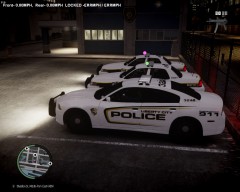
From the album: Multiplayer fun
-
-
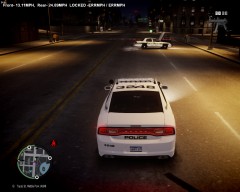
From the album: Multiplayer fun
-
-
-
-
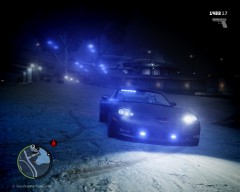 I would have to get permission from the guy who created L3EVO, I don't know of any way to contact him
 -
Thanks!!
-
I'm still editing this ENB to make the lights perfect while also getting good FPS
-
From the album: Grant's ENB's
My customized ENB, I will not give this out to the public, but if you want it I will consider sending it to you if you PM me. :) -
-
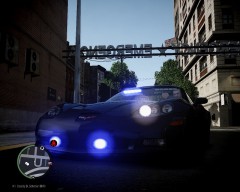
From the album: Grant on patrol
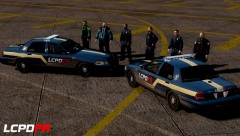
The LCPD just got it's brand new fleet, along with it came a couple of 2010 Chevrolet Corvettes, the patrolmen are pissed because they didn't get any, while the detectives party. -
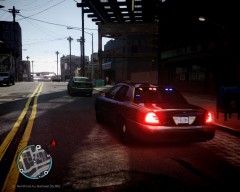 I will share it with very few people.
 -
Oh LOL, but yea you need to change your GTA siren key. (I use middle mouse button).
-
Its actually "H" to turn on, "Y" for airhorn, and "T" to change siren.
-
Car link: Lost :( ENB: Private, sorry :(
-
Nope
-
I don't know why, but LOL Also I would recommend giving screenshots of your pack, so we know if we are expecting something good.
-
I would look at this http://www.ebay.com/sch/i.html?_trksid=p2047675.m570.l1311.R1.TR4.TRC1&_nkw=dell+xps+8300&_sacat=0&_from=R40 That's the computer I work on and I get 30-50 FPS with a VERY high grade ENB
-
-
-
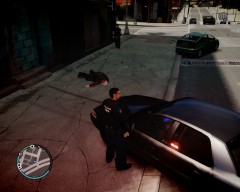
From the album: Grant on patrol
-
From the album: Grant on patrol
-
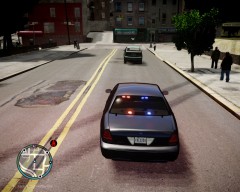
From the album: Grant on patrol
-
 What ENB is that?





