




CrossFire
Members
-
Joined
-
Last visited
Everything posted by CrossFire
-
Try putting in your backups (Hopefully you made backups) and putting in the ENB
-
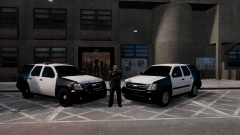 lol ^^
 -
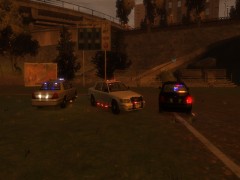 Nice!!
 -
Damn, what ENB is that?
-
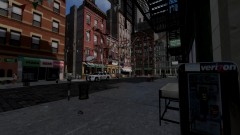 IMO, It needs to be a bit brighter, but I like it!
 -
Anybody wanna play with me and Sgt. Perez? If so, PM me and we can play on a private TS, I put together a pack of Micheal V's latest skin pack, which includes a handling.dat, but again, if you wanna play, PM me!
-
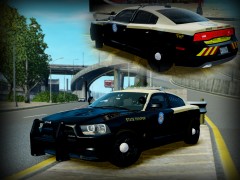 LOLOLOLOLOLOLOLOLOLOL
 -
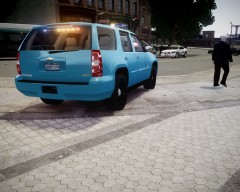 I was using RCMP cars at the time
 -
 LOL
LOL -
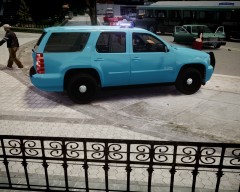
From the album: Grant's WIP
Just need to get the skin, fix a issue with the Commander, add strobes, and find a good aluminum rim texture then should be ready for release! -
From the album: Grant's WIP
Just need to get the skin, fix a issue with the Commander, add strobes, and find a good aluminum rim texture then should be ready for release! -
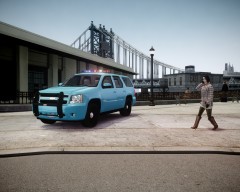
From the album: Grant's WIP
Just need to get the skin, fix a issue with the Commander, add strobes, and find a good aluminum rim texture then should be ready for release! -
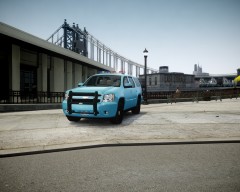
From the album: Grant's WIP
Just need to get the skin, fix a issue with the Commander, add strobes, and find a good aluminum rim texture then should be ready for release! -
 DAMNN
DAMNN -
LOLOLOLOLOLOLOLOLOLOLOLOLOLOLOLOLOLOLOLOL
-
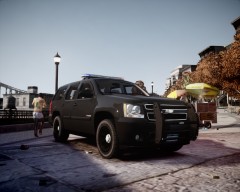 I know, I had just installed the ENB and wanted to get pics, I upped the emmisive.lights to 100, it works good
 -
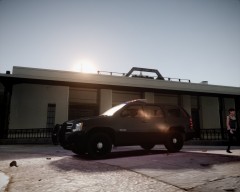
From the album: Grant's WIP
-
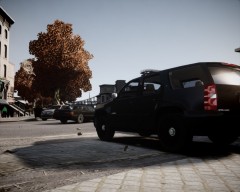
From the album: Grant's WIP
-
From the album: Grant's WIP
-
He is VERY obsessed with eggs
-
Yea what Strike said, there is really no point, unless you want to swim in a diving suit
-
You just click open....
-
LOL.....that is all
-
LOLOLOLOLOLOLOLOLOLOLOLOLOL
-
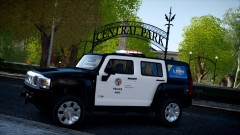 LAPD in Central Park....seems legit


