




CrossFire
Members
-
Joined
-
Last visited
Everything posted by CrossFire
-
-
-
-
-
-
-
-
-
-
-
-
-
-
-
-
-
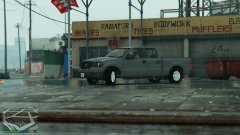 I know for a fact that year-model F150 is not in DSF.
 -
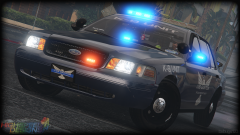 Rainbow Dash. BxBugs goes by that name on a few websites. It's a reference to My Little Pony.
 -
While it may be better than not releasing vehicles, it's still not a 100% chance that modder's stuff will be kept secure. I don't think any modders will accept less than 100%.
-
If you have the models in Zmodeler, those can be easily removed.
-
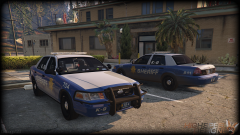 Very nice! Very, very nice!
 -
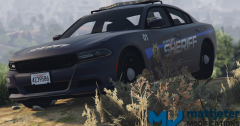 rip the car modding community
 -
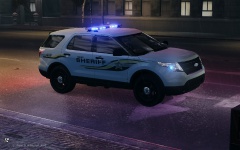 I am not completely sure because I can only see the thumbnail of the picture, but I think the Model is this one.
 -
 lol 420 feet lolololololol
 -
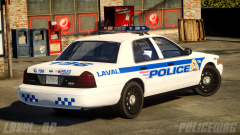 Love the car, love the skin. All I have to say is: Those FlexFuel Badge(s) though.



