


Tom S.
Members
-
Joined
-
Last visited
Everything posted by Tom S.
-
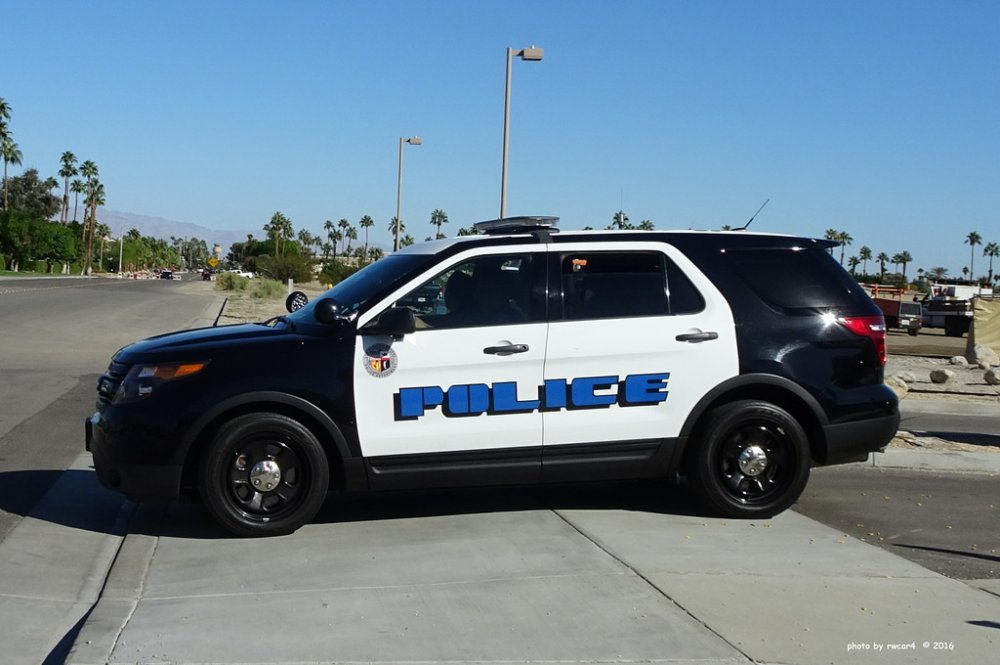
Looking for help on this one. Does anyone know what font is used for 'POLICE'? I have used a number of font identifying websites and haven't been able to find the one I'm searching for. Any help would be much appreciated, thank you. It looks like a stencil/sci fi font type but I'm not entirely sure. I hope the image is good enough.
-
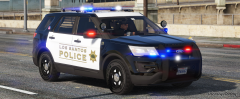
From the album: IdeallyStoddy's Skins
Inspired by Menlo Park. Credit to TrentMU for the model. -
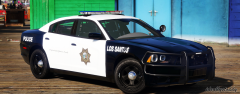
From the album: IdeallyStoddy's Skins
Fresno inspired LSPD Charger. Credit to Maurice97 for the model. -
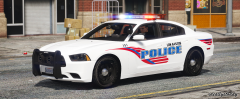
From the album: IdeallyStoddy's Skins
Loosely based of Hope Mills. Credit to t0y for the model. -
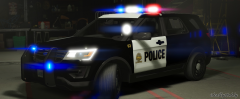
From the album: IdeallyStoddy's Skins
Chula Vista inspired LSPD FPIU. Credit to Pauly Sauficer for the model. -
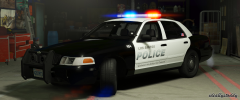
From the album: IdeallyStoddy's Skins
Chino inspired LSPD CVPI. Credit to t0y for the model. -
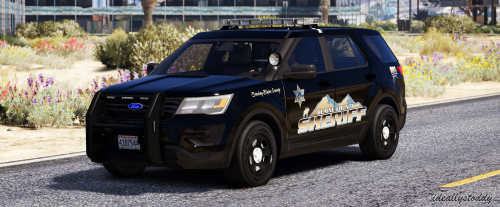 If I recall correctly the font is Serpentine Bold, I hope that helps. Glad you like the pack :)
- 14 comments
- 7 reviews
-
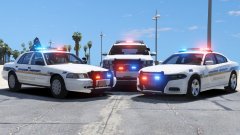 Looks amazing, awesome work.
 -
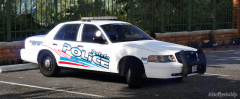
From the album: IdeallyStoddy's Skins
Credit to Izick for the model. -
-
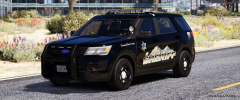
From the album: IdeallyStoddy's Skins
Credit to Communist Beach Party for the model. Texture pack is now available for download, enjoy! -
This is a Jefferson inspired BCSO mega texture pack which includes 4k quality textures for the 16 FPIU, 16 Tahoe, 16 Charger, 13 Tahoe, 13 FPIS, 13 Silverado and the 13 CVPI. These textures are all created from scratch with hand-crafted decals in high quality. NOTES - Multiple livery support included. - Textures are created in high resolution. INSTALLATION - Relevant vehicle models must be installed first prior to installing these textures. - OpenIV software is required to install these textures. - It is recommended that you use a mods folder in order to keep the original game files. OpenIV will allow you to do this. - 1. Using OpenIV, navigate to the following path of which the vehicle models are located. Unless you are installing these in another location then I recommend these file path(s) listed below: Sheriff vehicle files can be found in: mods/update/x64/dlcpacks/patchday3ng/dlc.rpf/x64/levels/gta5/vehicles.rpf Sheriff2 vehicle files can be found in: mods/update/x64/dlcpacks/patchday3ng/dlc.rpf/x64/levels/gta5/vehicles.rpf - 2. Open the "vehicles.rpf" file. - 3. Replace the corresponding textures in the .ytd texture dictionary files with these provided. E.g. sheriff.ytd, sheriff2.ytd OR hwaycar.ytd, hwaycar2.ytd etc (if you have these installed as add-ons) - 4. Save changes. - 5. Enjoy! CREDITS - Textures created by IdeallyStoddy. RECOMMENDED VEHICLE MODELS (May fit similar models) 2016 FPIU (by Communist Beach Party) San Andreas State Police Vehicle Pack (by BradM) Los Santos Police Department Mega Pack ELS (by t0y)
- 14 comments
- 7 reviews
-
-

- 8
-
-
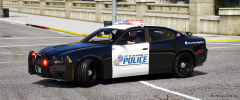
From the album: IdeallyStoddy's Skins
Credit to Fabe for the amazing model. -
 Oof!
Oof! -
 Just been using these vehicles and I have to say they are fantastic, the textures are spot on and a lot of effort definitely went into creating this pack. I have not encountered any issues with these models however I'm sure this pack will be updated from time to time. Looking forward to more future projects from yourself and creating my own skins for these vehicles. Definitely a must have pack, keep up the good work!
- 283 comments
- 95 reviews
-
-
- 1
-
-
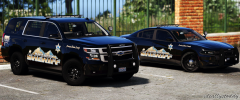
From the album: IdeallyStoddy's Skins
Work in progress texture pack coming soon. Credit to BradM for the models. -
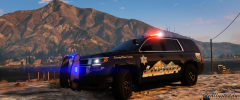
From the album: IdeallyStoddy's Skins
Credit to thegreathah for the model. -
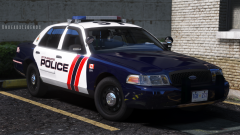 We could do with more models of that light setup.
 -
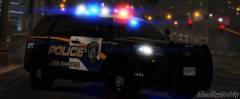
From the album: IdeallyStoddy's Skins
Credit to thegreathah for the model. -
Those look good! Only thing I would consider is making the logo slightly bigger but that's just me. Other than that, you've got the fonts and details spot on.
-
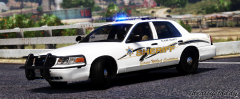
From the album: IdeallyStoddy's Skins
Credit to Izick for the model. -
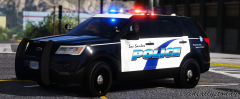
From the album: IdeallyStoddy's Skins
Credit to thegreathah for the model. -
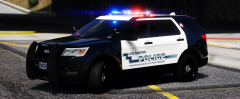
From the album: IdeallyStoddy's Skins
Credit to thegreathah for the model. -
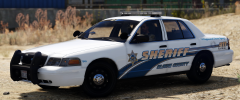
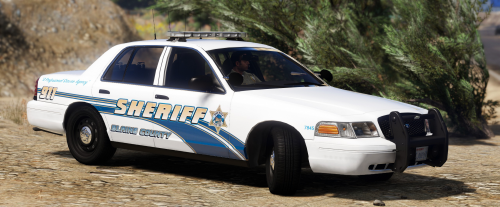 This is an Inyo County BCSO mini texture pack which includes 4k quality textures for the CVPI and 13 FPIU. These textures are all created from scratch with hand-crafted decals in high quality. NOTES - Multiple livery support included. - Textures are created in high resolution. INSTALLATION - Relevant vehicle models must be installed first prior to installing these textures. - OpenIV software is required to install these textures. - It is recommended that you use a mods folder in order to keep the original game files. OpenIV will allow you to do this. - 1. Using OpenIV, navigate to the following path of which the vehicle models are located. Unless you are installing these in another location then I recommend these file path(s) listed below: Sheriff vehicle files can be found in: mods/update/x64/dlcpacks/patchday3ng/dlc.rpf/x64/levels/gta5/vehicles.rpf Sheriff2 vehicle files can be found in: mods/update/x64/dlcpacks/patchday3ng/dlc.rpf/x64/levels/gta5/vehicles.rpf - 2. Open the "vehicles.rpf" file. - 3. Replace the corresponding textures in the .ytd texture dictionary files with these provided. E.g. sheriff.ytd, sheriff2.ytd OR hwaycar.ytd, hwaycar2.ytd etc (if you have these installed as add-ons) - 4. Save changes. - 5. Enjoy! CREDITS - Textures created by IdeallyStoddy. RECOMMENDED VEHICLE MODELS (May fit similar models) CVPI (By Izick) 2013 FPIU (By BradM)
- 1 comment
- 2 reviews
-
-
- 6
-
-
 Sure thing, if you have it just send me a PM and I could update the skins.


